Free • No signup Edit Vrbo listings · Free

Vrbo Listing Photo Editor

← Browse all ecommerce tools

Last updated

Upload your listing photo and describe the improvement. AI visualizes the change instantly.

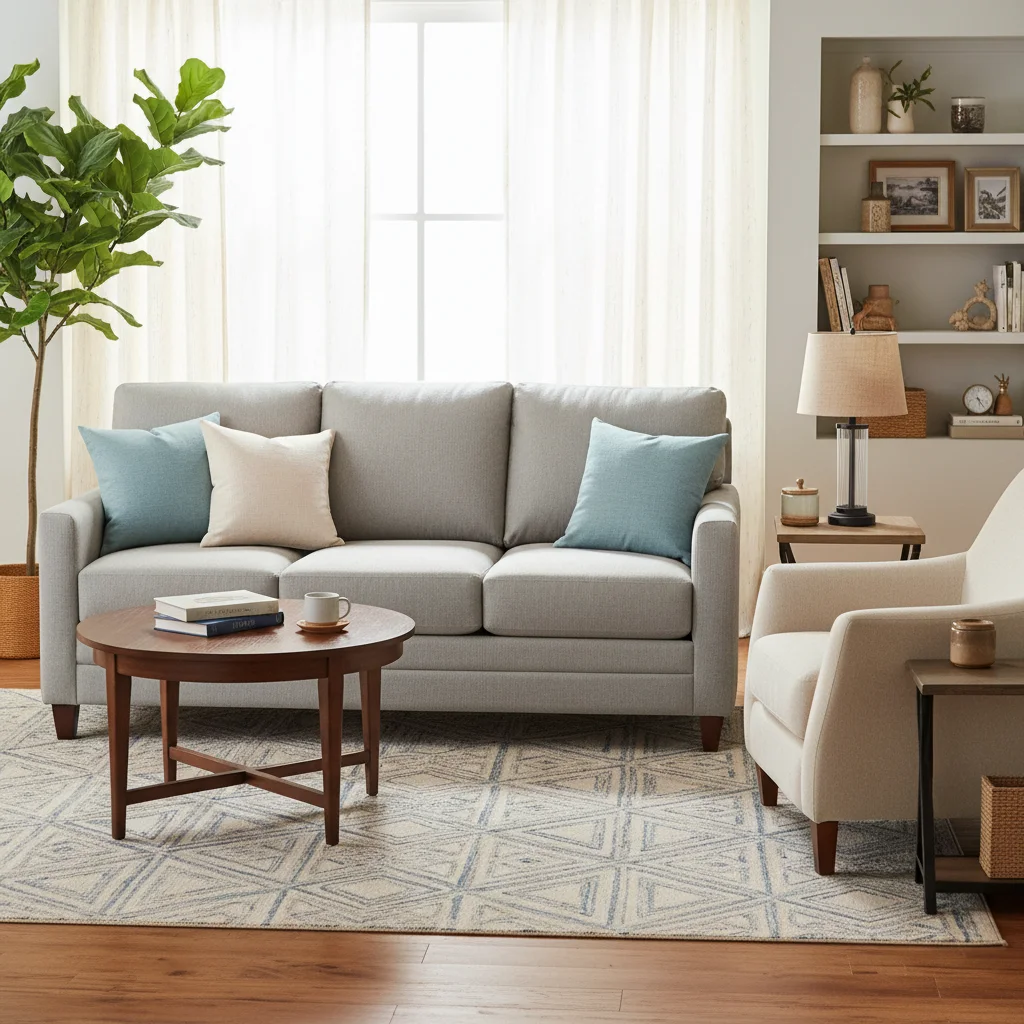
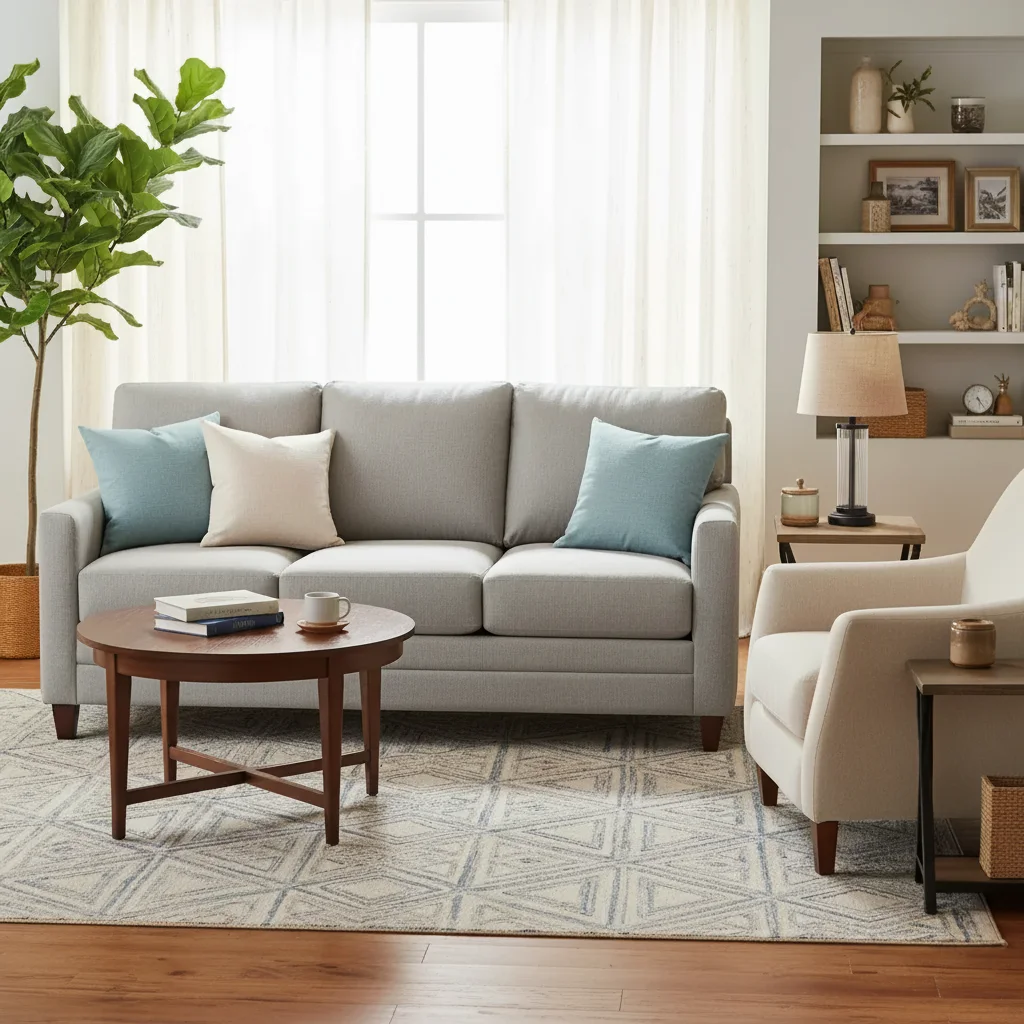
Original photo before edit Vrbo listings Photo after edit Vrbo listings with AI

Upload photo to edit Vrbo listings

"edit Vrbo listings — make it look clean, bright, and move-in ready"

Release to upload

1 free edit·then from $4.99

Popular use cases:
  • edit Vrbo listings
  • AI Vrbo listings editor
  • photo Vrbo listings tool
  • free Vrbo listings editing

Cost
Free No signup required
Time
Instant results in 15-30 seconds
Works on
Any device - browser, phone, tablet, desktop
Powered by
AI-powered photo editing

How it works

  1. Upload your photo

    Drop your image into EditThisPic. JPG, PNG, WebP up to 7MB. Choose a clear photo where the area you want to edit is visible.

    Expect: Most edits complete in 20-45 seconds. Complex changes may need 1-2 refinements.
  2. Describe your edit

    Type what you want: 'edit Vrbo listings.' Be specific about details for best results. The AI understands natural language — no technical skills needed.

    Tip: Mention specific materials and colors — 'stainless steel appliances' gets better results than just 'modern appliances.'

    Copy one of these to get started:

    Listing photo upgrade edit Vrbo listings to look fresh and modern for the listing
    Before selling edit Vrbo listings — make it look clean, bright, and move-in ready
    Renovation preview edit Vrbo listings with a contemporary style to show renovation potential
    Staging empty space edit Vrbo listings to show the space fully furnished and styled
    2 more prompts
    Curb appeal boost edit Vrbo listings to maximize curb appeal for potential buyers
    Quick clean-up edit Vrbo listings — remove clutter and make everything look organized
  3. Review the result

    Check the output carefully. Look for natural blending, consistent lighting, and realistic details. Compare before and after using the slider.

See it in action

Original photo before edit Vrbo listings
Before
->
Photo after edit Vrbo listings with AI
After

Vrbo Listing Photo Editor — Example 1

A photo edited using EditThisPic to edit Vrbo listings.

Prompt: edit Vrbo listings to look fresh and modern for the listing
Original photo before edit Vrbo listings
Before
->
Photo after edit Vrbo listings with AI
After

Vrbo Listing Photo Editor — Example 2

Another example showing a different scenario for this editing task.

Prompt: edit Vrbo listings — make it look clean, bright, and move-in ready

If something looks off

New element looks pasted on

Why: The lighting or perspective doesn't match the room.

Try: Regenerate with: 'match the perspective and natural lighting of the room'

Tip: Photos taken straight-on work best for virtual staging and renovation previews.

Material or color doesn't look realistic

Why: The AI needs more specific material guidance.

Try: Add material details: 'brushed oak hardwood with matte finish' instead of just 'wood floor'

Tip: Naming the exact material variant produces dramatically more realistic textures.

Proportions look off

Why: The AI estimated the size of the new element incorrectly.

Try: Specify dimensions or reference existing objects: 'standard-size refrigerator matching the cabinet height'

Tip: Referencing something already in the photo gives the AI a scale anchor.

Quick answers

Is the vrbo listing photo editor tool free?

Yes, EditThisPic lets you edit vrbo listings for free with one Quick edit per week. No signup or credit card required. For more edits, affordable credit packs and subscriptions are available.

How long does it take to edit vrbo listings?

Most edits complete in 20-45 seconds. Complex changes may need one or two refinements, but the entire process typically takes under 2 minutes from upload to download.

Do I need Photoshop to edit vrbo listings?

No. EditThisPic uses AI to edit vrbo listings automatically. You just describe what you want in plain English — no technical skills, layers, or brushes required.

Will there be a watermark on my edited photo?

No, EditThisPic never adds watermarks to your photos, even on free edits. The downloaded image is clean and ready to use.

What image formats does this tool support?

EditThisPic accepts JPG, PNG, and WebP images up to 7MB. The edited result is returned in the same format as your upload.

Can I undo the edit if I don't like the result?

Yes, you always keep your original photo. If the result isn't right, you can adjust your prompt and regenerate, or simply download your untouched original.

Does the AI edit vrbo listings work on mobile?

Yes, EditThisPic works fully in your mobile browser — no app download needed. It also has an iOS app available on the App Store.

How do I get better results when I edit vrbo listings?

Be specific in your prompt. Instead of vague descriptions, mention exact colors, materials, styles, or positions.

How much does EditThisPic cost?

You get 1 free edit per week — no account needed. After that, credit packs start at $1.99 for 3 edits. Monthly plans start at $4.99/mo for 15 edits with unused credits rolling over. All edits are full resolution with no watermark.

Ready to edit your photos?

Free to try. No signup required.

1 free edit included·Credit packs from $4.99