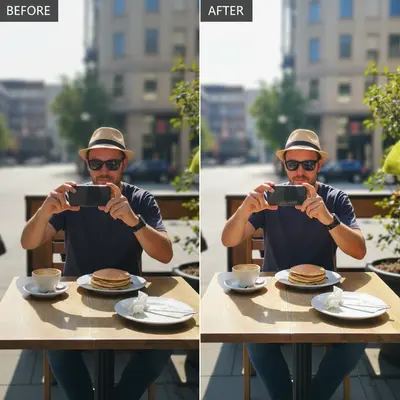
Free • No signup Create Before/after comparison photo · Free

Make a Before & After Photo Side by Side

← Browse all creative effects

Last updated

Describe what you want and AI handles the rest.

Original photo before create before/after comparison photo Photo after create before/after comparison photo with AI

Upload photo to create before/after comparison photo

"create before/after comparison photo with precise attention to detail, matching lighting and perspective"

Release to upload

50,000+photos edited
<30stypical edit
1 freeedit weekly

1 free edit·then from $4.99

How it works

  1. Upload your photo

    Drop your image into EditThisPic. JPG, PNG, WebP up to 7MB. Choose a clear photo where the area you want to edit is visible.

    Expect: Most edits complete in 20-45 seconds. Complex changes may need 1-2 refinements.
  2. Describe your edit

    Type what you want: 'create before/after comparison photo.' Be specific about details for best results. The AI understands natural language — no technical skills needed.

    Tip: Be specific with details for more accurate results.

    Copy one of these to get started:

    Fast edit create before/after comparison photo — natural result with professional quality
    Detailed work create before/after comparison photo with precise attention to detail, matching lighting and perspective
    Social media ready create before/after comparison photo optimized for social media sharing
    Client or portfolio create before/after comparison photo at professional portfolio quality
    2 more prompts
    Precision control create before/after comparison photo — preserve surrounding details, only modify the target area
    Subtle and natural create before/after comparison photo — keep the change subtle and realistic
  3. Review the result

    Check the output carefully. Look for natural blending, consistent lighting, and realistic details. Compare before and after using the slider.

See it in action

Original photo before create before/after comparison photo
Before
->
Photo after create before/after comparison photo with AI
After

AI Before After Photo Maker — Example 1

A photo edited using EditThisPic to create before/after comparison photo.

Prompt: create before/after comparison photo — make it look natural and professional
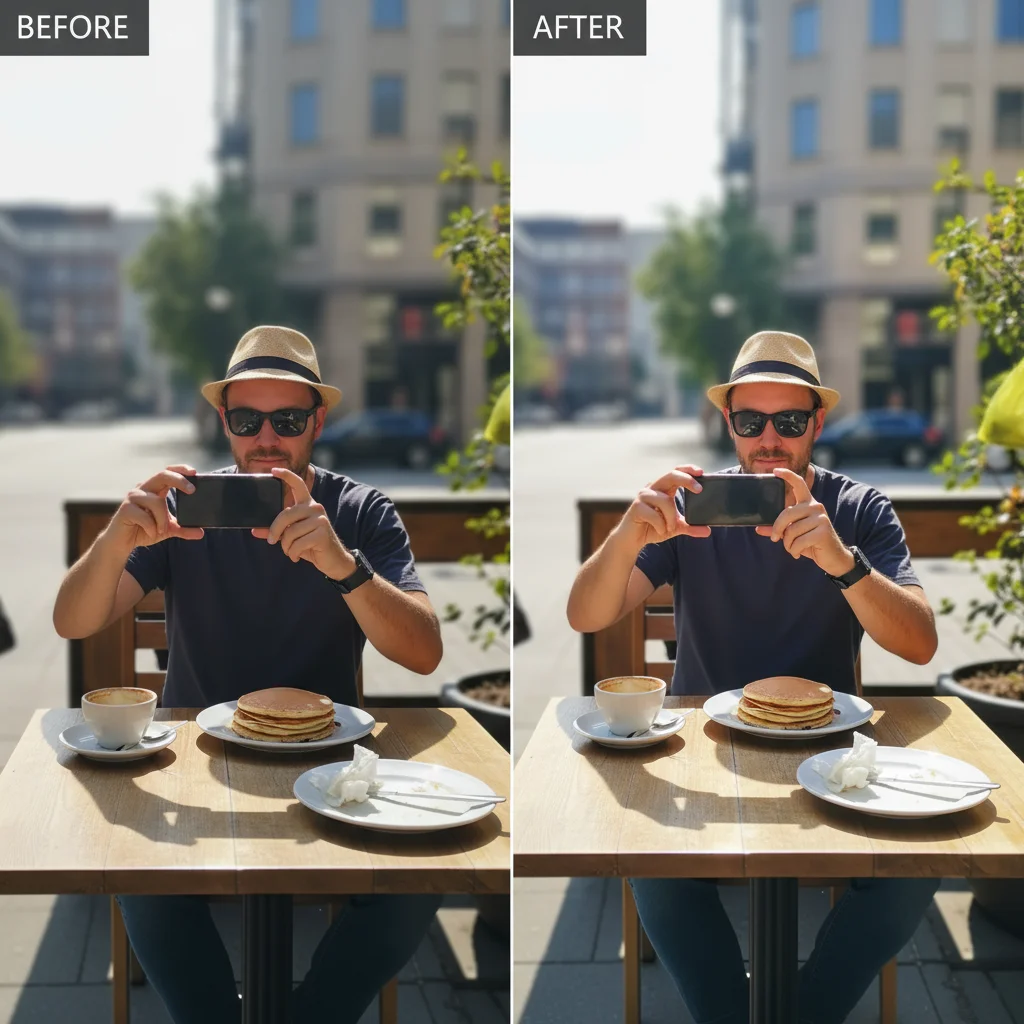
Original photo before create before/after comparison photo
Before
->
Photo after create before/after comparison photo with AI
After

AI Before After Photo Maker — Example 2

Another example showing a different scenario for this editing task.

Prompt: create before/after comparison photo with attention to detail, matching lighting and perspective

Quick answers

Is the ai before after photo maker tool free?

Yes, EditThisPic lets you create before/after comparison photo for free with one Fast edit per week. No signup or credit card required. For more edits, affordable credit packs and subscriptions are available.

How long does it take to create before/after comparison photo?

Most edits complete in 20-45 seconds. Complex changes may need one or two refinements, but the entire process typically takes under 2 minutes from upload to download.

Do I need Photoshop to create before/after comparison photo?

No. EditThisPic uses AI to create before/after comparison photo automatically. You just describe what you want in plain English — no technical skills, layers, or brushes required.

Will there be a watermark on my edited photo?

No, EditThisPic never adds watermarks to your photos, even on free edits. The downloaded image is clean and ready to use.

What image formats does this tool support?

EditThisPic accepts JPG, PNG, and WebP images up to 7MB. The edited result is returned in the same format as your upload.

Can I undo the edit if I don't like the result?

Yes, you always keep your original photo. If the result isn't right, you can adjust your prompt and regenerate, or simply download your untouched original.

Does the AI create before/after comparison photo work on mobile?

Yes, EditThisPic works fully in your mobile browser — no app download needed. It also has an iOS app available on the App Store.

How do I get better results when I create before/after comparison photo?

Be specific in your prompt. Instead of vague descriptions, mention exact colors, materials, styles, or positions.

How much does EditThisPic cost?

You get 1 free edit per week — no account needed. After that, credit packs start at $1.99 for 3 edits. Monthly plans start at $4.99/mo for 20 edits with unused credits rolling over. All edits are full resolution with no watermark.

Ready to create your photos?

Free to try. No signup required.

1 free edit included·Credit packs from $4.99