Pricing Fix Fireworks photo · Free

AI Fireworks Photo Fixer

← Browse all creative effects

Last updated

Clear the smoke, tame the glare and lift a dark foreground by describing what bothers you.
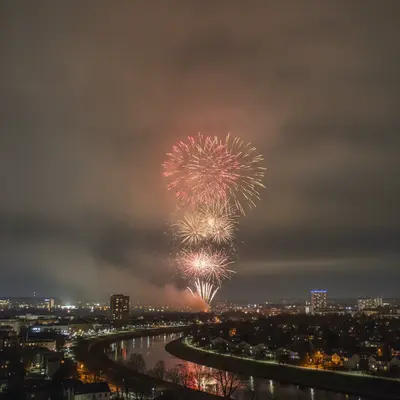
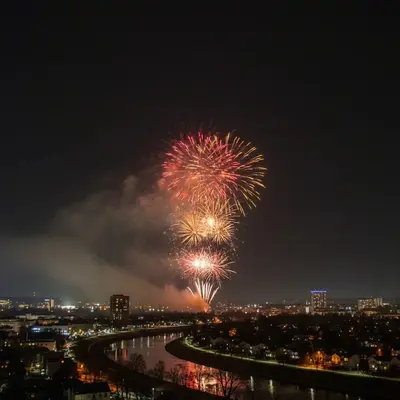
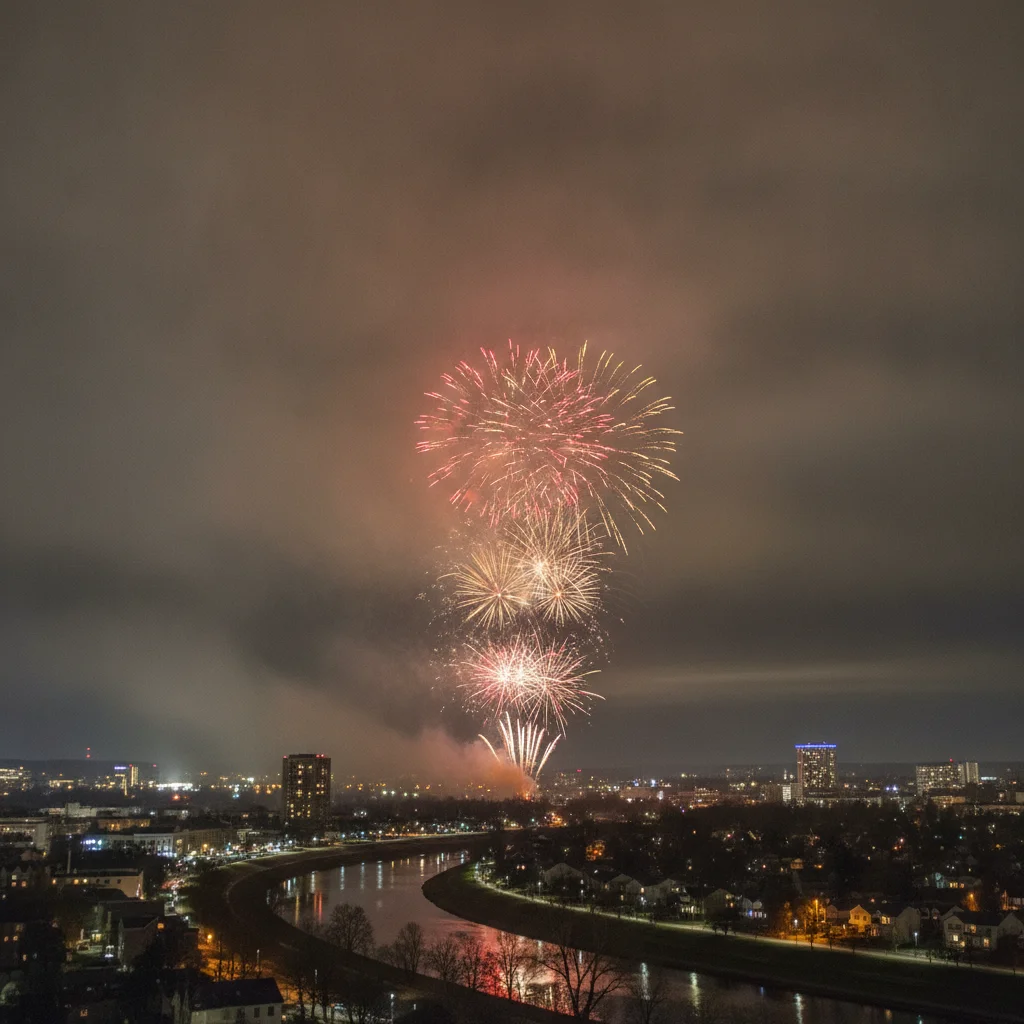
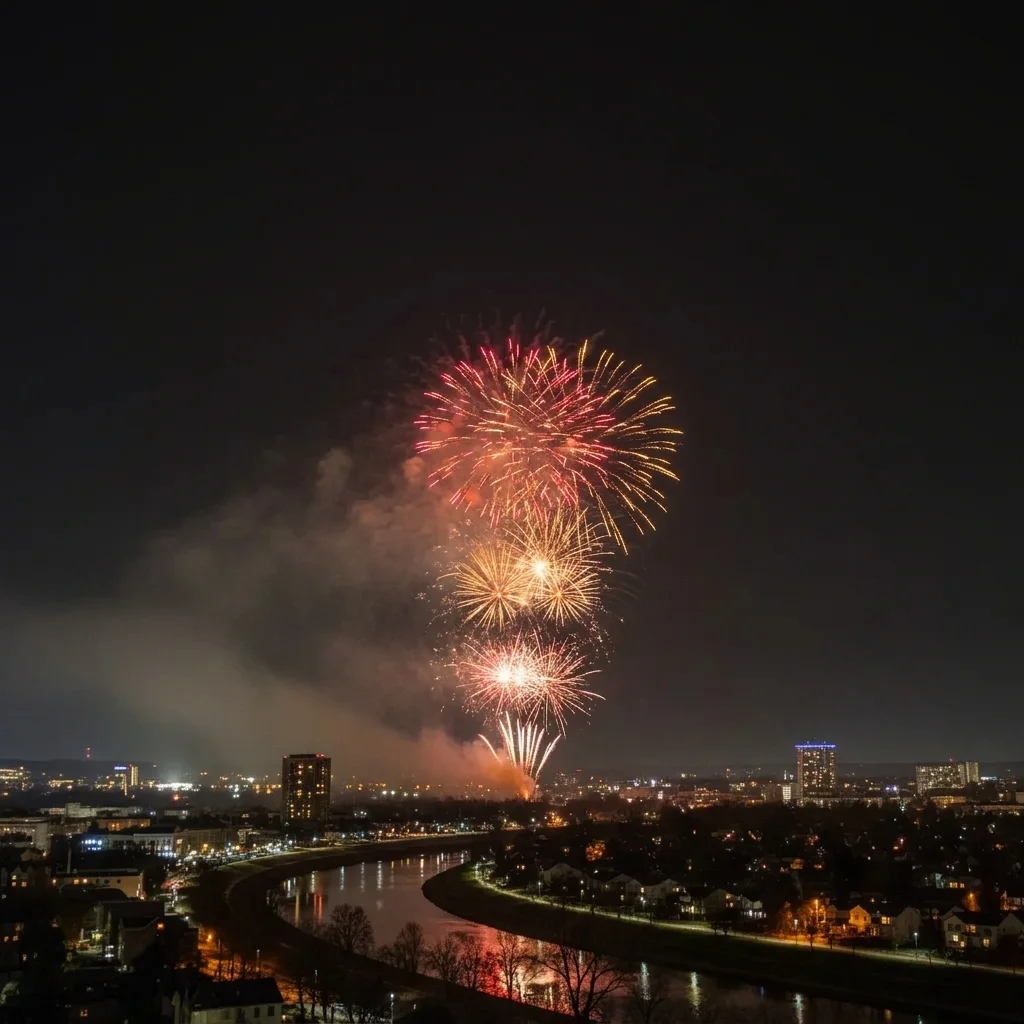
Fireworks photo with heavy grey smoke haze Same fireworks with a clean dark sky and clearer red and gold bursts

Upload photo to fix fireworks photo

"bring back the colour in the white, blown-out firework bursts, red and gold with visible streaks, keep the sky and skyline unchanged"

Free to try · no sign-up · never used for AI training

Release to upload

<30stypical edit
1 freeedit weekly
Photo on your phone? Scan to open this editor there — free edit works on your phone too.

1 free edit every week·paid packs after

How it works

  1. Upload your fireworks photo

    Choose the shot you want to fix. Handheld photos with smoke, blown-out white bursts or a very dark foreground are all fine. Photos that are very blurry or where the burst is mostly a white blob can only be improved so far.

    Expect: The AI can bring out detail that is recorded, but it cannot recover a burst that is completely white.
    Tip: If you took several, start with the sharpest one.
  2. Describe what to fix

    Type the problem and the goal in plain words: 'reduce the grey smoke haze over the sky, bring back the red and gold colours in the bursts, and brighten the dark foreground so the crowd and skyline are visible.' Name each problem separately. No marking required.

    Tip: Name the colour you remember. 'Red and gold bursts' helps the AI recover them.

    Copy one of these to get started:

    Clear smoke haze reduce the grey smoke haze across the sky so the night sky looks clean and dark, keep the fireworks bursts and the skyline unchanged
    Restore colour in blown-out bursts bring back the colour in the white, blown-out firework bursts, red and gold with visible streaks, keep the sky and skyline unchanged
    Brighten a dark foreground brighten the dark foreground so the crowd and the city skyline are visible, keep the fireworks in the sky unchanged
    Sharpen a blurry burst make the firework streaks look sharper and more defined, keep the colours and the sky the same
    3 more prompts
    Fireworks over water reduce the smoke, brighten the water so the reflections of the bursts are visible, keep the bridge and the sky unchanged
    Fix everything in one pass reduce the smoke haze, restore colour in the bursts and lift the dark foreground a little, keep the look natural and the scene unchanged
    Make the night sky deeper make the night sky a deep dark blue instead of grey, keep the fireworks bright and the skyline unchanged
  3. Check the bursts and the sky

    Look at the centre of each burst for restored colour rather than a white blob. Then check the sky for a natural dark tone, not a washed-out grey, and the foreground for noise.

  4. Use markers if the AI changed the wrong area

    If the AI brightened the whole sky when you only wanted the skyline lifted, or changed the wrong burst, tap a marker on the area you want and run the prompt again. Markers are optional, only for when the first result touches areas you wanted left alone.

    Tip: Put the marker on the dark foreground when you only want that part brightened.

See it in action

Fireworks photo with heavy grey smoke haze
Before
->
Same fireworks with a clean dark sky and clearer red and gold bursts
After

Grey smoke haze cleared from a fireworks show

A burst over a skyline, partly hidden by grey smoke. The prompt clears the sky and keeps the burst.

Prompt: reduce the grey smoke haze across the sky, bring back the red and gold colour of the bursts, keep the skyline unchanged
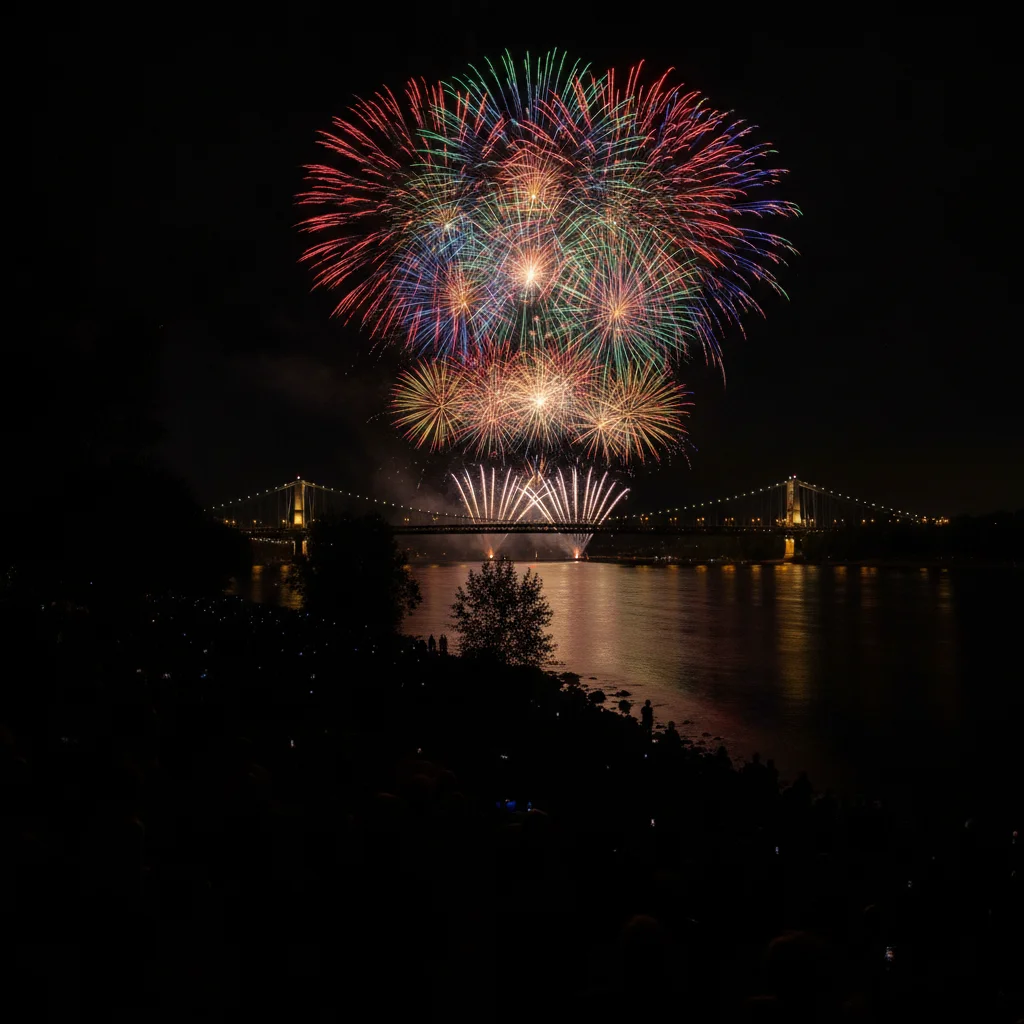
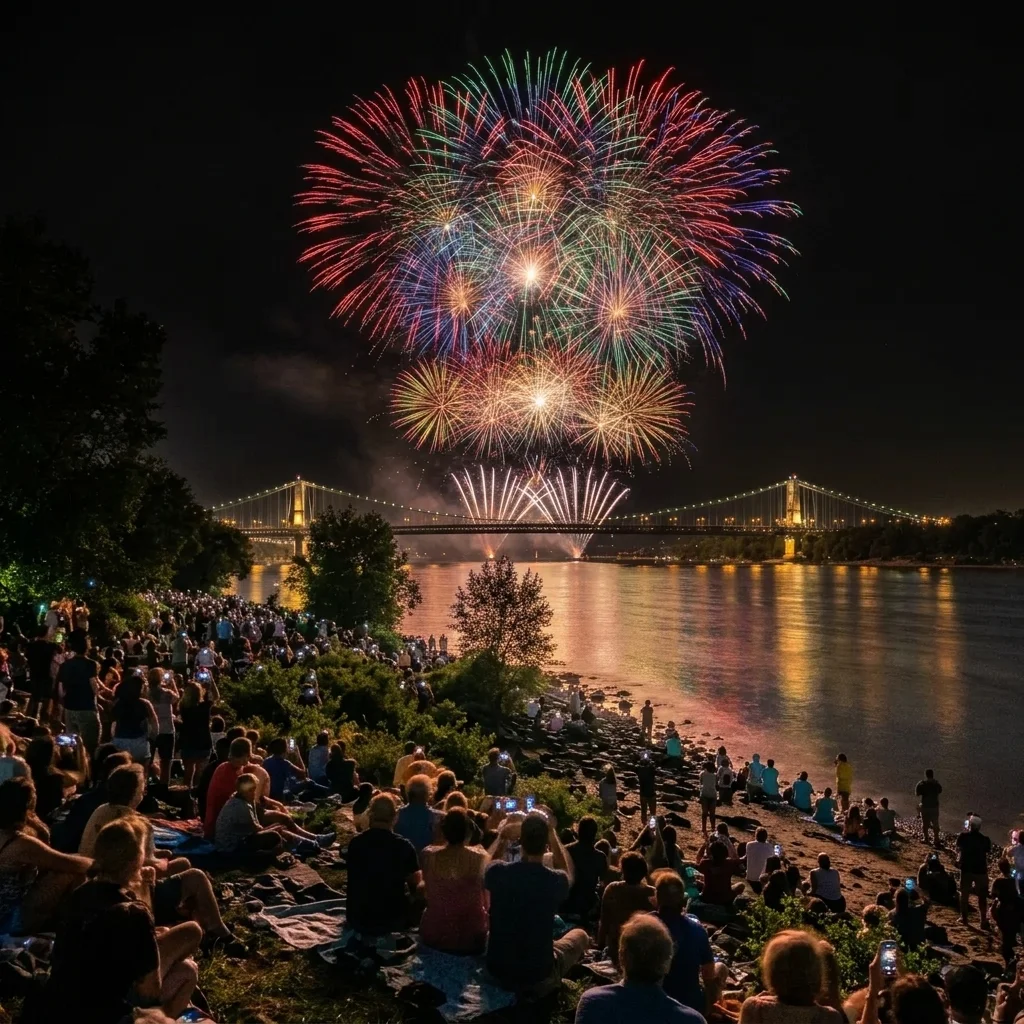
Fireworks over a river with a pitch black foreground
Before
->
Same scene with the riverside, bridge and crowd visible
After

Dark crowd foreground lifted

A fireworks show over a river with a black foreground. The prompt makes the riverside and crowd visible.

Prompt: brighten the dark foreground so the riverside, the crowd and the bridge are visible, keep the fireworks unchanged

Quick answers

Do I need to mark the sky before fixing a fireworks photo?

No. Describe the problem, like 'reduce the smoke haze and restore colour in the bursts.' The AI works on the whole picture. Markers are optional and help if it changes the wrong part.

Is there a free fireworks photo fixer with no login?

Yes. Upload your photo, describe the fix and get a free preview edit with no signup and no watermark. Results are AI generated, so check the bursts and sky before sharing.

Can it fix a burst that is completely white?

Only to a point. If the burst is fully overexposed, the camera recorded no colour there, so the AI would be adding colour as a creative fill-in rather than recovering it.

Can it remove all the smoke?

It can reduce haze and make the sky look cleaner, but thick smoke that hides the bursts may still leave some grey. Compare the result with your original.

Will it fix a very blurry fireworks shot?

It can improve how defined the streaks look, but heavy camera shake is hard to undo. A sharper starting photo gives better results.

How much does EditThisPic cost?

You get 1 free Standard edit per week — no account needed. After that, one-time credit packs start at $4.99 for 10 credits, valid 12 months, no subscription. A Standard edit uses 1 credit, Pro 2 and Ultra 3. Purchased downloads are clean with no watermark.

Ready to fix your fireworks photo?

Free to try. No signup required.

1 free edit included·paid credit packs after