Pricing Visualize Freestanding tub · Free

AI Freestanding Tub Visualizer

← Browse all creative effects

Last updated

See a freestanding bathtub in your own bathroom photo.
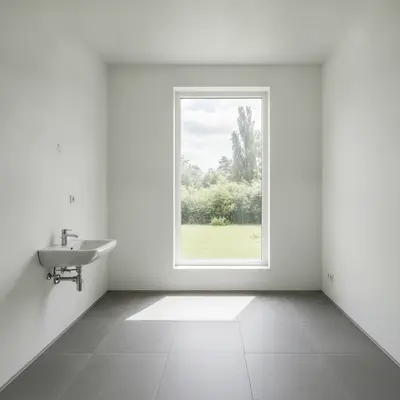
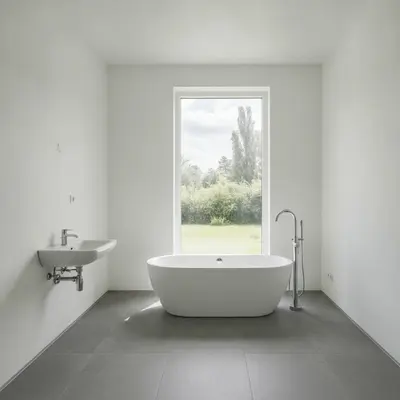
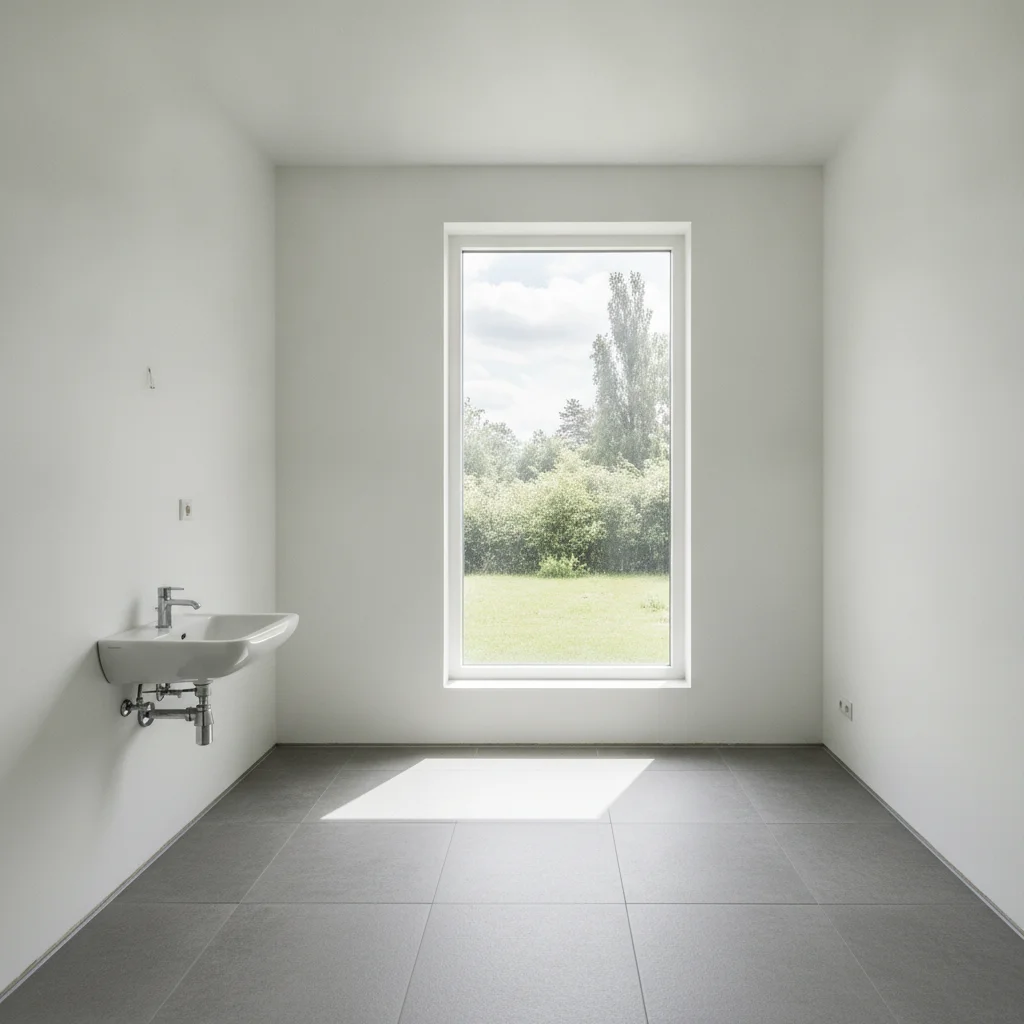
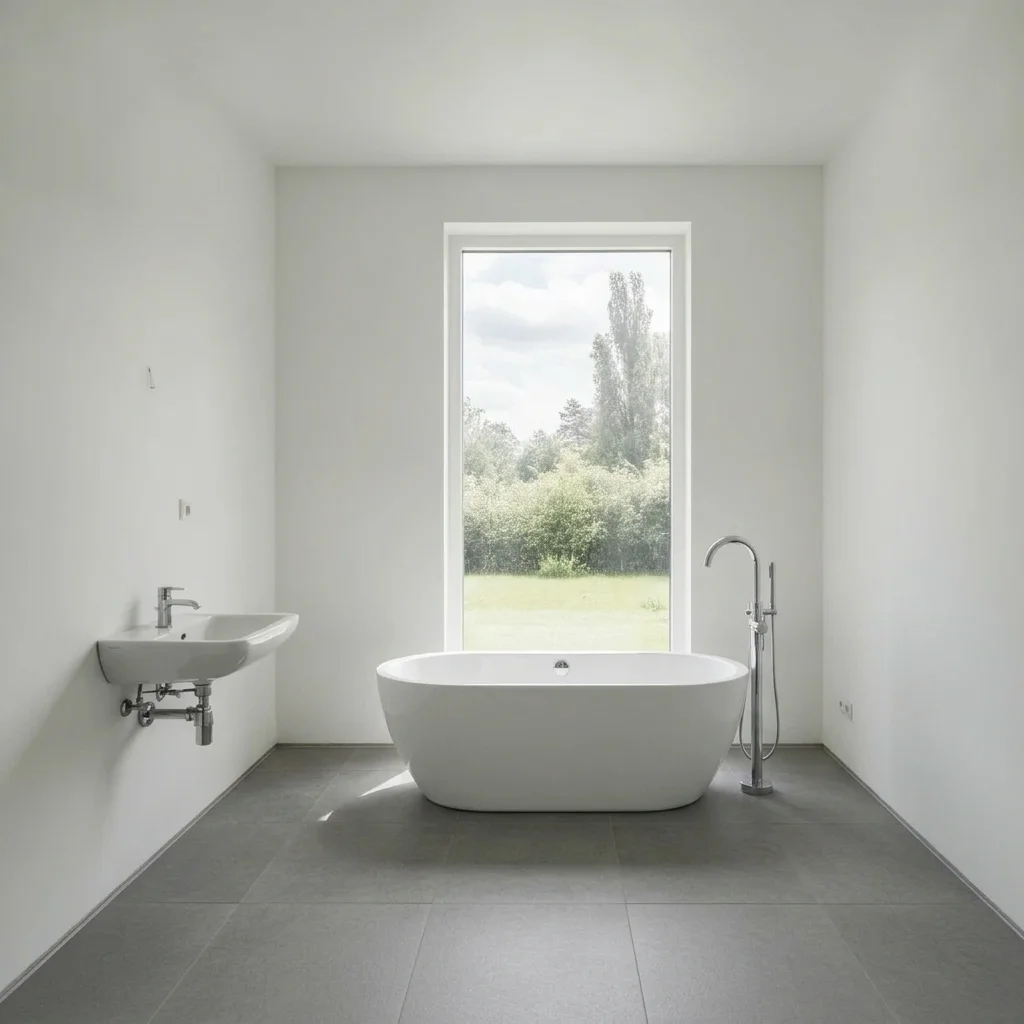
Bathroom with empty floor under a window Bathroom with a white freestanding oval tub under the window

Upload photo to visualize freestanding tub

"add a white clawfoot bathtub with a black exterior and a black floor-mounted faucet in the empty corner, keep the rest of the bathroom unchanged"

Free to try · no sign-up · never used for AI training

Release to upload

<30stypical edit
1 freeedit weekly
Photo on your phone? Scan to open this editor there — free edit works on your phone too.

1 free edit every week·paid packs after

How it works

  1. Upload your photo

    Photograph the bathroom from the doorway or a corner so the floor space where the tub would go is visible, along with the walls and any window.

    Expect: Simple changes usually finish in well under a minute. Detailed or multi-part changes can take a little longer and may need a refinement.
  2. Describe what you want

    Describe the tub: shape (oval, clawfoot, slipper), colour, finish and faucet, plus where it goes. For example, 'a white freestanding oval tub with a chrome floor-mounted faucet in front of the window'.

    Tip: Name the tub shape and faucet type. 'Clawfoot with a black floor-mounted faucet' looks very different from 'modern oval with a chrome one'.

    Copy one of these to get started:

    Modern oval tub under a window add a white freestanding oval bathtub with a chrome floor-mounted faucet under the window, keep the walls, floor and window unchanged
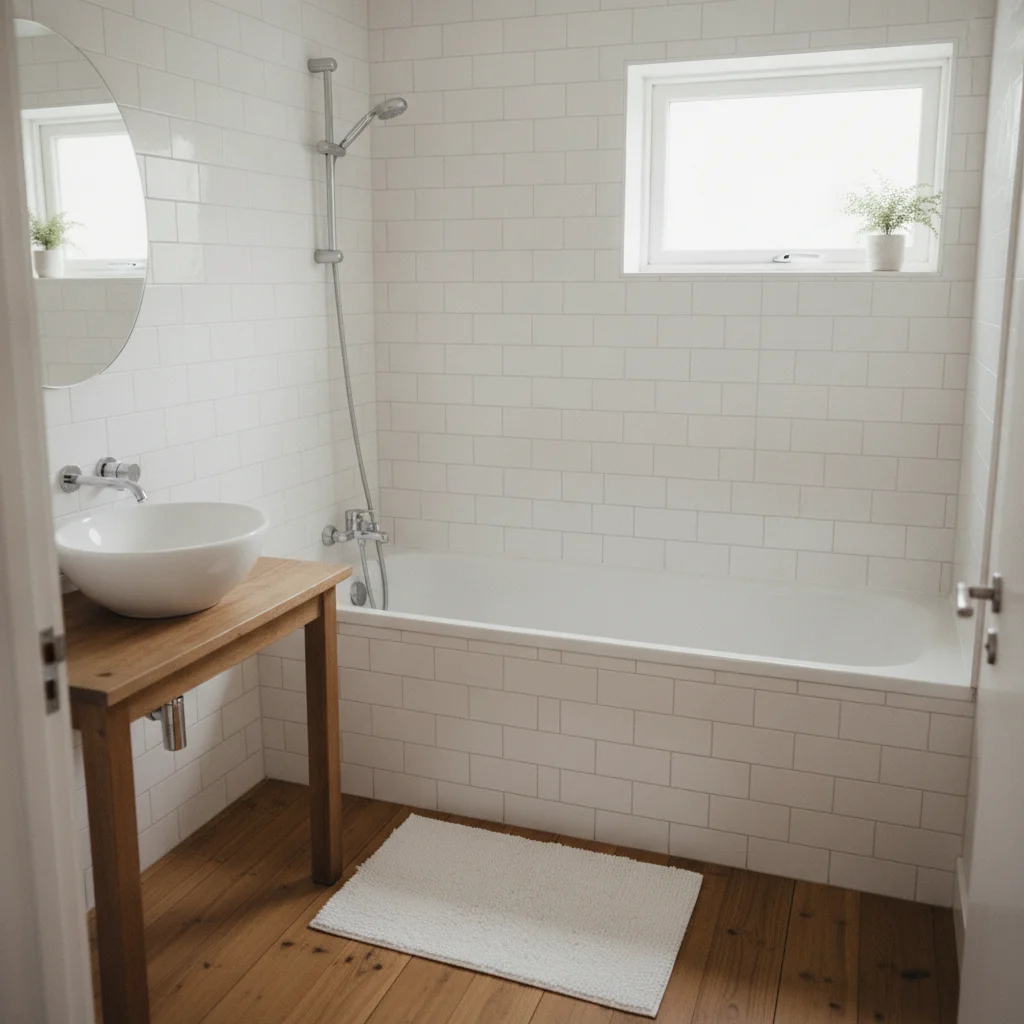
    Classic clawfoot tub add a white clawfoot bathtub with a black exterior and a black floor-mounted faucet in the empty corner, keep the rest of the bathroom unchanged
    Replace a built-in tub replace the built-in alcove tub with a white freestanding slipper bathtub, keep the walls and floor the same
    Matte black tub add a matte black freestanding oval bathtub in the middle of the room on the tile floor, keep the walls and window unchanged
    3 more prompts
    Add a wall-mounted faucet add a white freestanding tub with a brushed brass wall-mounted faucet on the back wall, keep the floor and walls unchanged
    Tub with a bath mat and stool add a white freestanding tub with a small wooden stool beside it and a gray bath mat on the floor, keep the room unchanged
    Copper tub add a polished copper freestanding tub with a copper floor-mounted faucet, keep the bathroom unchanged
  3. Review the result

    Check that the tub sits on the floor with a believable shadow, has room around it and that the window, walls and floor stayed the same.

  4. Refine with markers if needed

    If the AI replaced an existing fixture or put the tub in the wrong spot, tap a marker where you want it and regenerate with the same description.

    Tip: Markers are for precision refinement, not a required step.

See it in action

Bathroom with empty floor under a window
Before
->
Bathroom with a white freestanding oval tub under the window
After

Empty bathroom corner to oval tub

A freestanding oval tub previewed in an empty bathroom.

Prompt: add a white freestanding oval bathtub with a chrome floor-mounted faucet under the window, keep the walls, floor and window unchanged
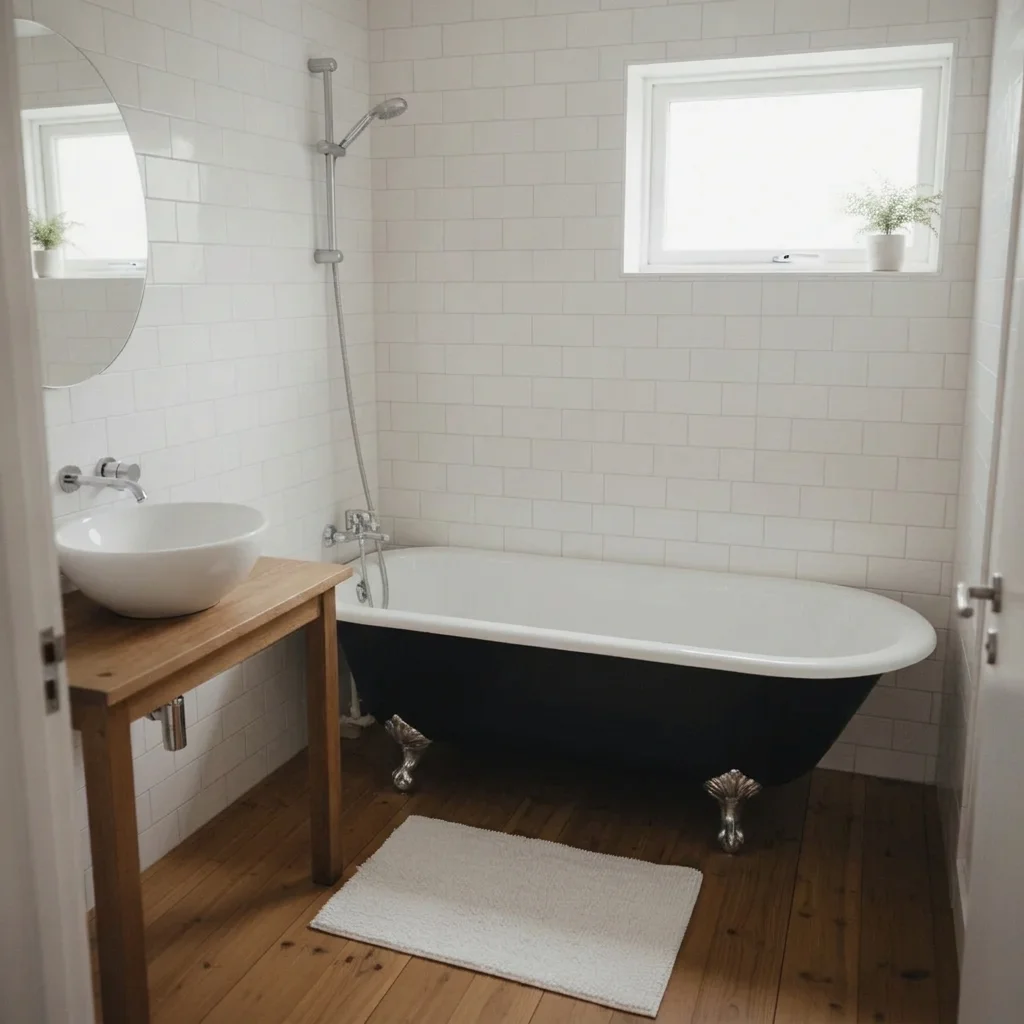
Bathroom with a built-in white alcove tub
Before
->
Same bathroom with a black and white clawfoot tub
After

Alcove tub to clawfoot

Swapping a built-in tub for a clawfoot.

Prompt: replace the built-in alcove tub with a white clawfoot bathtub with a black exterior, keep the walls and floor the same
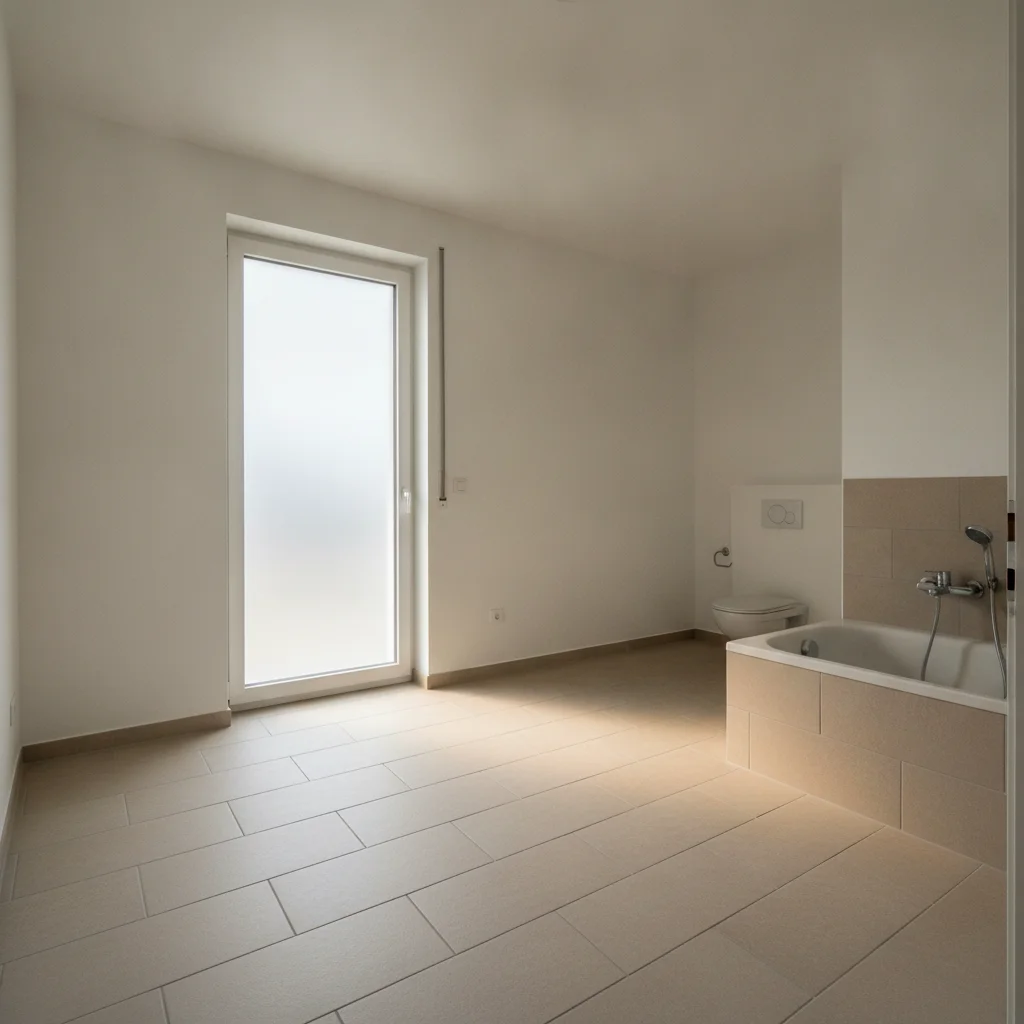
Empty bathroom with light beige tile floor
Before
->
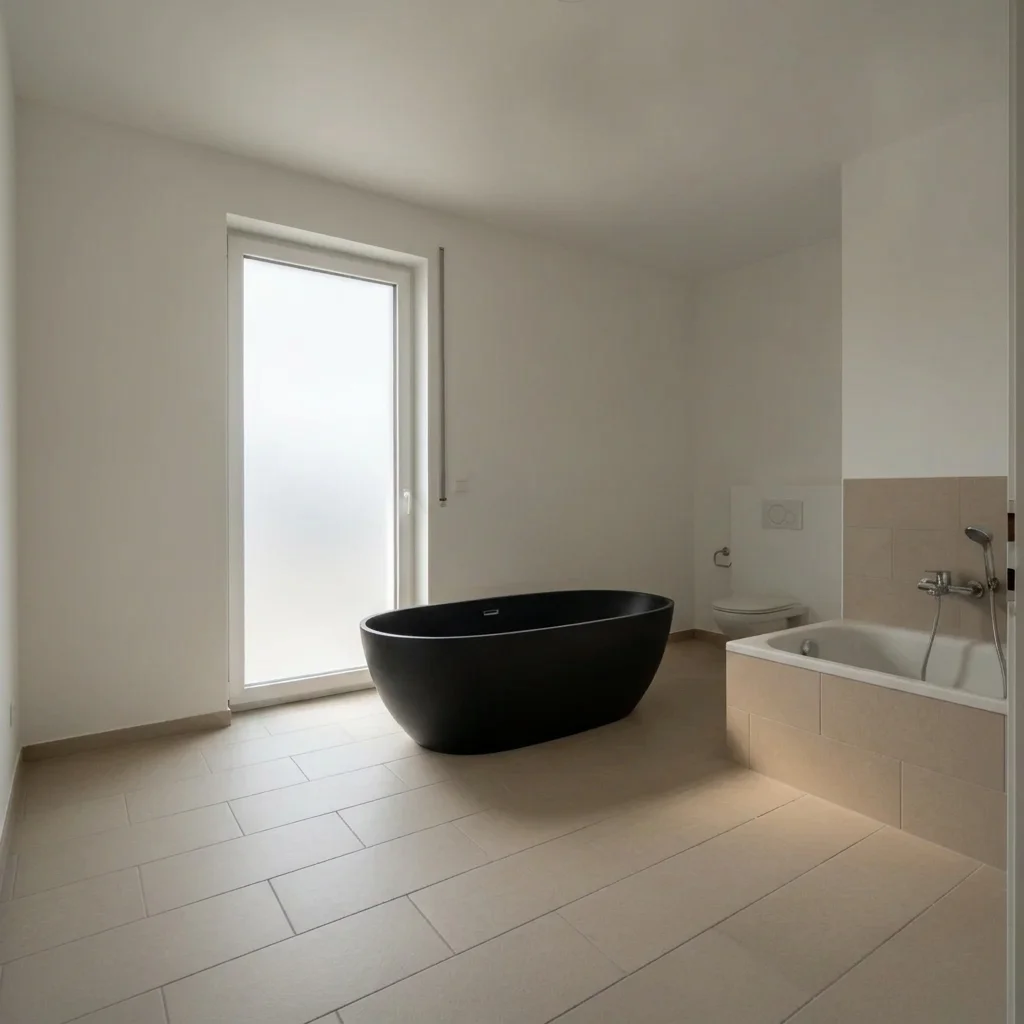
Bathroom with a matte black freestanding tub in the center
After

Matte black tub on tile

Colour contrast preview.

Prompt: add a matte black freestanding oval bathtub in the middle of the room on the tile floor, keep the walls and window unchanged

Quick answers

Do I need to mark the space for the tub before describing what I want?

No. Just describe the change in a sentence and the AI finds the space for the tub in your photo. Markers are optional; use one only if the AI picks the wrong spot.

How do I preview a freestanding tub for free?

Upload a photo of your bathroom to EditThisPic, describe the tub shape, colour and faucet, and get a free preview with no signup and no watermark.

Is there a free freestanding tub visualizer that doesn't require login?

Yes. EditThisPic is free to try with no account needed. You get a free preview edit with no signup and no watermark, so you can test ideas before you commit to anything.

Does the preview tell me if a tub will fit or plumb?

No. It is a style mock-up only. Check your measurements, drain location and floor support with a plumber or the tub maker.

Can I compare different tub shapes?

Yes. Change the shape word between tries (oval, clawfoot, slipper) and keep the rest of the description the same.

How much does EditThisPic cost?

You get 1 free Standard edit per week — no account needed. After that, one-time credit packs start at $4.99 for 10 credits, valid 12 months, no subscription. A Standard edit uses 1 credit, Pro 2 and Ultra 3. Purchased downloads are clean with no watermark.

Ready to preview your freestanding tub?

Free to try. No signup required.

1 free edit included·paid credit packs after