Pricing Remove Smoke haze · Free

AI Smoke Remover

← Browse all remove tools

Last updated

Describe the smoke or haze and the AI clears it from the scene. Free, no account.
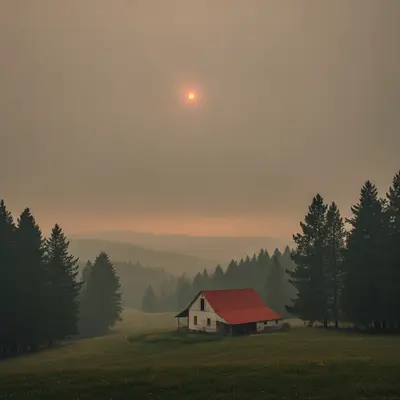
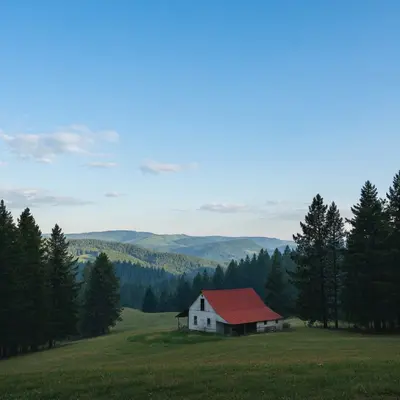
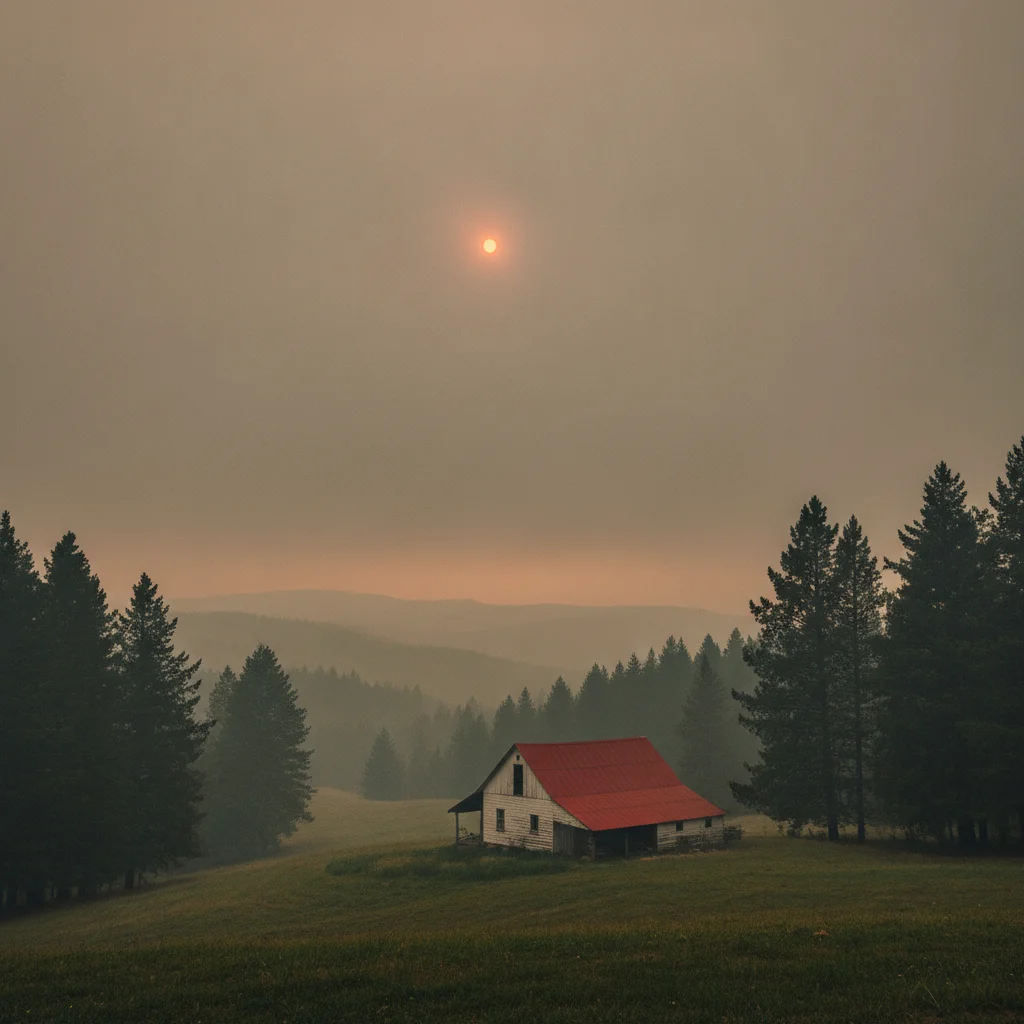
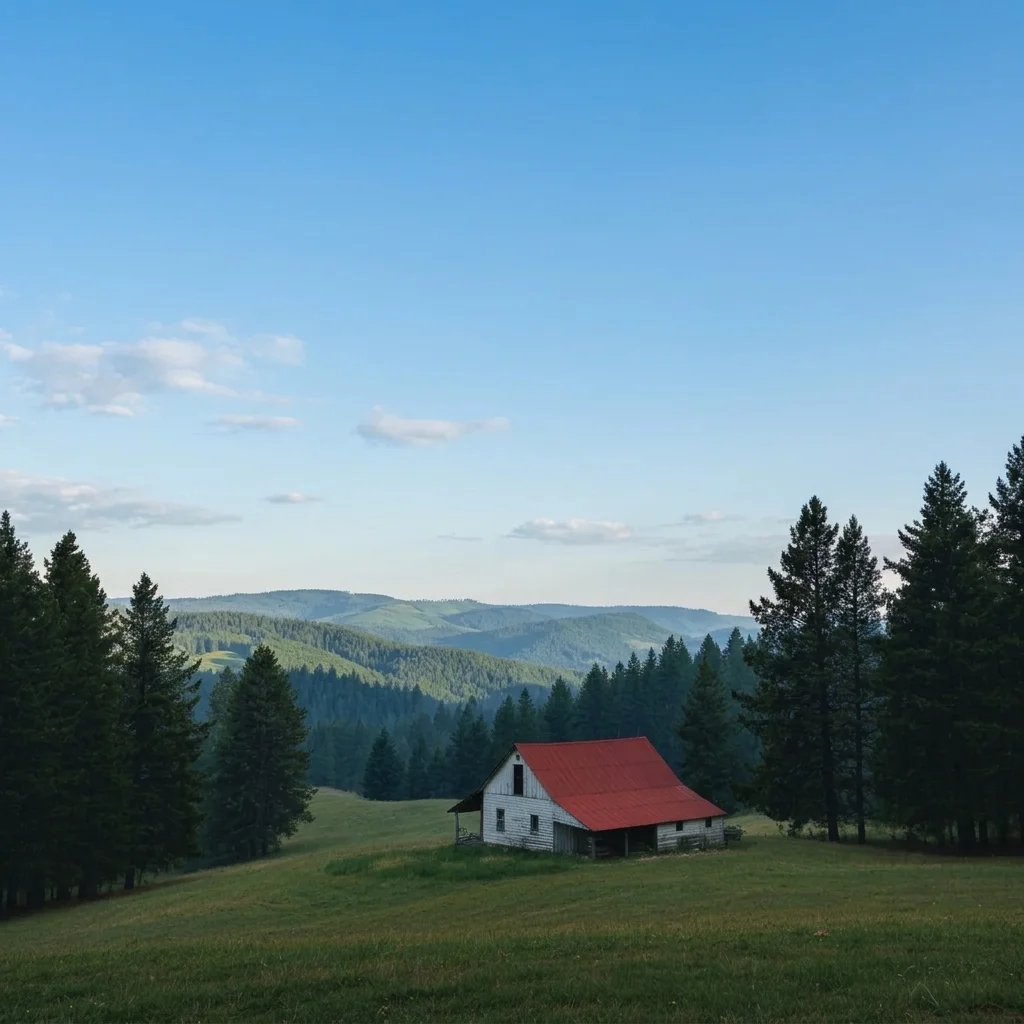
White farmhouse on a hillside under heavy grey smoke haze Same farmhouse under a clear blue sky with green hills visible

Upload photo to remove smoke haze

"remove the orange smoke haze from this photo of the house and restore a clear blue sky, keep the house, trees and driveway exactly as they are"

Free to try · no sign-up · never used for AI training

Release to upload

<30stypical edit
1 freeedit weekly
Photo on your phone? Scan to open this editor there — free edit works on your phone too.

1 free edit every week·paid packs after

How it works

  1. Upload the hazy photo

    Choose the photo with the most visible detail. Light to medium haze clears best. If the scene is almost entirely a flat orange or grey wash, the AI has little detail to bring back.

    Expect: Most edits finish in roughly half a minute. Busy or low-resolution photos can take a little longer and may need one retry.
  2. Describe what you want

    Describe the smoke and what the scene should look like. For example: 'remove the heavy grey smoke haze, restore a clear blue sky and the green hills in the distance, keep the house and trees unchanged.' No marking is required.

    Tip: Name the sky and ground colours you expect. 'Clear blue sky and green hills' guides the AI better than 'remove smoke'.

    Copy one of these to get started:

    Clear smoke from a landscape remove the grey wildfire smoke haze from this landscape and restore a clear blue sky and natural green and brown hill colours, keep the scene unchanged
    Property photo for a listing remove the orange smoke haze from this photo of the house and restore a clear blue sky, keep the house, trees and driveway exactly as they are
    Light haze only reduce the light smoke haze in this photo and improve clarity and colour slightly, keep it natural
    Orange sky replace the orange smoke-filled sky with a clear light blue sky and remove the orange cast from the rest of the photo
    3 more prompts
    Distant hills clearer remove the smoke haze from the distant hills and mountains so their shapes and green colours are clear, keep the foreground unchanged
    Campsite or trail photo remove the smoke haze from this campsite photo and restore clear sky and natural colours on the trees and tent
    Sunset with smoke reduce the grey smoke haze over the sunset but keep the warm orange sunset colours, do not turn it into a daytime sky
  3. Review the result

    Check the distance first. Far hills and the horizon should look clearer, not painted in. Look for blotchy skies and for any change to buildings or trees that you did not ask for.

  4. Refine with markers if needed

    If the sky is cleared but foreground haze is left, or the AI altered a building, tap a marker on the area to fix and regenerate. Markers help when the haze is uneven.

    Tip: Markers are for precision, not a required step. Most edits work from the description alone.

See it in action

White farmhouse on a hillside under heavy grey smoke haze
Before
->
Same farmhouse under a clear blue sky with green hills visible
After

Wildfire haze cleared over a hillside

A landowner wanted a clear picture of the property for a listing.

Prompt: remove the grey smoke haze and restore a clear blue sky and green hills, keep the house unchanged
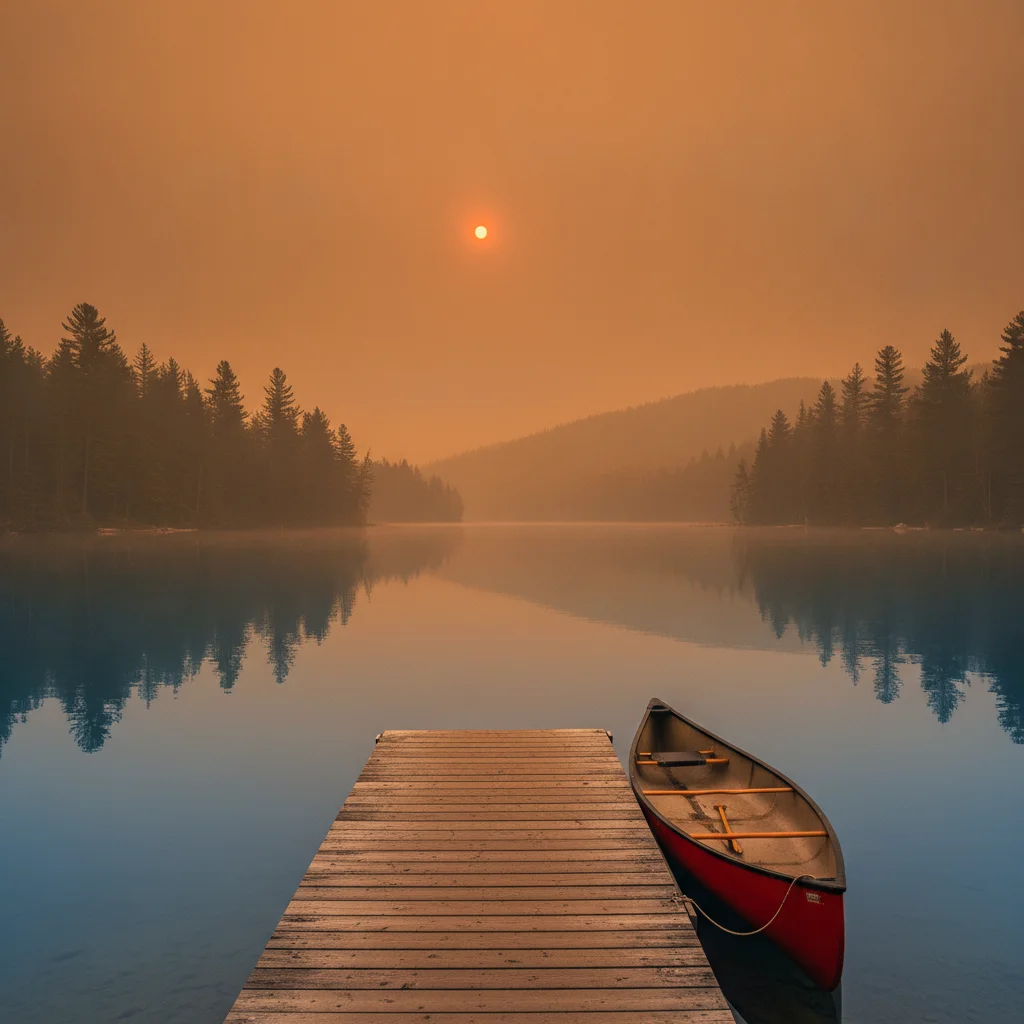
Lake with a dock and red canoe under an orange smoky sky
Before
->
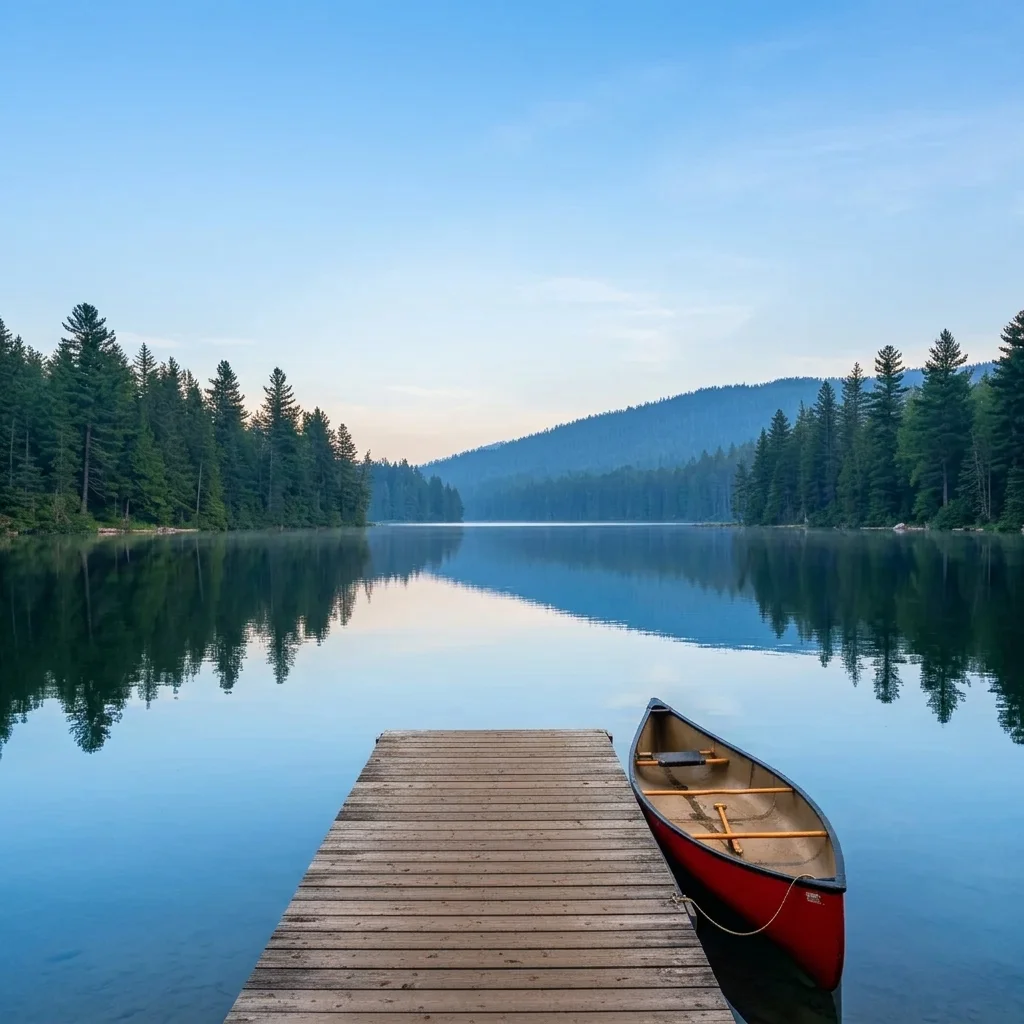
Same lake with a clear blue sky and sharp pine trees
After

Orange smoke sky replaced over a lake

A traveller wanted to recover a lake photo taken in a smoky week.

Prompt: remove the orange smoke haze and restore a clear blue sky and natural lake colours
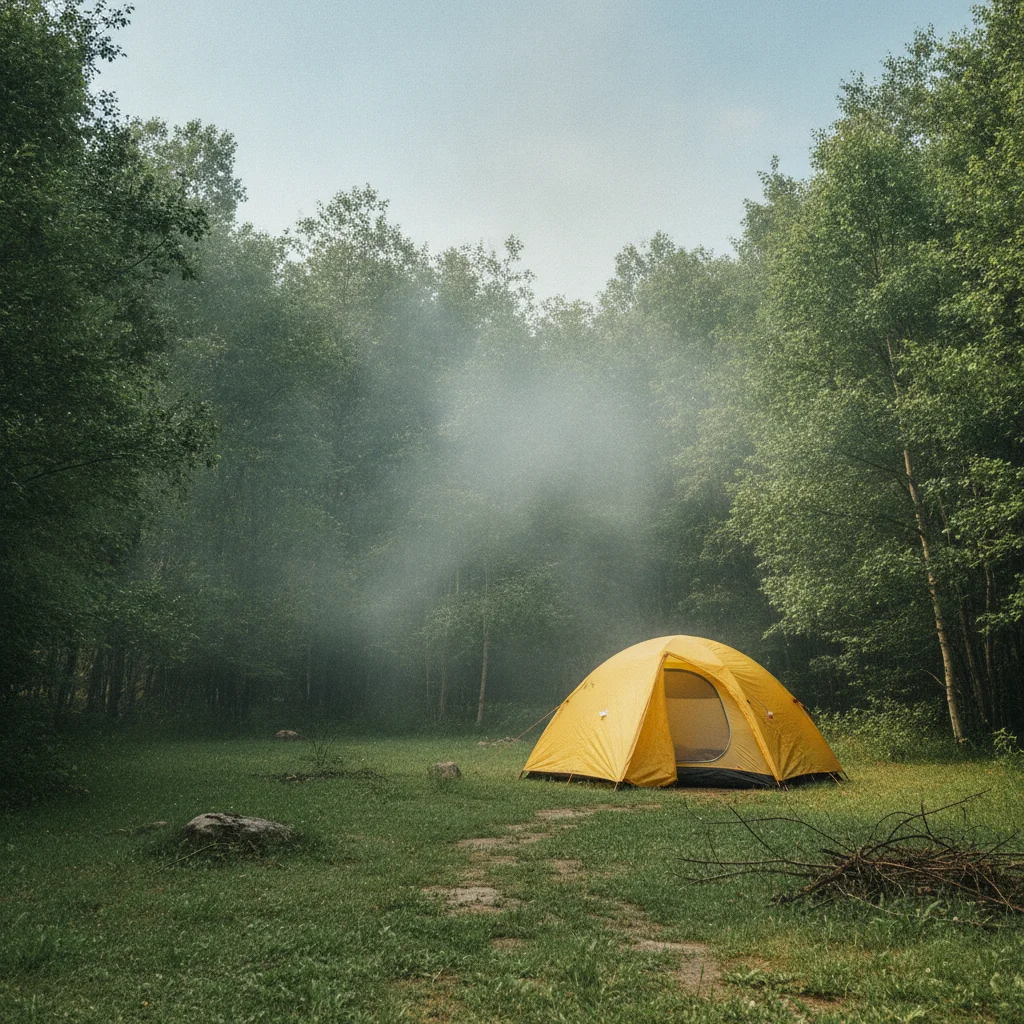
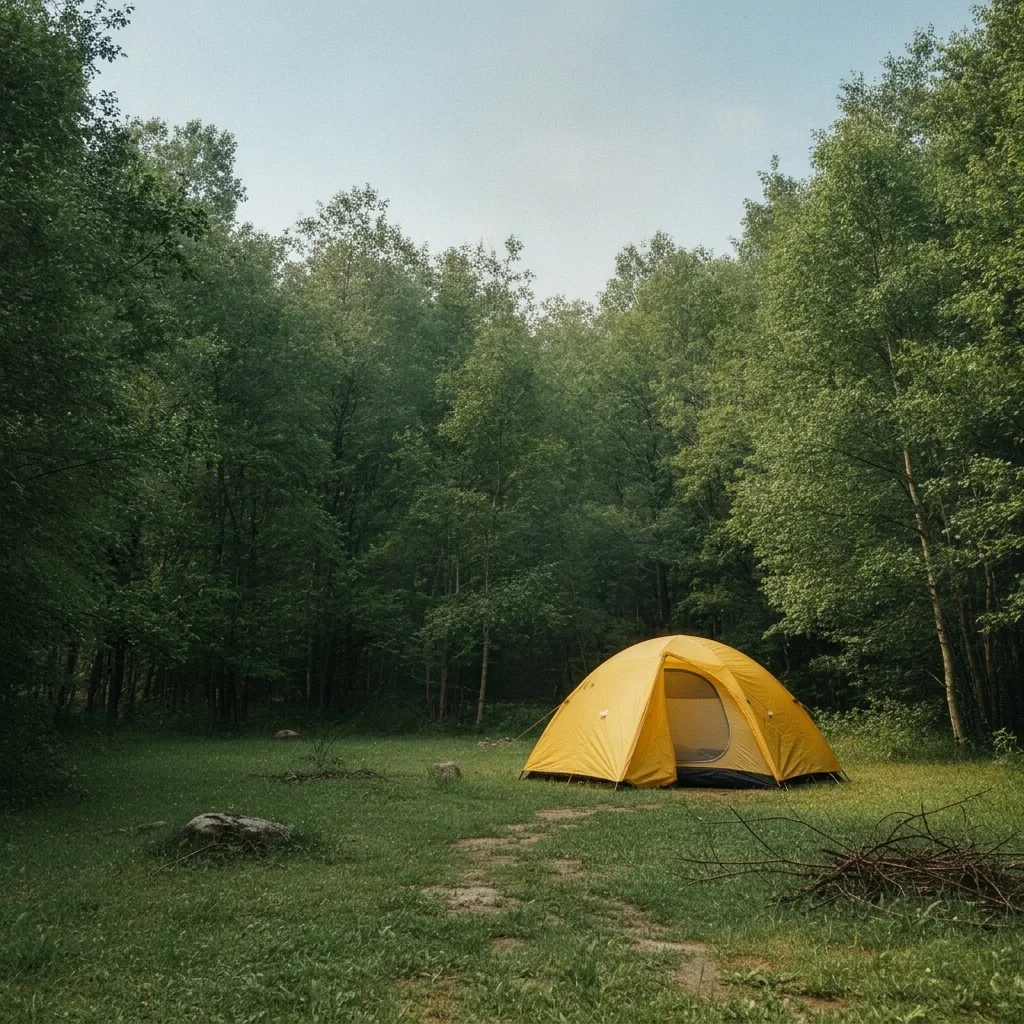
Yellow tent at a campsite with light grey haze
Before
->
Same campsite with clear colours and a bright sky
After

Light haze reduced at a campsite

A camper wanted brighter colours from a hazy afternoon.

Prompt: reduce the light smoke haze and restore natural colours on the tent and trees

Quick answers

Do I need to mark the smoke before removing it?

No. Describe it, for example 'remove the grey smoke haze and restore a clear blue sky.' Use markers only if the AI clears the wrong area or changes an object.

How do I remove wildfire smoke from a photo for free?

Upload the photo to EditThisPic, describe the haze and the sky and ground colours you expect, and run the edit. The free edit is a preview with no signup and no watermark.

Can I use the result as evidence for an insurance claim?

No. The result is an AI-edited preview and not a record of the real scene. Keep your original photos for any insurance or legal purpose.

How much smoke can it remove?

Light to medium haze works best. In very heavy smoke much of the scene is lost, and the AI fills it in with its best guess.

Will the sky look real?

Usually it looks natural, but it is generated. Check the horizon and the edges of trees and roofs when zoomed in.

How much does EditThisPic cost?

You get 1 free Standard edit per week — no account needed. After that, one-time credit packs start at $4.99 for 10 credits, valid 12 months, no subscription. A Standard edit uses 1 credit, Pro 2 and Ultra 3. Purchased downloads are clean with no watermark.

Ready to clear the smoke from your photo?

Free to try. No signup required.

1 free edit included·paid credit packs after