Replace Hair Color in Photo
← Browse all body & person toolsLast updated
Try any hair color before you commit — from natural shades to bold pastels, in 30 seconds.
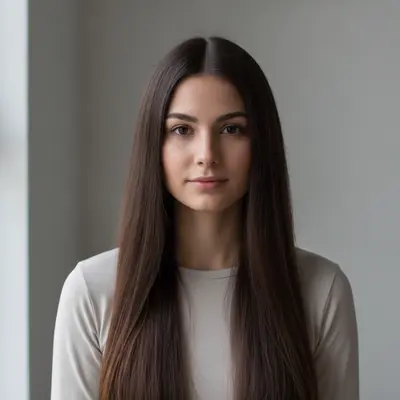
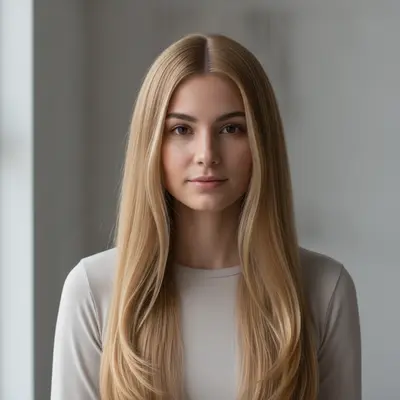
Upload photo to replace hair color
"change the hair to a brunette balayage with warm caramel highlights painted through the mid-lengths and ends, dark brown at the roots fading to honey blonde at the tips, natural glossy shine"
Free to try · no sign-up · photos are never shared
Release to upload
How it works
See it in action
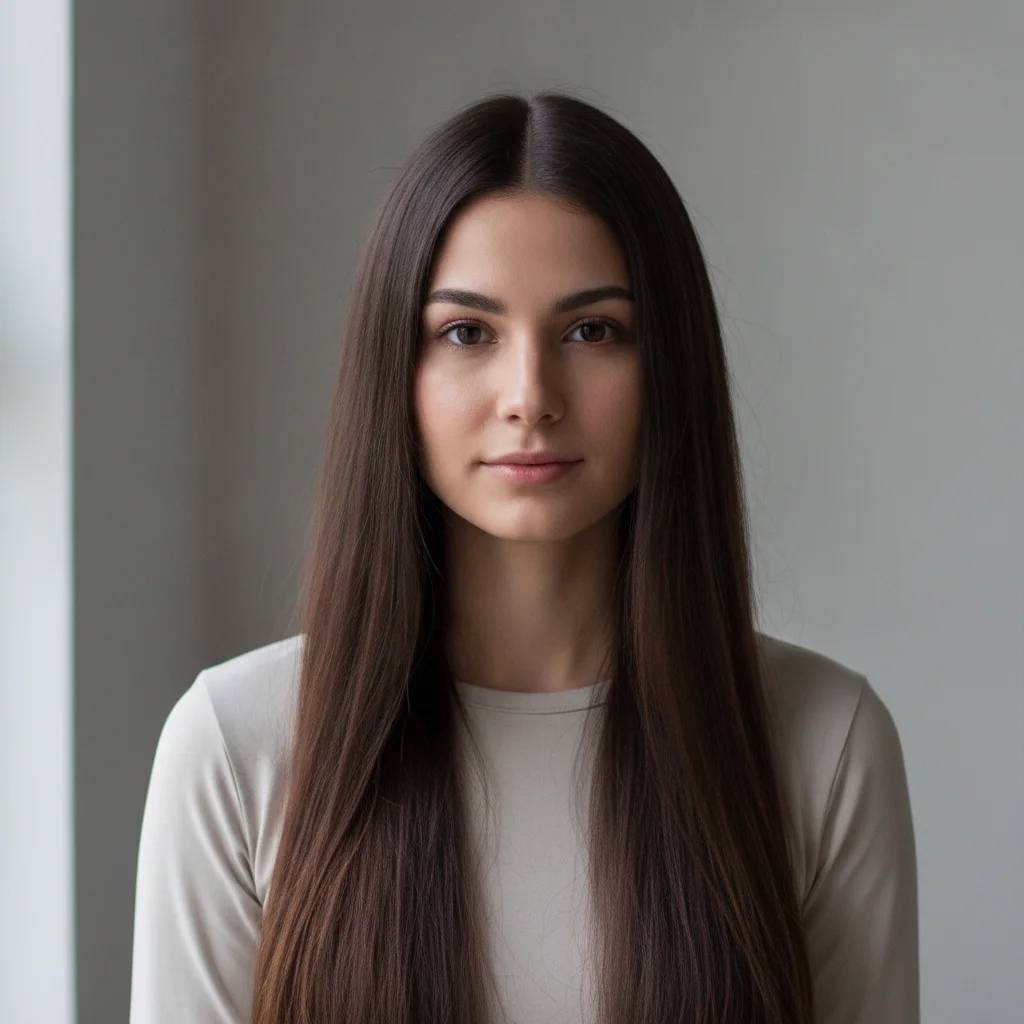
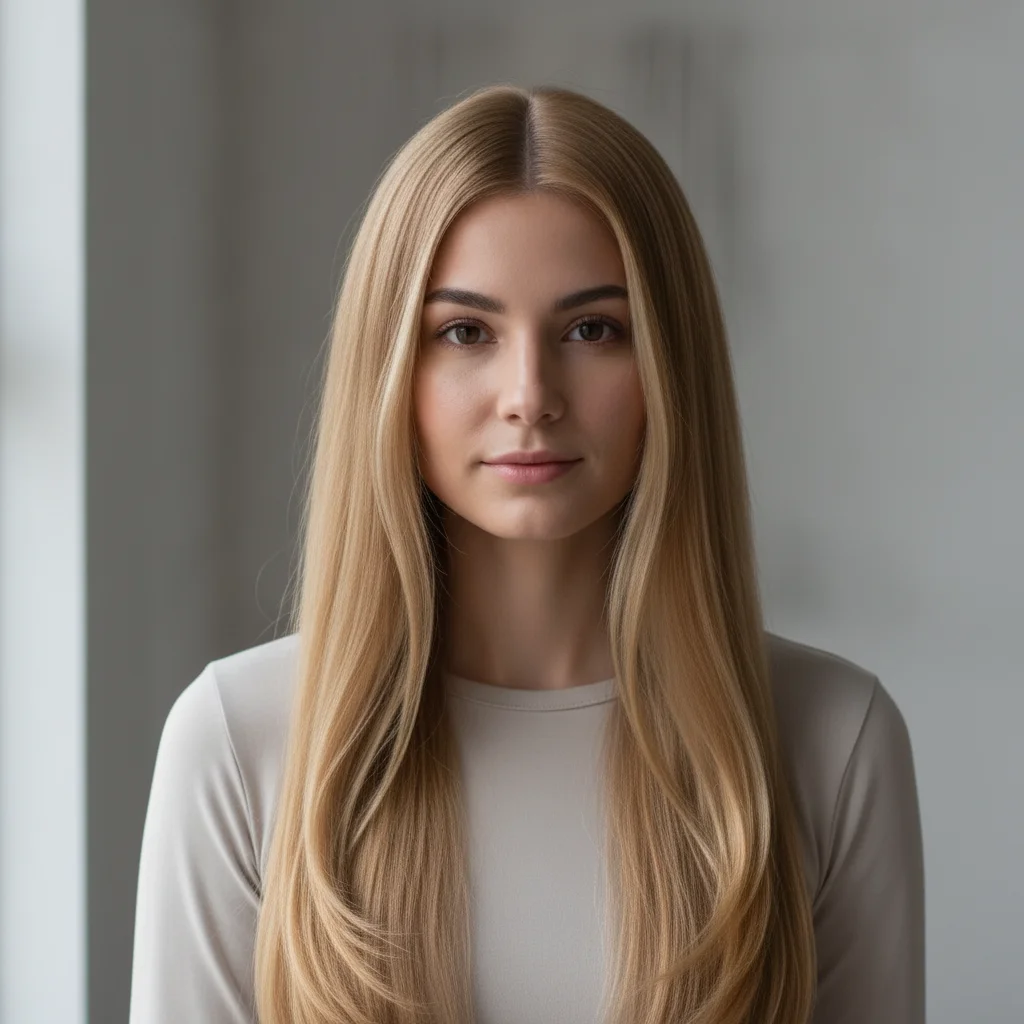
Dark brown to warm golden blonde — salon preview
Someone considering going blonde wanted to preview how it would look before booking a salon appointment. One prompt changed the hair tone completely while preserving the skin tone.
change the hair color to warm golden blonde with soft natural highlights, glossy finish, keep the hairstyle and volume exactly as in the original
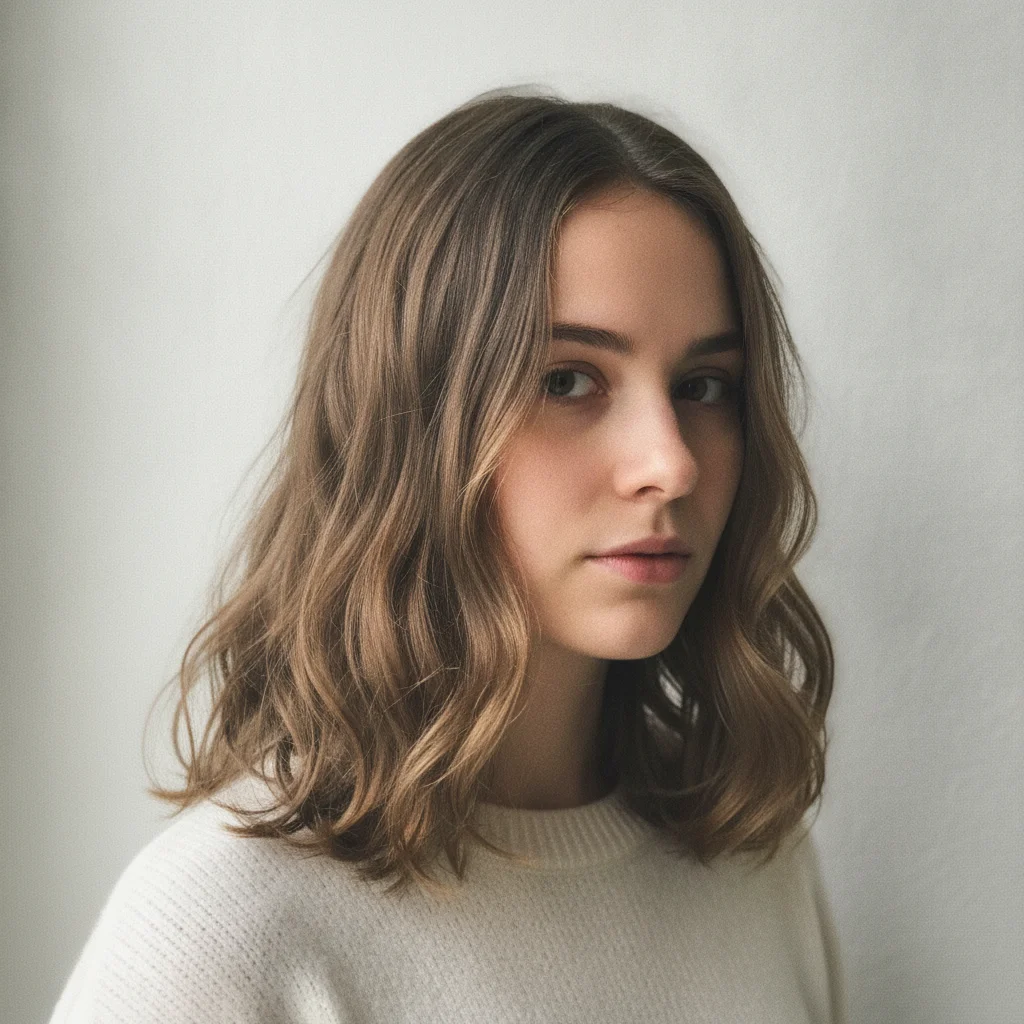
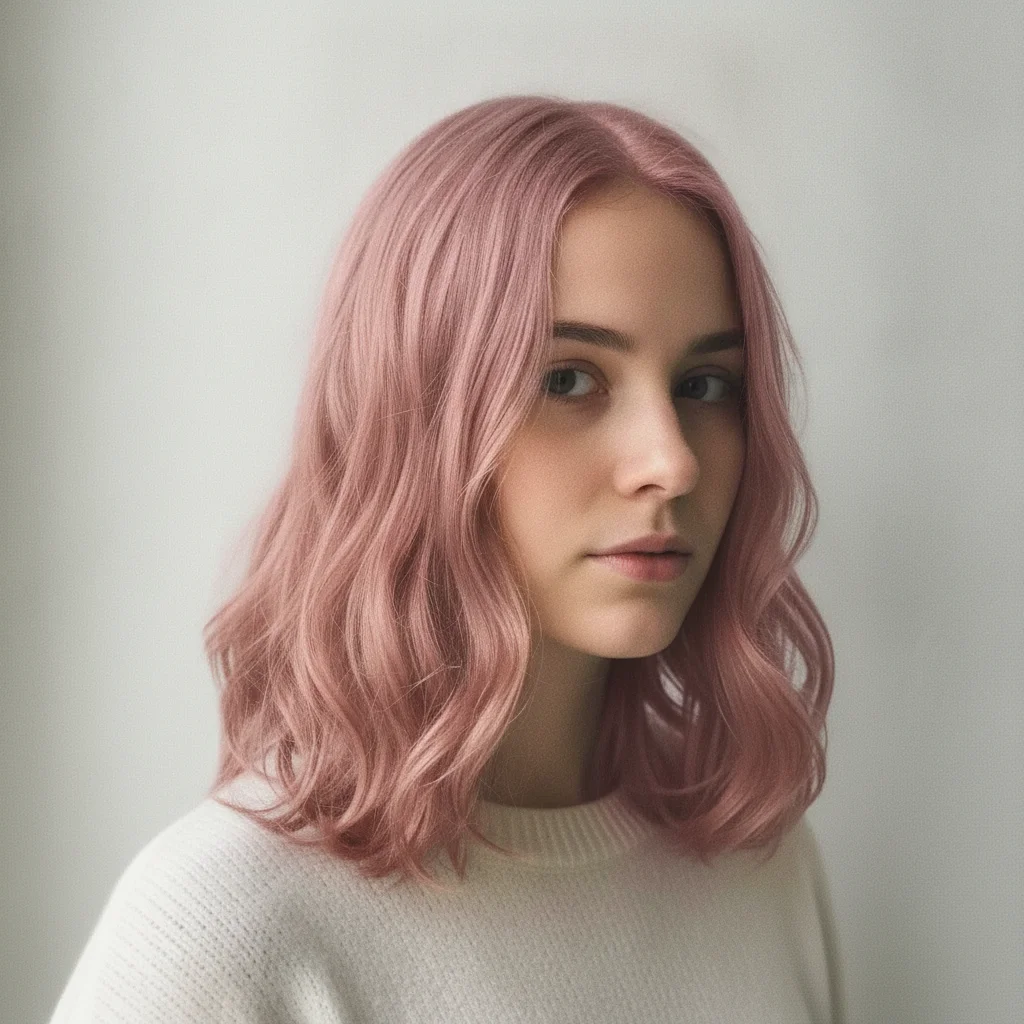
Natural brown to pastel pink — try before dyeing
Before committing to a bold pastel dye, someone wanted to see if dusty rose would suit their complexion. The photo was shot at home with a neutral background.
replace the hair color with a soft dusty rose pastel pink, evenly distributed from roots to ends, slightly muted rather than neon bright, natural texture preserved
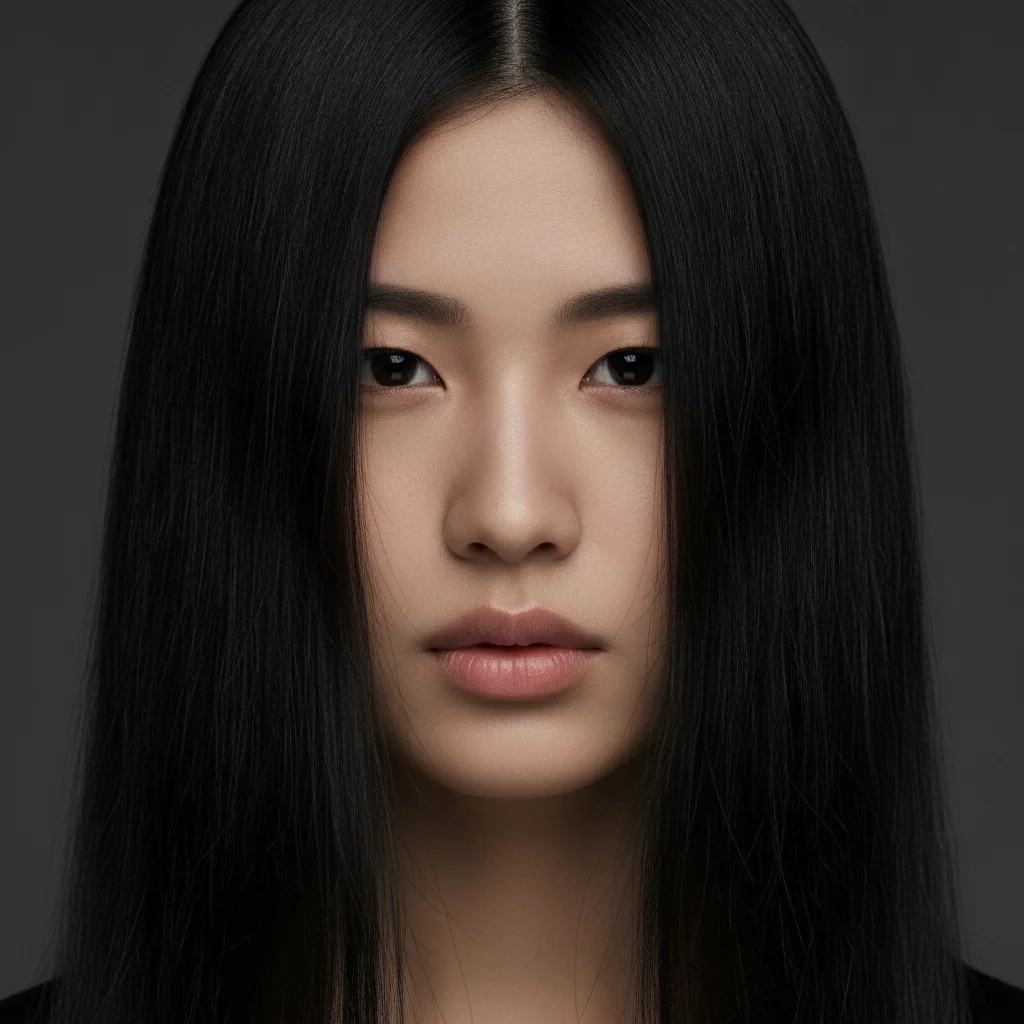
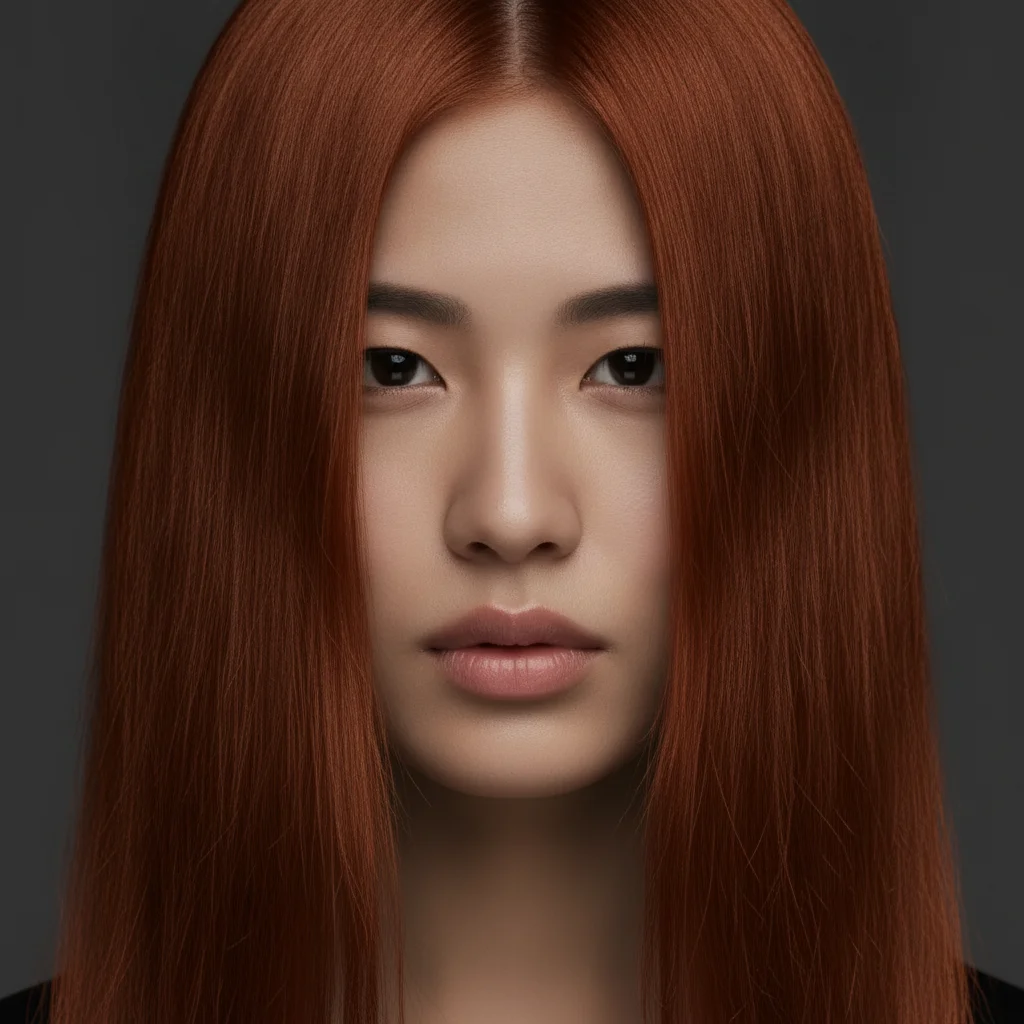
Black to copper auburn — comparing warm tones
A person with jet black hair testing warm auburn before a coloring appointment. The rich copper result showed the contrast against their skin tone clearly.
change the hair to a rich copper auburn with deep warm undertones, the kind of red that looks natural in sunlight, not orange or fire-engine red, glossy finish
Quick answers
You might also like
Popular use cases
Ready to try a new hair color?
Free to try. No signup required.