AI Bleach Bypass Filter
← Browse all creative effectsLast updated
Get the desaturated, high contrast, silvery film look by typing what you want.
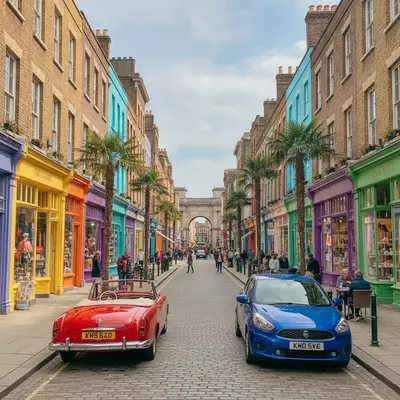
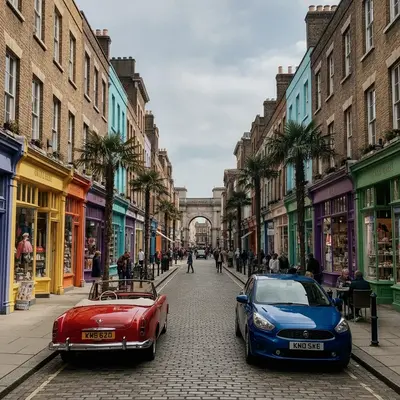
Upload photo to apply bleach bypass look
"apply a bleach bypass look to the car photo, muted colour, strong contrast, metallic silver highlights on the paint, keep the car shape and the background the same"
Free to try · no sign-up · never used for AI training
Release to upload
<30stypical edit
1 freeedit weekly
Photo on your phone?
Scan to open this editor there — free edit works on your phone too.
How it works
See it in action
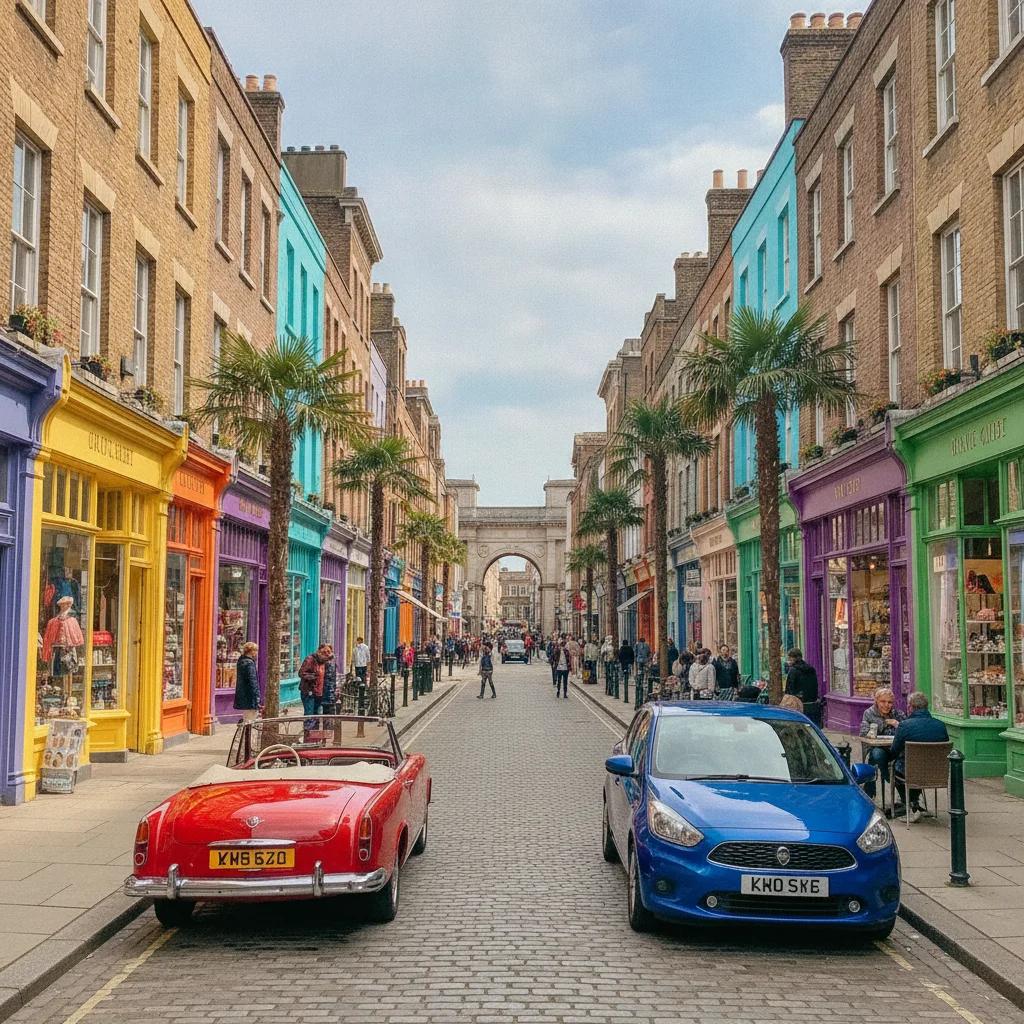
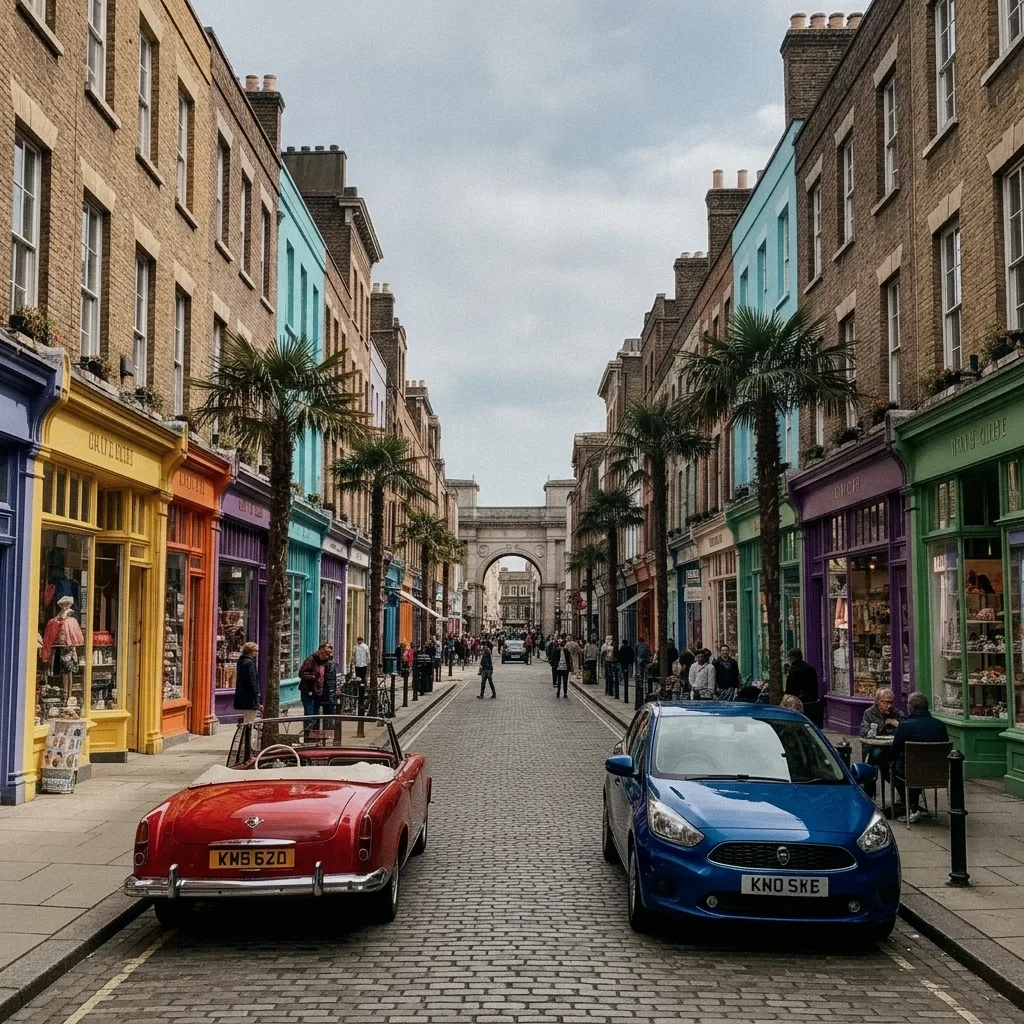
Colourful street turned into a gritty film look
A daytime street with parked cars and shop fronts in bright colour. The prompt mutes colour and adds contrast.
Prompt:
apply a bleach bypass film look: low saturation, high contrast, deep blacks, silvery highlights and fine grain, keep all cars, shops and signs unchanged
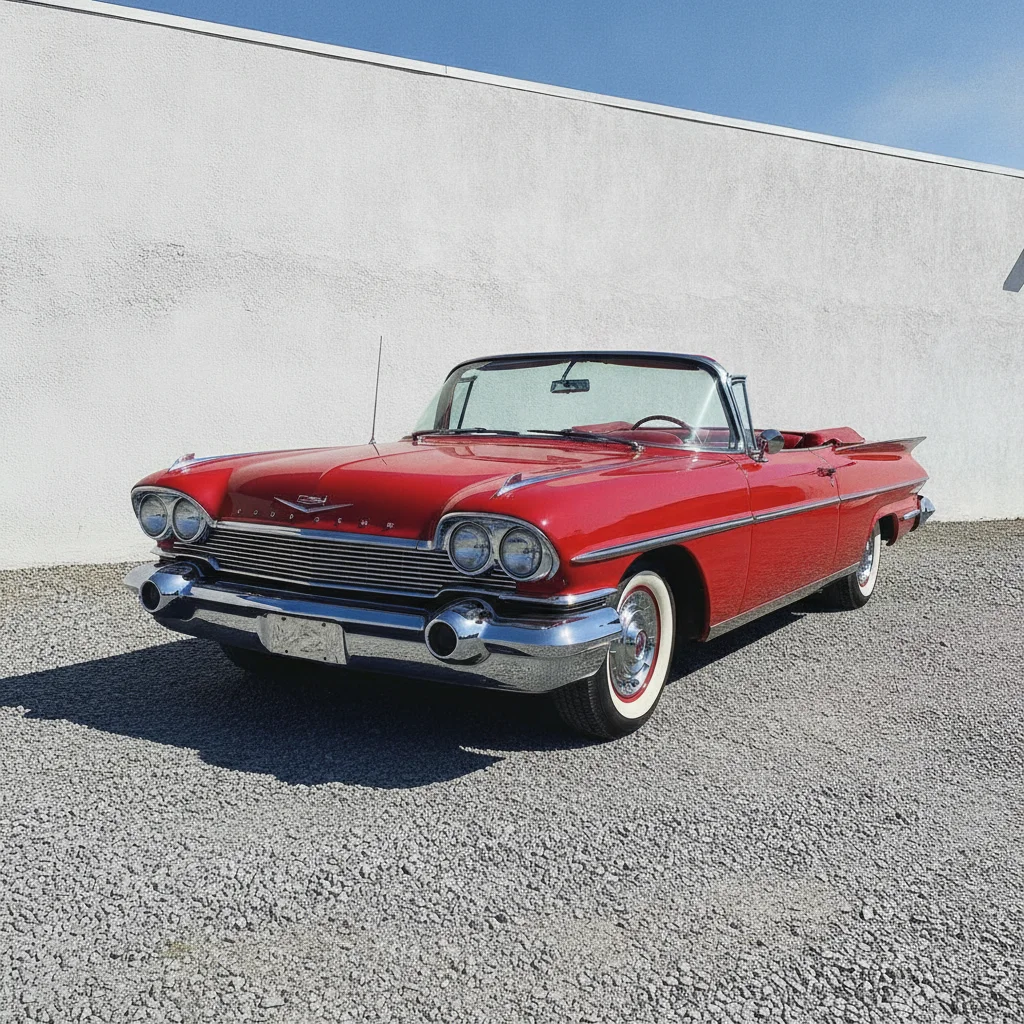
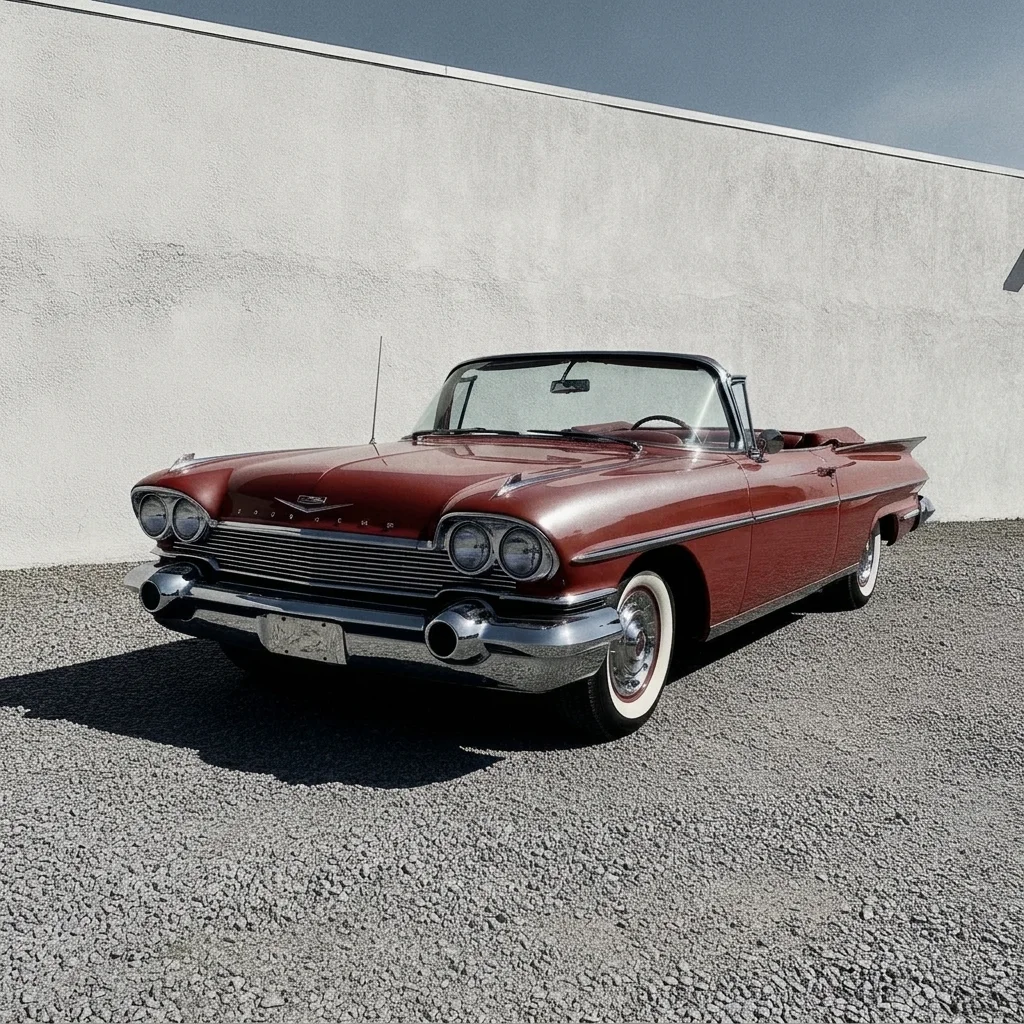
Classic car given a muted metallic look
A bright red classic car parked on a gravel lot. The prompt desaturates and adds silvery highlights.
Prompt:
apply a bleach bypass look, muted colour, strong contrast and metallic silver highlights on the paint, keep the car and the background unchanged
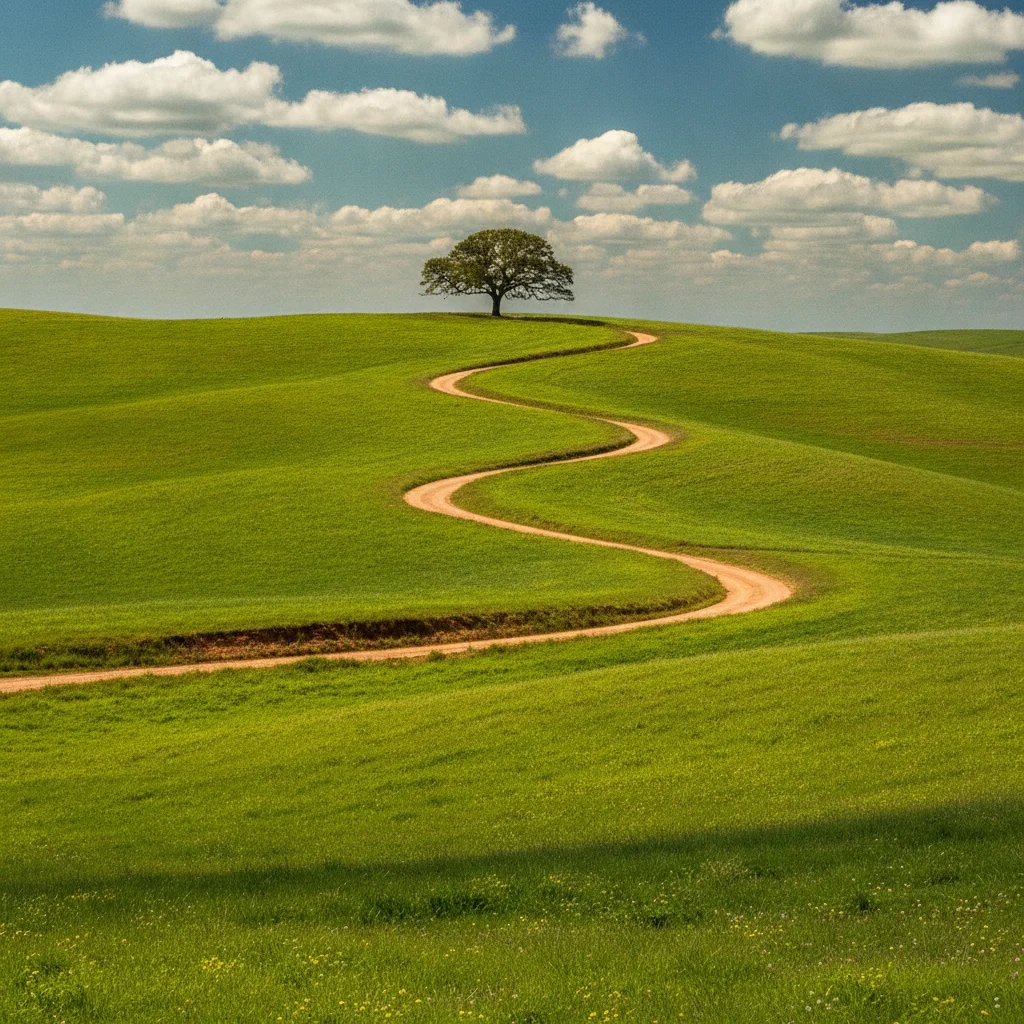
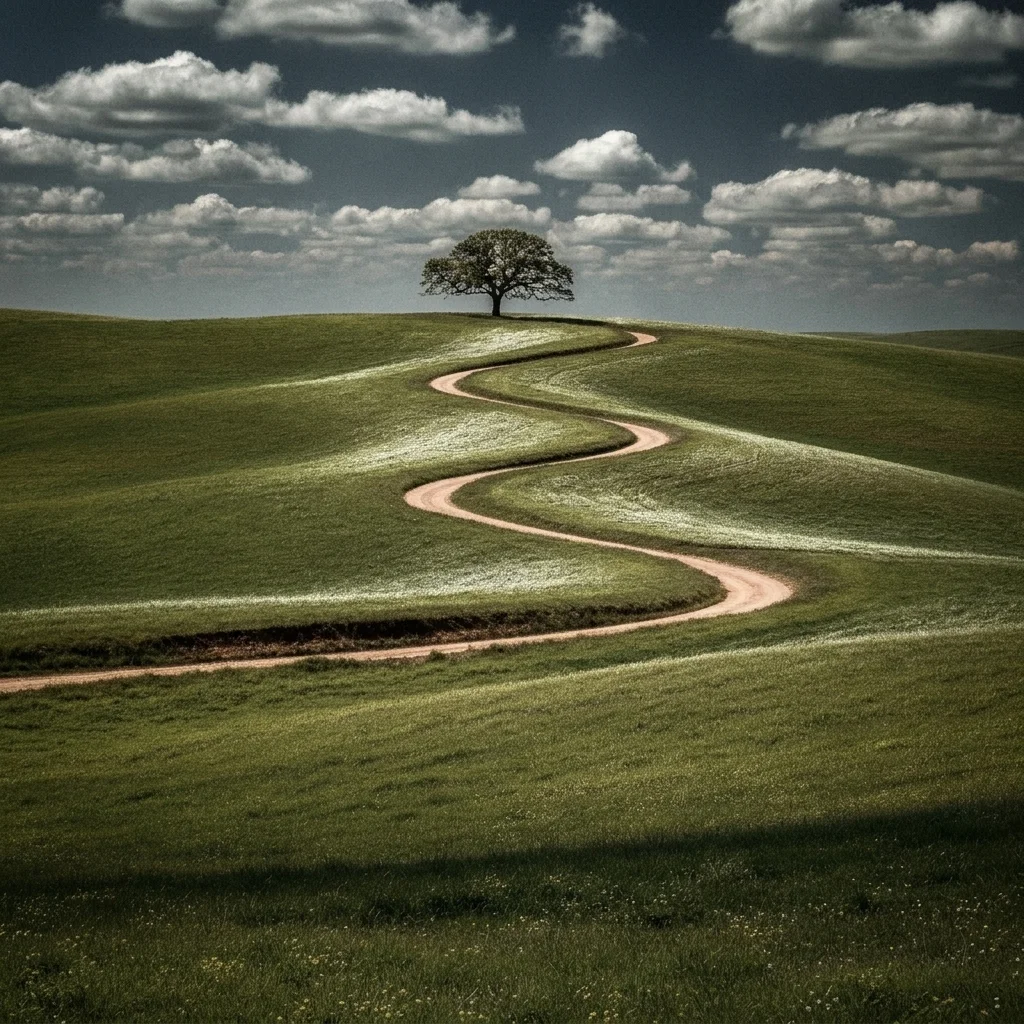
Green hills landscape in a bleach bypass tone
A green hillside with a dirt road. The prompt desaturates greens and darkens the sky.
Prompt:
apply a bleach bypass film look to the landscape: desaturated greens, high contrast, dark dramatic sky and silvery light on the hills, keep the scene unchanged
Quick answers
Ready to try the bleach bypass look?
Free to try. No signup required.