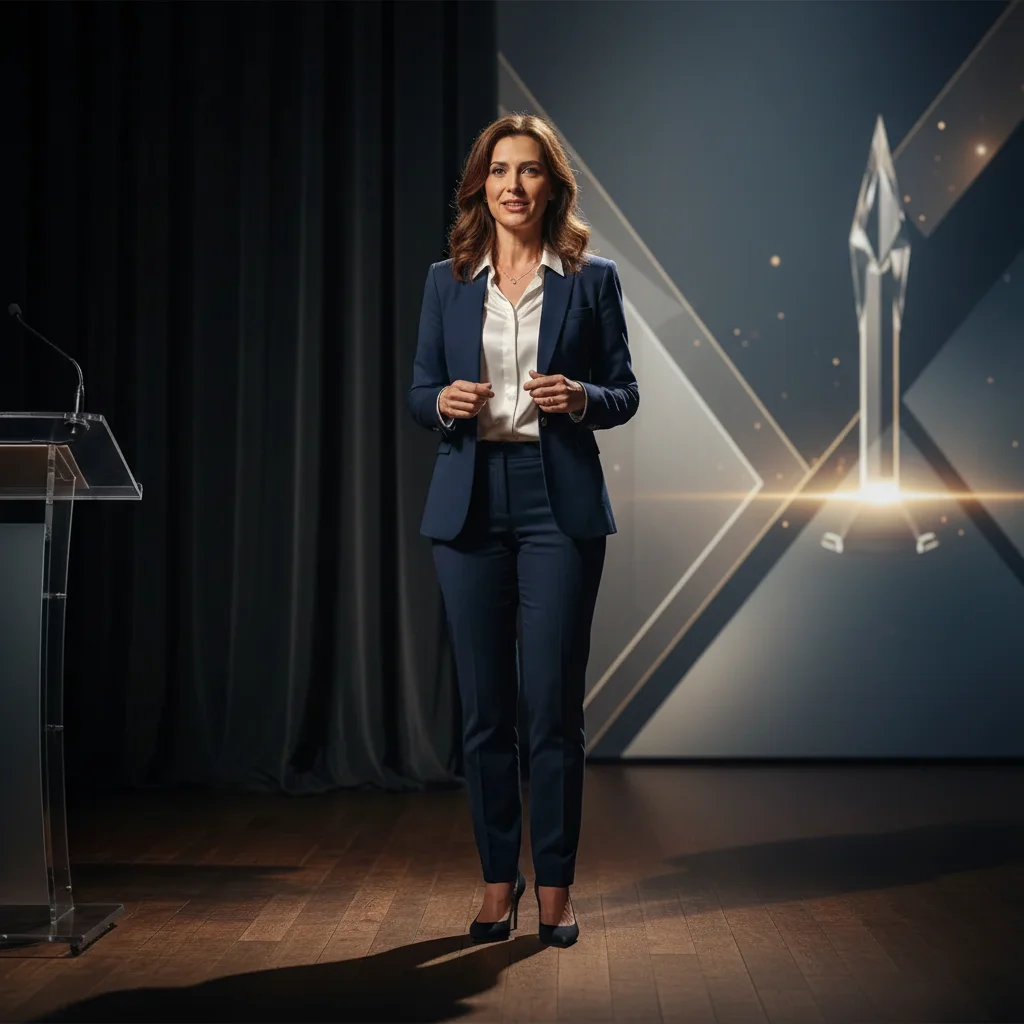
Free • No signup Fix Photo for award nomination · Free

Fix Photo for Award Nomination

← Browse all creative effects

Last updated

Award committee needs your photo for the program. This is your professional highlight.

Friendly LinkedIn photo with casual office background Polished award ceremony photo with formal neutral background

Upload photo to fix photo for award nomination

"enhance for distinguished professional appearance, polished and accomplished, clean formal background for award materials"

Release to upload

50,000+photos edited
<30stypical edit
1 freeedit weekly

1 free edit·then from $4.99

How it works

  1. Upload your photo

    Drop your most professional photo into EditThisPic. Award photos appear in ceremony programs, websites, and promotional materials - you want to look accomplished and credible. This represents your professional achievement.

    Expect: Background replacement: 25-30 seconds. Enhancement for accomplished look: may need one refinement.
  2. Describe award-worthy appearance

    Type what award materials need: 'replace background with professional neutral backdrop, enhance for accomplished professional appearance' or 'professional award recipient look, credible and polished.' Awards celebrate achievement - your photo should reflect that. No marking required.

    Tip: Use words like 'accomplished,' 'distinguished,' 'professional excellence' to signal the elevated tone

    Copy one of these to get started:

    Professional accomplishment replace background with professional neutral backdrop, enhance for accomplished professional appearance, award recipient quality
    Distinguished professional enhance for distinguished professional appearance, polished and accomplished, clean formal background for award materials
    Casual to award-worthy replace casual background with formal neutral setting, enhance lighting for professional excellence, accomplished appearance
    Executive polish enhance for executive-level professional polish, confident and accomplished, neutral background for award ceremony
    3 more prompts
    Formal recognition replace with formal gray backdrop, professional lighting for industry recognition, distinguished appearance
    Event photo to award photo remove event background, replace with clean professional backdrop, enhance for award recipient presentation
    LinkedIn to award materials adjust LinkedIn photo for award ceremony, more polished and accomplished appearance, professional distinction
  3. Review for professional distinction

    Check that you look like someone worthy of recognition. Background should be clean and professional. Appearance should convey accomplishment without being stuffy. The photo should represent your best professional self.

See it in action

Friendly LinkedIn photo with casual office background
Before
->
Polished award ceremony photo with formal neutral background
After

LinkedIn photo to industry award program

Industry association requested photo for award ceremony program. LinkedIn photo was professional but too casual for the formal recognition. Enhanced it to match the prestige of the award.

Prompt: replace blurred office background with formal neutral gray, enhance lighting for distinguished professional appearance, award recipient quality
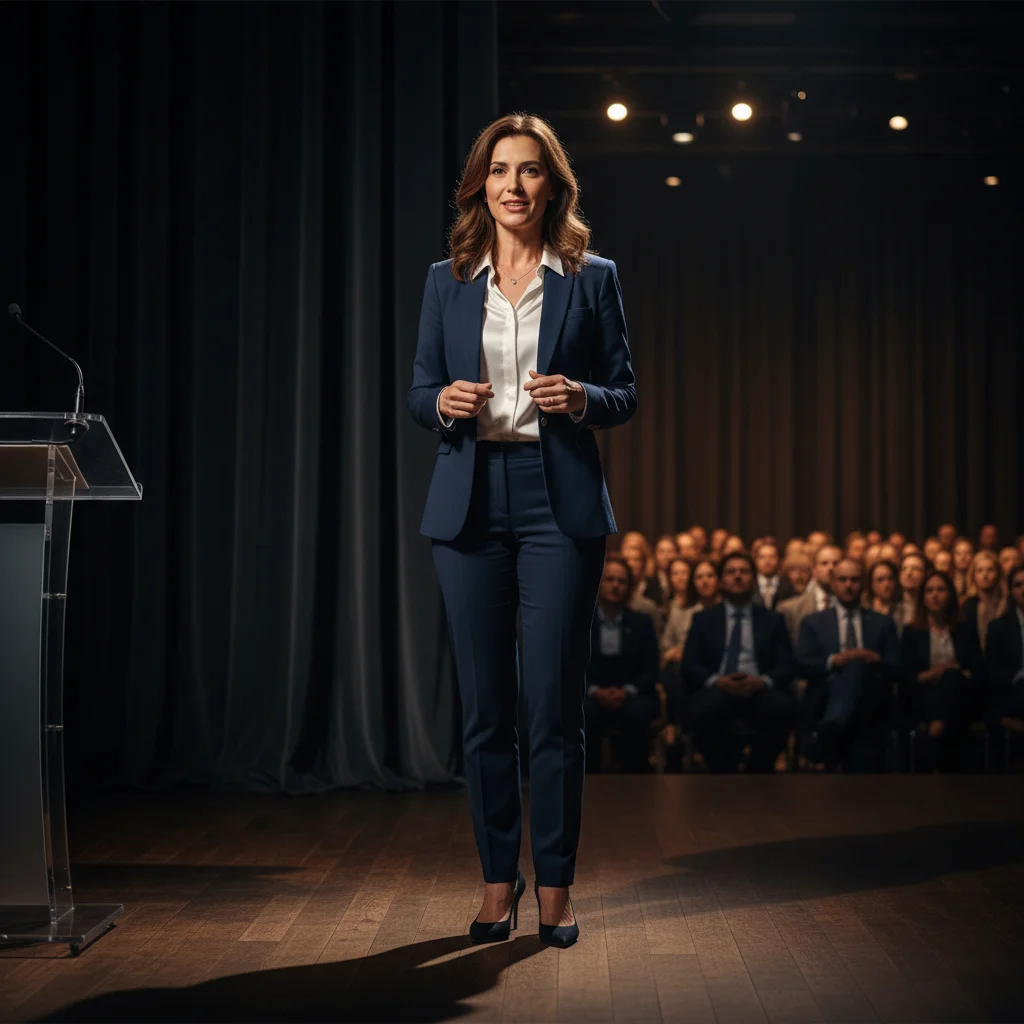
Conference speaking photo with stage and podium visible
Before
->
Professional award-worthy photo with clean backdrop for ceremony materials
After

Conference photo to award materials

Professional association award nomination needed photo for website and printed materials. Best photo was from speaking at conference with visible stage background. Needed clean formal look.

Prompt: remove conference stage background, replace with professional neutral backdrop, enhance for industry award recognition, accomplished and distinguished

Quick answers

Do I need to mark areas before describing changes for award nomination photos?

No! Just describe what award materials need: 'replace background with professional neutral backdrop' or 'enhance for distinguished professional appearance.' The AI understands award and recognition contexts without marking.

How do I fix a photo for industry award nomination quickly?

Upload your most professional photo and describe what awards demand: 'replace background with formal backdrop, accomplished professional appearance, award recipient quality.' Most award photos are ready in 25-30 seconds. This represents your achievement - make it polished and distinguished.

What makes a good award nomination photo?

Professional and accomplished appearance. Clean neutral background that conveys prestige. Confident expression that reflects your achievement. Should look distinguished but not stuffy. The photo represents both you and the significance of the recognition. Avoid overly casual looks or stiff corporate poses.

Can I use a LinkedIn photo for award materials?

LinkedIn photos can be good starting points but often need enhancement for award contexts. They may be too casual or friendly for the prestige of industry recognition. You'll likely want to adjust the background to be more formal and enhance the overall polish to match the significance of the award.

What if the award is for my company, not me personally?

Company award photos still represent you as the face of that achievement. Use professional but not overly personal approaches. Focus on credibility and accomplishment rather than warmth. The photo should convey that your company is worthy of recognition.

Is EditThisPic's AI photo for award nomination fixer really free?

Yes — you get 1 free edit per week, no account needed. Plans start at $4.99/month for 15 edits.

Can I fix photo for award nomination on my phone?

Yes. EditThisPic works in any mobile browser — iPhone, Android, tablet. No app download needed.

What photo formats does the AI photo for award nomination fixer support?

JPG, PNG, WebP, and HEIC. Upload any common photo format and EditThisPic handles the rest.

How much does EditThisPic cost?

You get 1 free edit per week — no account needed. After that, credit packs start at $1.99 for 3 edits. Monthly plans start at $4.99/mo for 20 edits with unused credits rolling over. All edits are full resolution with no watermark.

Ready to fix your award nomination photo?

Free to try. No signup required.

1 free edit included·Credit packs from $4.99