Free • No signup Edit Photos using text prompts · Free

AI Prompt Photo Editor

← Browse all creative effects

Last updated

Describe any photo change in plain English and AI makes it happen in seconds.
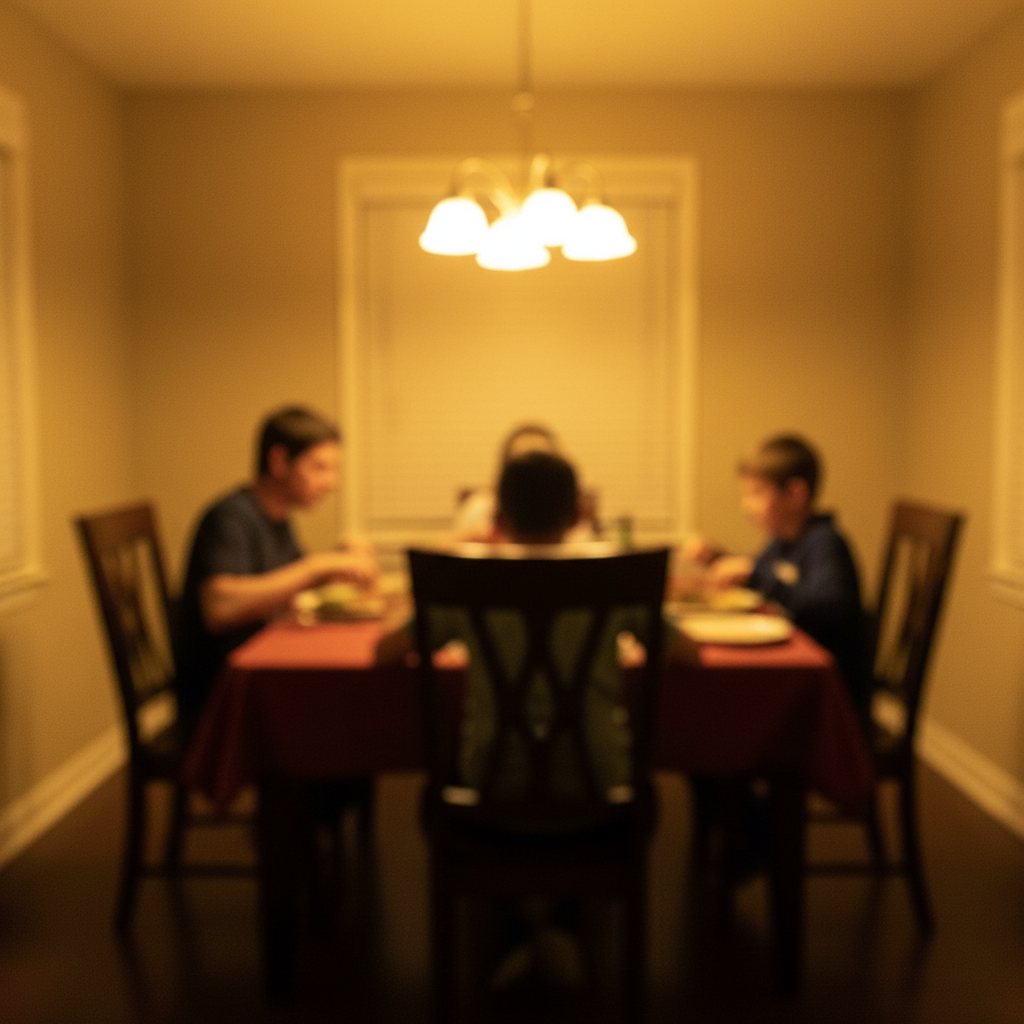
Original photo — Prompt Photo Editor (before editing) Edited photo after Prompt Photo Editor

Upload photo to edit photos using text prompts

"Make the lighting warmer and more golden hour"

Release to upload

50,000+photos edited
<30stypical edit
1 freeedit weekly

1 free edit·then from $4.99

How it works

  1. Upload Your Photo

    Drag and drop your image or click to browse. Works with JPG, PNG, HEIC, and WebP formats. Your photo stays private and processes in real-time.

    Expect: Upload completes in 2-5 seconds for typical photos.
  2. Type What You Want to Change

    Describe your edit in plain English. Be specific about what to change and how. Examples: 'change the wall color to sage green', 'make the lighting warmer and softer', 'remove the car in the background'.

    Tip: More specific prompts get better results. Instead of 'make it better', try 'brighten the subject and blur the background slightly'.

    Copy one of these to get started:

    Clean up tourist photos Remove all people from the background
    Improve photo mood Make the lighting warmer and more golden hour
    Enhance landscapes Change the sky to dramatic sunset colors
    Portrait enhancement Blur the background to focus on the subject
    8 more prompts
    Interior visualization Change the wall color to navy blue and add modern artwork
    Clean landscape photos Remove the power lines and make the sky more vibrant blue
    Weather enhancement Replace the gray cloudy sky with clear blue sky and soft clouds
    Professional photo prep Make the subject's outfit more formal - change to business attire
    Artistic photo transformation Change the time of day to evening with warm street lights
    Clean product photos Remove all text and logos from the image
    Social media celebration post edit photos using text prompts for an Instagram or Facebook post — festive, colorful, and eye-catching. Keep the people in the photo as the focus with the themed elements framing them
    Product photography Change the background to solid white studio background
  3. Review the AI Result

    AI processes your prompt and shows the edited photo. Use the before/after slider to compare. If you want adjustments, refine your prompt and regenerate.

    Expect: Most edits complete in 30-45 seconds. Complex changes may take up to 60 seconds.
  4. Download Your Edited Photo

    Download the final result in full resolution. No watermark, no compression. The original quality is preserved with your AI edits applied.

See it in action

Original photo — Prompt Photo Editor (before editing)
Before
->
Edited photo after Prompt Photo Editor
After

Tourist Photo Cleanup

Clean landmark photo with no people, preserving the architecture and original composition

Prompt: Remove all people from the background
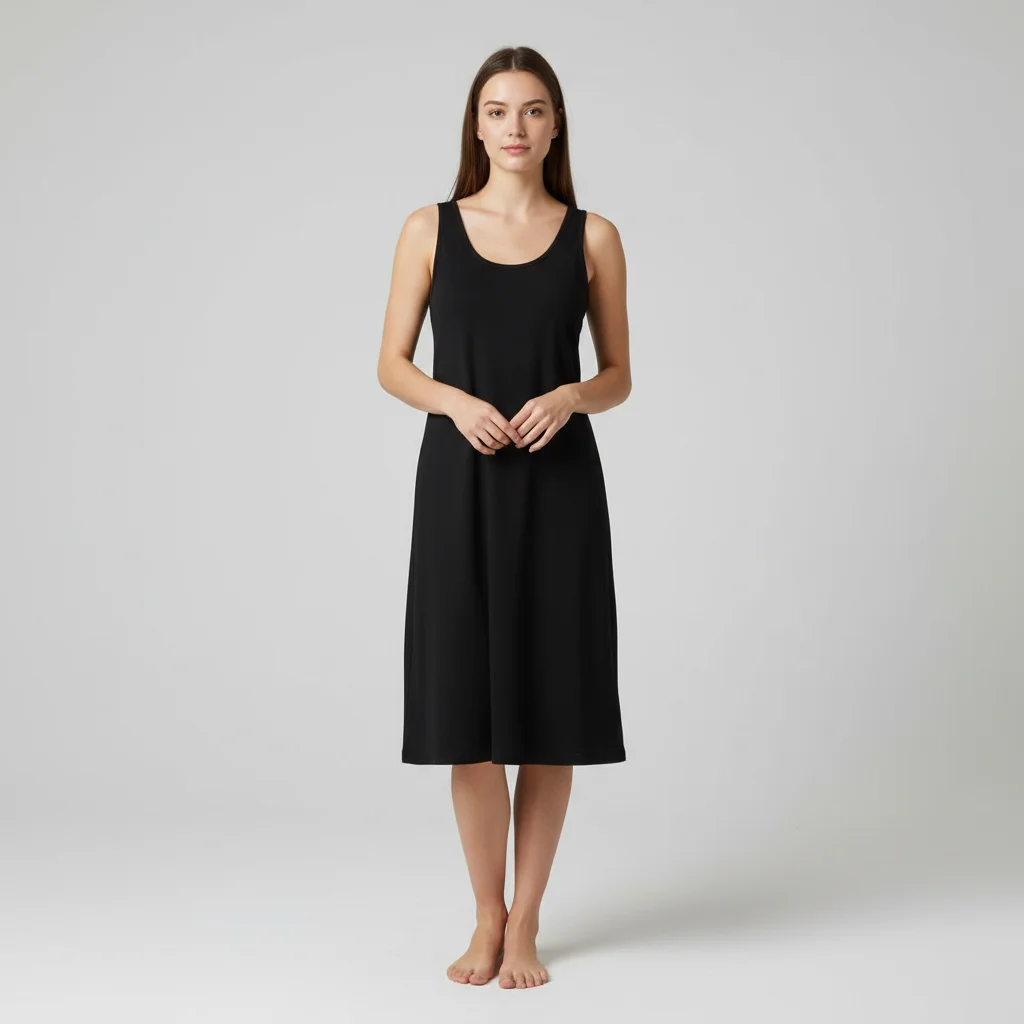
Woman in plain black sleeveless midi dress against a white background
Before
->
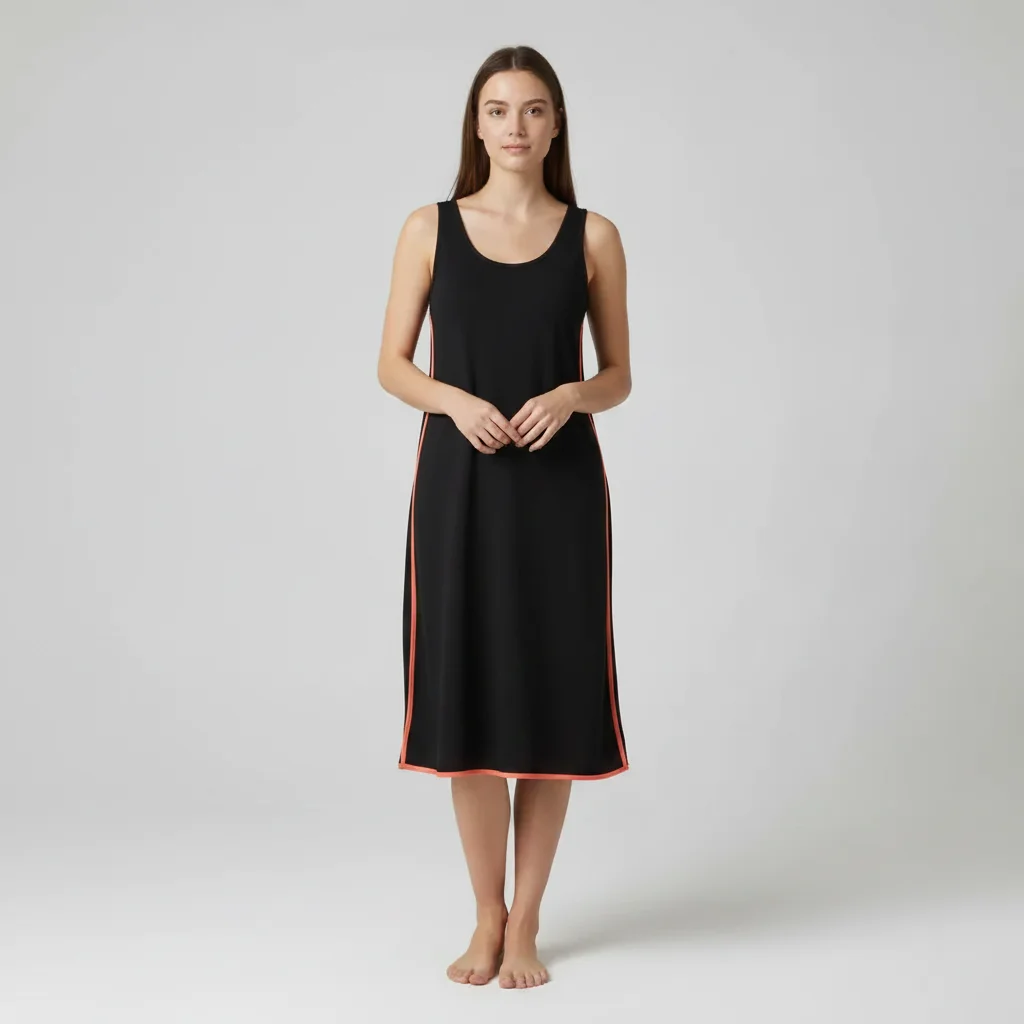
Same dress with coral orange trim added along the side seams and hem
After

Dress trim color added with a prompt

A plain black midi dress was given coral-orange contrast trim along the sides and hem using a single text prompt — the kind of edit that would take minutes to describe but seconds to execute.

Prompt: add coral orange trim along the sides and hem of this black dress

Quick answers

Do I need to use special AI prompt syntax or keywords?

No! Just describe what you want in normal English. EditThisPic uses natural language processing, so 'make the sky blue' works just as well as any technical prompt format. Be specific and clear, but don't worry about special syntax.

How is this different from ChatGPT or Apple Intelligence photo editing?

EditThisPic is purpose-built for photo editing with no signup required. Free to try (one edit per week); credit packs from $1.99 for more. ChatGPT requires Plus subscription and has monthly limits. Apple Intelligence only works on iPhone 15 Pro and newer. EditThisPic works on any device with a browser.

Can I edit photos without describing changes?

No, prompt-based editing requires a text description. If you prefer visual tools, try our traditional editing tools like object remover or background changer. But prompts are often faster once you get the hang of them.

Are there limits on how complex my prompts can be?

You can write prompts up to 500 characters, which is plenty for detailed edits. For best results, focus on 1-3 specific changes per prompt rather than trying to change everything at once. Complex prompts work better when broken into steps.

Will my photos be used to train AI?

No. Your uploaded photos are processed for your edit only and automatically deleted within 24 hours. We don't use your images for AI training or any other purpose. Your photos stay private.

Can I use prompts in other languages?

Currently EditThisPic works best with English prompts. Other languages may work but results are less reliable. We're working on multilingual support for future updates.

Is EditThisPic's AI photos using text prompts editor really free?

Yes — you get 1 free edit per week, no account needed. Plans start at $4.99/month for 15 edits.

Can I edit photos using text prompts on my phone?

Yes. EditThisPic works in any mobile browser — iPhone, Android, tablet. No app download needed.

How much does EditThisPic cost?

You get 1 free edit per week — no account needed. After that, credit packs start at $1.99 for 3 edits. Monthly plans start at $4.99/mo for 20 edits with unused credits rolling over. All edits are full resolution with no watermark.

Try Prompt-Based Photo Editing Now

Free to try. No signup required.

1 free edit included·Credit packs from $4.99