AI Photo Enhancer
← Browse all enhance toolsLast updated
Describe the improvement you want and AI enhances your photo instantly. No filters to adjust.
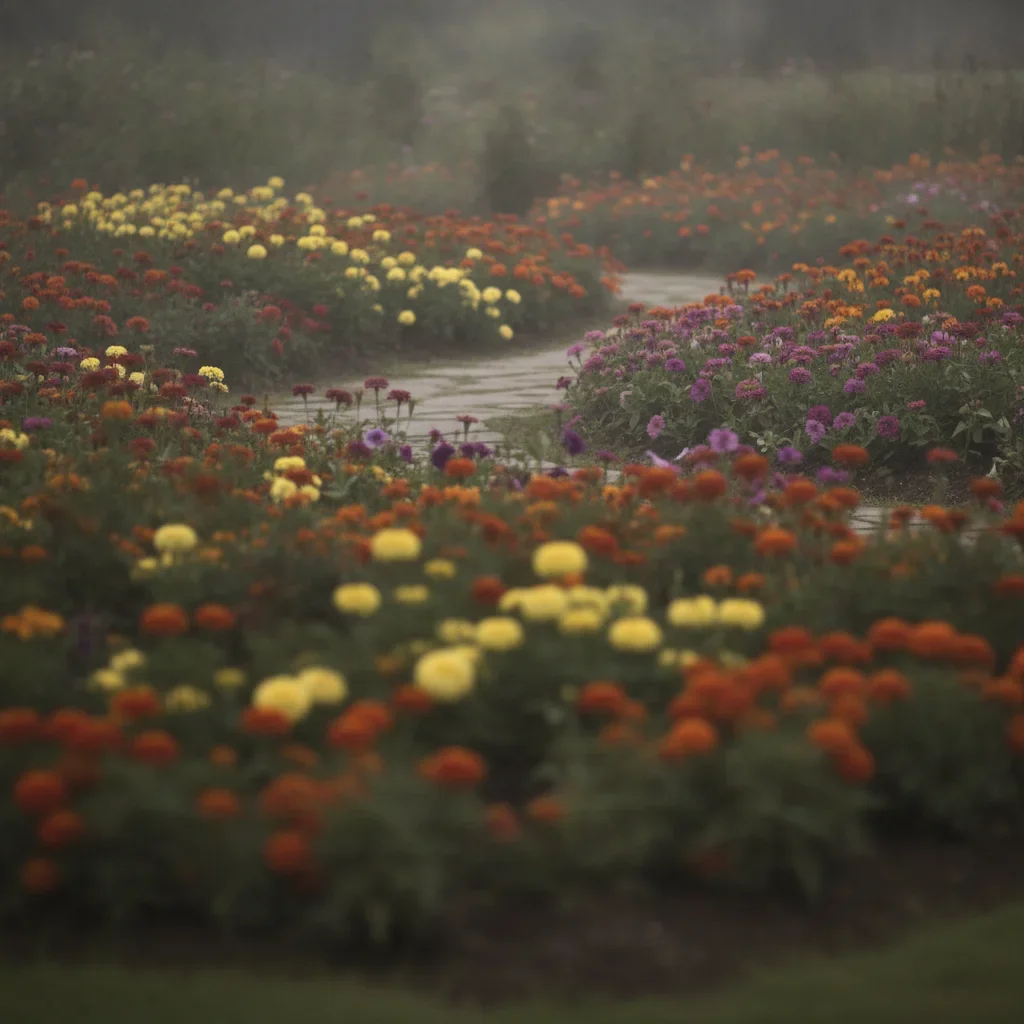
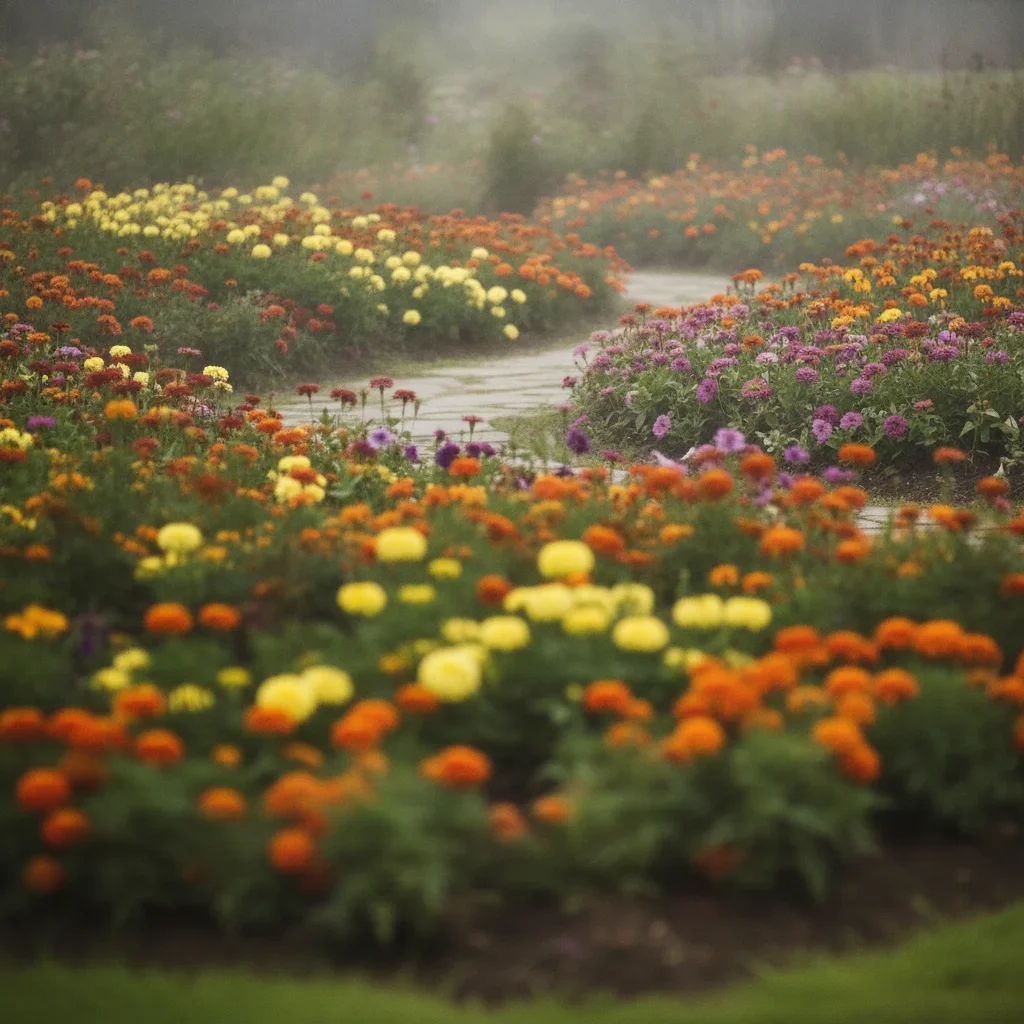
Upload photo to enhance photo
"sharpen this photo and bring out the fine details, make it look crisp and clear"
Free to try · no sign-up · never used for AI training
Release to upload
How it works
See it in action
Phone snapshot to professional quality
A dull, hazy phone photo of a flower garden comes back sharp and saturated — the haze lifted, the petals crisp, and the colours vivid.
enhance this photo, sharpen details, improve colors, and fix the exposure for a professional look
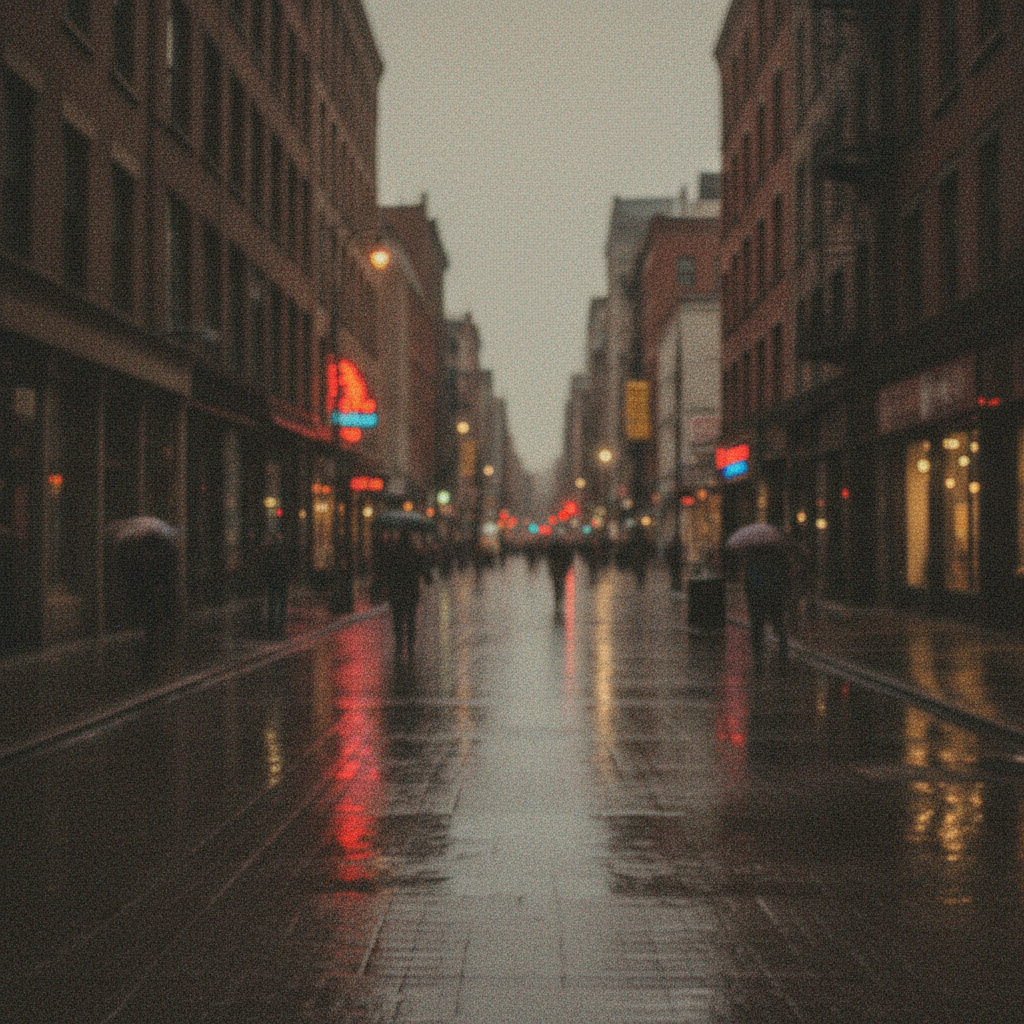
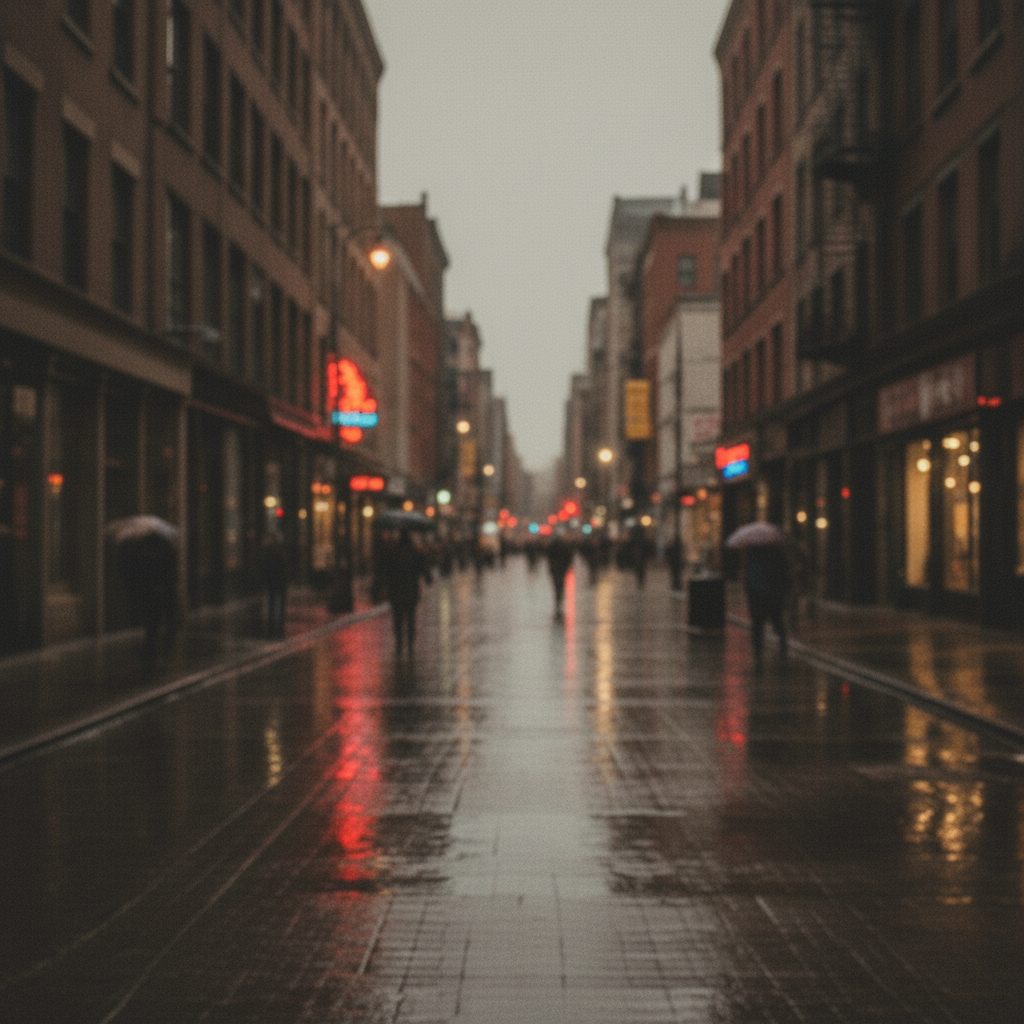
Severely underexposed portrait brought back
An indoor portrait shot so dark that the subject was almost lost in shadow. The exposure is lifted until her face, hair and the sofa read properly, the shadow noise is cleaned up and the skin tone comes back natural, with the lamp-lit room intact.
enhance this portrait photo with better skin tones, sharper eyes, and soft professional lighting
More before-and-after examples
Each pair shows the photo going in and the result EditThisPic produced from a one-line prompt.
-
 Before
 After
After
Faded vacation photo revival -
 Before
 After
After
Compressed JPEG recovery -
 Before
 After
After
Screenshot made printable
Quick answers
Ready to enhance your photos?
Free to try. No signup required.