Pricing Restore And enhance old newspaper photo clippings · Free

Newspaper Clipping Photo Restorer

Last updated

Describe what you want and AI handles the rest.
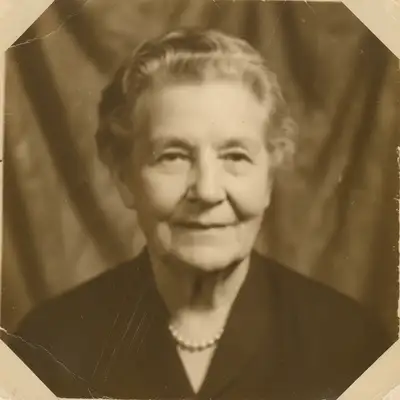
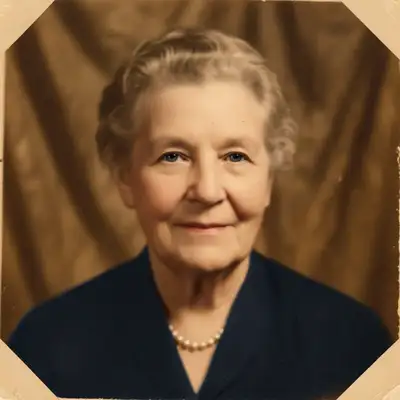
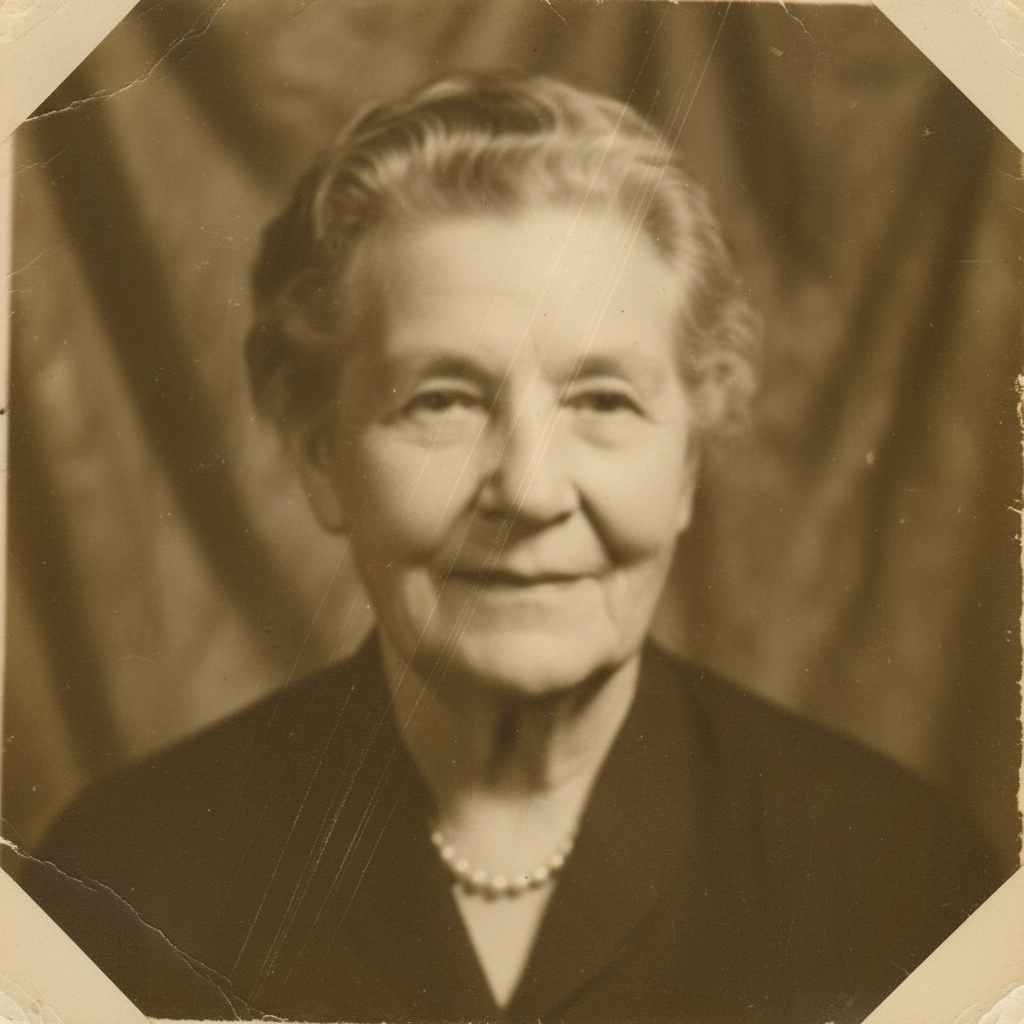
Original photo before restore and enhance old newspaper photo clippings Photo after restore and enhance old newspaper photo clippings with AI

Upload photo to restore and enhance old newspaper photo clippings

"restore and enhance old newspaper photo clippings with attention to detail, matching lighting and perspective"

Free to try · no sign-up · never used for AI training

Release to upload

<30stypical edit
1 freeedit weekly
Photo on your phone? Scan to open this editor there — free edit works on your phone too.

1 free edit every week·paid packs after

How it works

  1. Upload your photo

    Drop your image into EditThisPic. JPG, PNG, WebP up to 7MB. Choose a clear photo where the area you want to edit is visible.

    Expect: Most edits complete in 20-45 seconds. Complex changes may need 1-2 refinements.
  2. Describe your edit

    Type what you want: 'restore and enhance old newspaper photo clippings.' Be specific about details for best results. The AI understands natural language — no technical skills needed.

    Tip: Be specific with details for more accurate results.

    Copy one of these to get started:

    Quick and enhance old newspaper photo clippings edit restore and enhance old newspaper photo clippings — make it look natural and professional
    Professional result restore and enhance old newspaper photo clippings with attention to detail, matching lighting and perspective
    Social media ready restore and enhance old newspaper photo clippings and make the result Instagram-worthy
    Detailed and enhance old newspaper photo clippings work restore and enhance old newspaper photo clippings, ensuring seamless blending with the original photo
    2 more prompts
    Advanced precision restore and enhance old newspaper photo clippings — preserve surrounding details, only modify the target area
    Subtle enhancement restore and enhance old newspaper photo clippings — keep the change subtle and realistic, not overdone
  3. Review the result

    Check the output carefully. Look for natural blending, consistent lighting, and realistic details. Compare before and after using the slider.

See it in action

Original photo before restore and enhance old newspaper photo clippings
Before
->
Photo after restore and enhance old newspaper photo clippings with AI
After

Newspaper Clipping Photo Restorer — Example 1

A photo edited using EditThisPic to restore and enhance old newspaper photo clippings.

Prompt: restore and enhance old newspaper photo clippings — make it look natural and professional
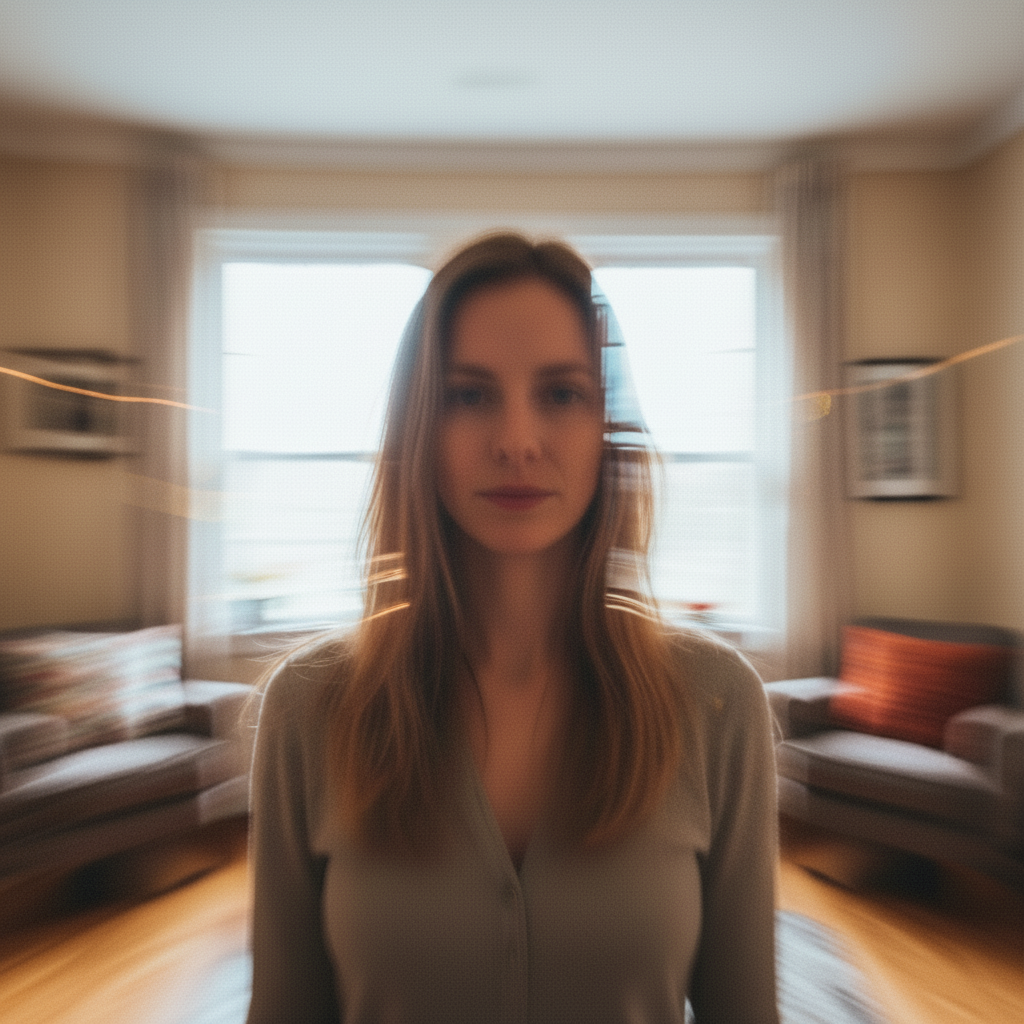
Original photo before restore and enhance old newspaper photo clippings
Before
->
Photo after restore and enhance old newspaper photo clippings with AI
After

Newspaper Clipping Photo Restorer — Example 2

Another example showing a different scenario for this editing task.

Prompt: restore and enhance old newspaper photo clippings with attention to detail, matching lighting and perspective

Quick answers

Is the newspaper clipping photo restorer tool free?

Yes, EditThisPic lets you restore and enhance old newspaper photo clippings for free with one Fast edit per week. No signup or credit card required. For more edits, affordable credit packs and subscriptions are available.

How long does it take to restore and enhance old newspaper photo clippings?

Most edits complete in 20-45 seconds. Complex changes may need one or two refinements, but the entire process typically takes under 2 minutes from upload to download.

Do I need Photoshop to restore and enhance old newspaper photo clippings?

No. EditThisPic uses AI to restore and enhance old newspaper photo clippings automatically. You just describe what you want in plain English — no technical skills, layers, or brushes required.

Will there be a watermark on my edited photo?

Anything you purchase downloads completely clean — no watermarks, ever. The free weekly edit is a preview-quality result so you can see the edit before you buy.

What image formats does this tool support?

EditThisPic accepts JPG, PNG, and WebP images up to 7MB. The edited result downloads as a standard JPG or PNG.

Can I undo the edit if I don't like the result?

Yes, you always keep your original photo. If the result isn't right, you can adjust your prompt and regenerate, or simply download your untouched original.

Does the AI restore and enhance old newspaper photo clippings work on mobile?

Yes, EditThisPic works fully in your mobile browser — no app download needed.

How do I get better results when I restore and enhance old newspaper photo clippings?

Be specific in your prompt. Instead of vague descriptions, mention exact colors, materials, styles, or positions.

How much does EditThisPic cost?

You get 1 free Standard edit per week — no account needed. After that, one-time credit packs start at $4.99 for 10 credits, valid 12 months, no subscription. A Standard edit uses 1 credit, Pro 2 and Ultra 3. Purchased downloads are clean with no watermark.

Ready to restore your photos?

Free to try. No signup required.

1 free edit included·paid credit packs after