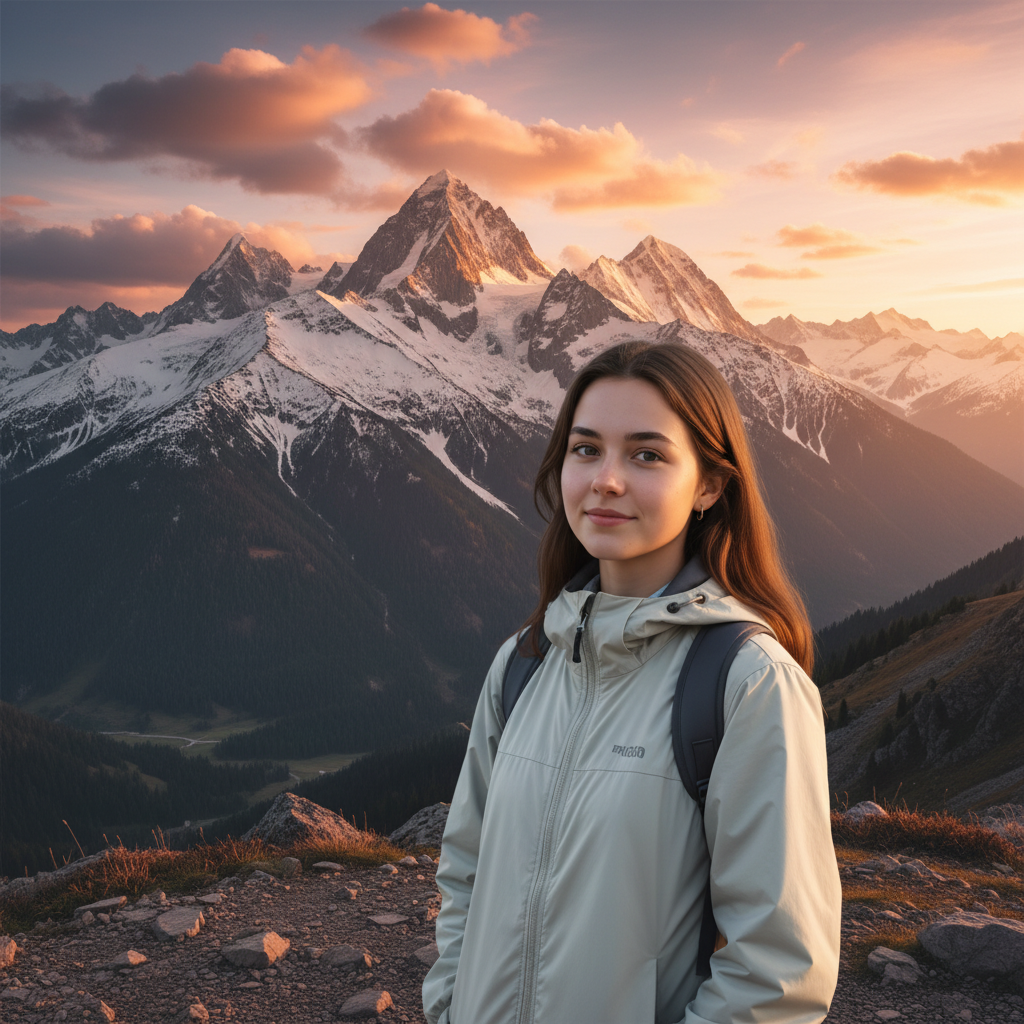
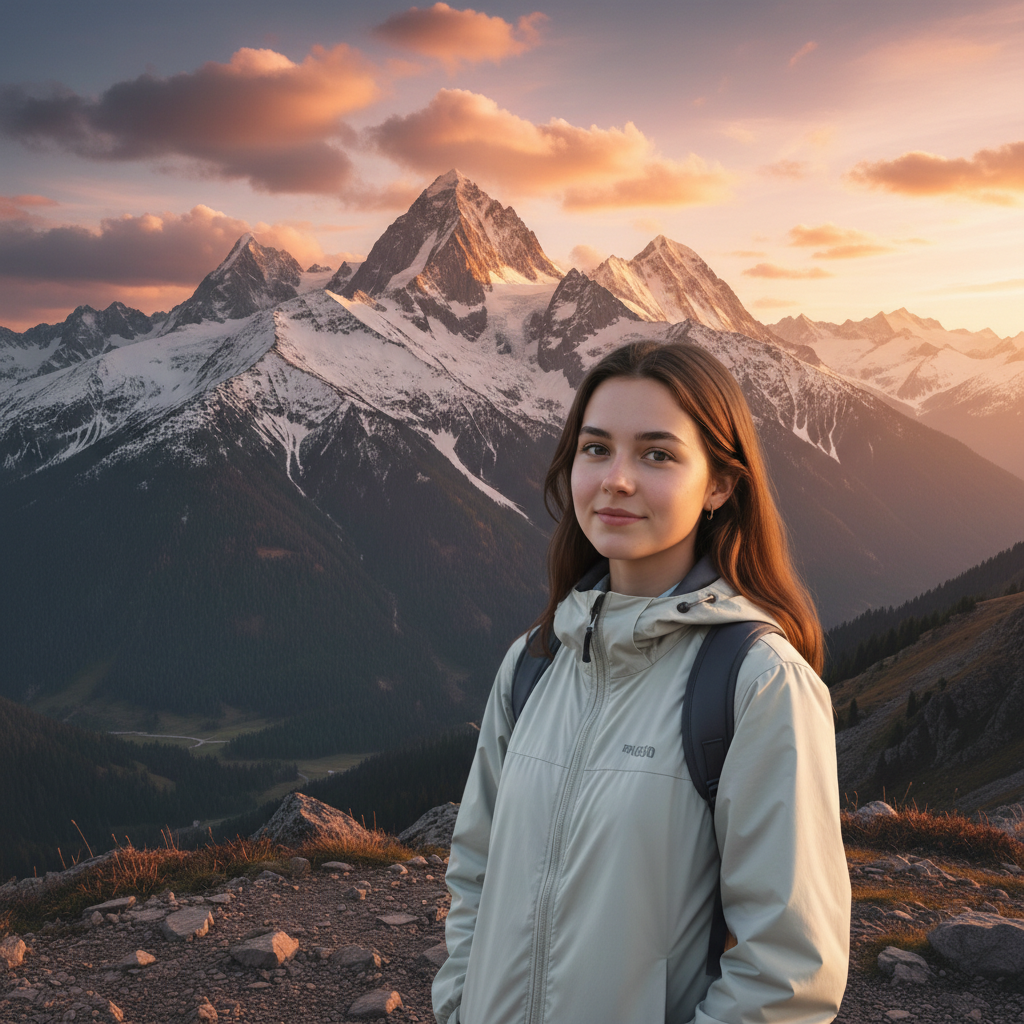
How specific should my prompt be to get a good Combine Before and After Photos result on the first try?
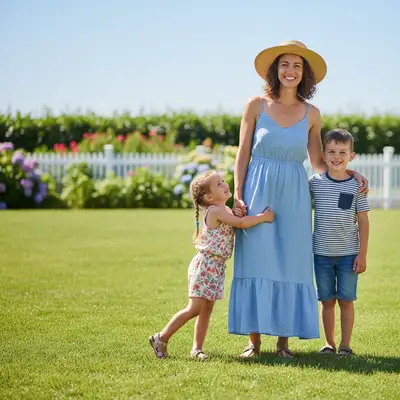
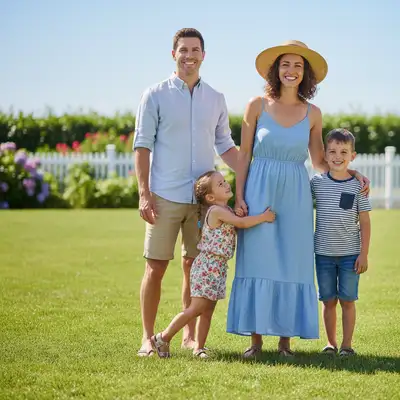
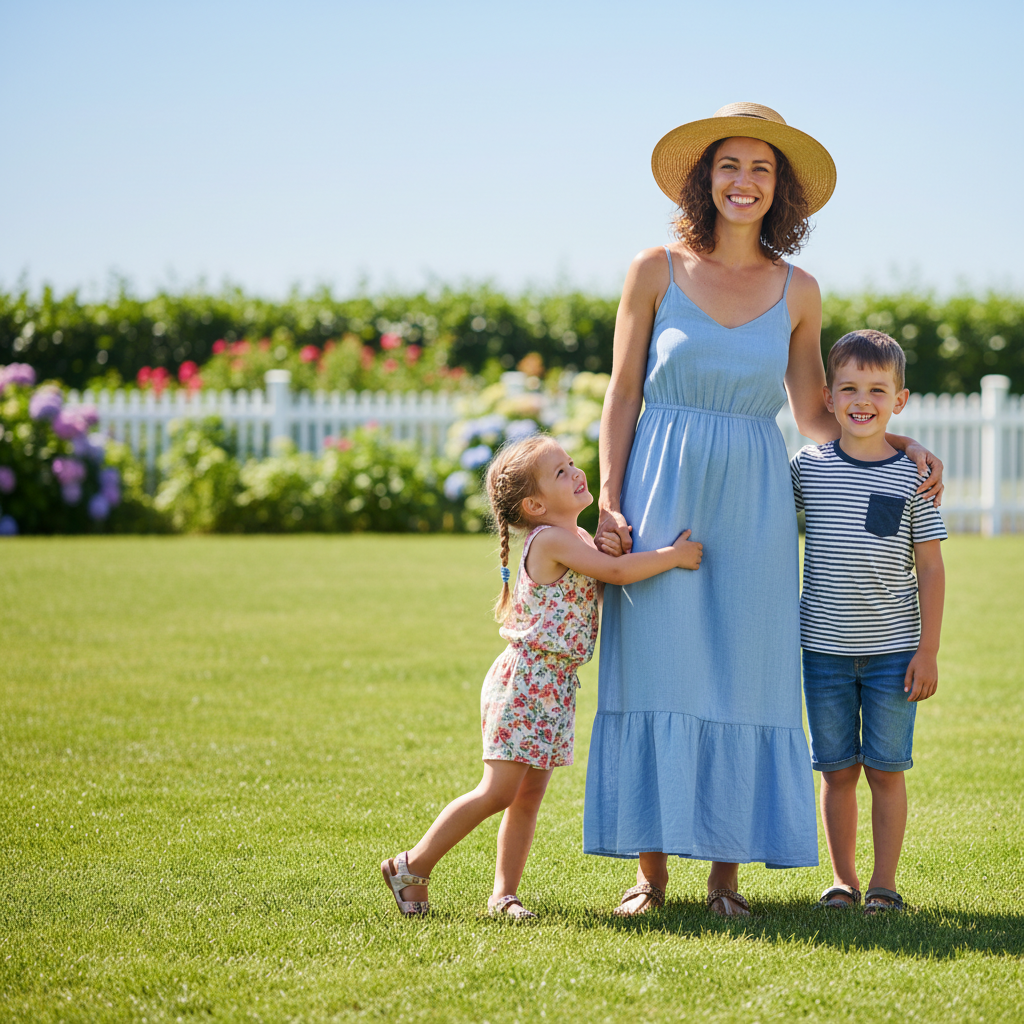
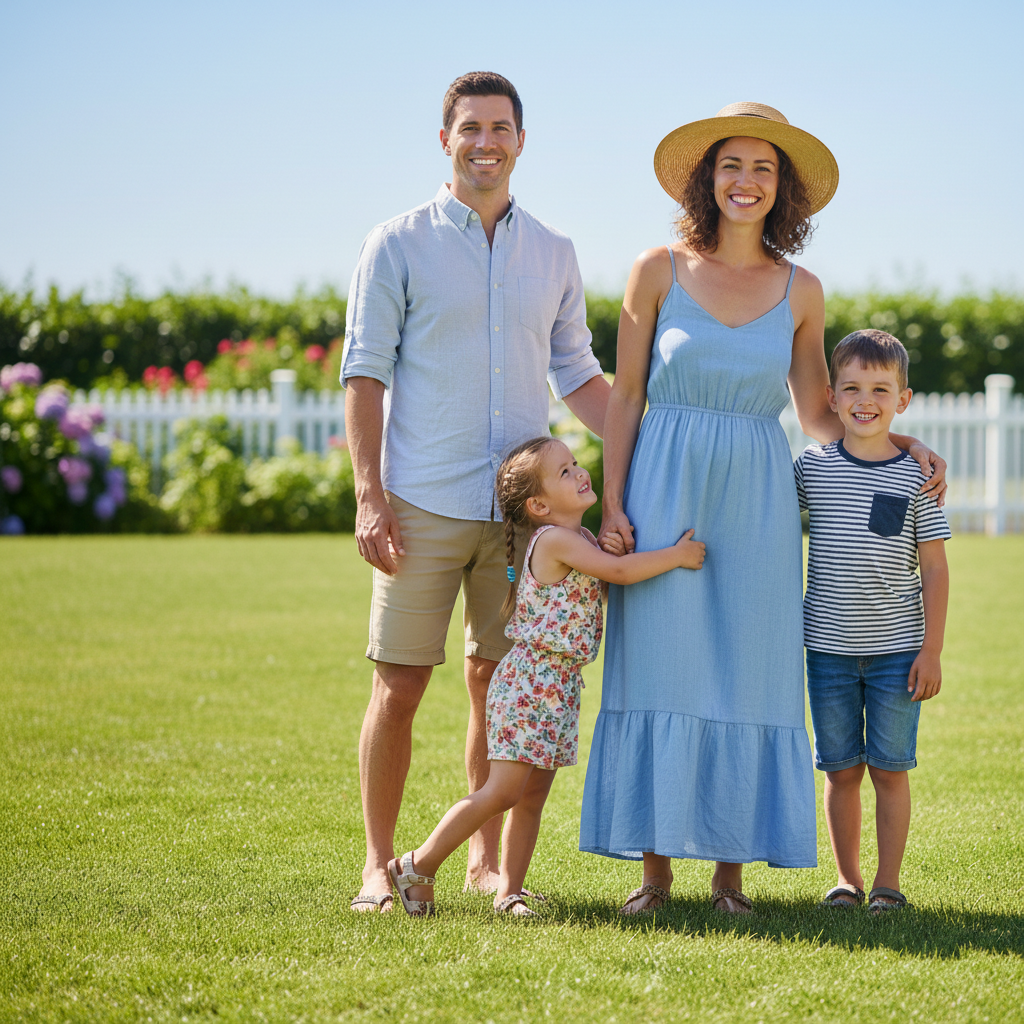
One sentence is usually enough: 'Combine these into a side-by-side before and after comparison with labels.' If the first result is off, refine with details — color, position, lighting, or what to keep. Each pass takes 20-45 seconds and runs separately, so you can compare. Free first edit per week, no signup.
Does it work on mobile?
Yes. Works in any mobile browser.
Can I add text labels like "Before" and "After"?
Yes. Mention the labels in your prompt and the AI adds them. You can specify placement, font style, and color.
Will both photos be aligned properly?
The AI aligns and crops both photos to match. For best results, use photos taken from the same angle.
Do I need to download an app to combine before and after photos?
No app needed. EditThisPic runs entirely in your web browser on any device -- desktop, laptop, phone, or tablet.
Is my photo kept private when I combine before and after photos?
Yes. Your photo is processed in real-time by the AI and is not stored on our servers after editing. No account is required to use the tool, and we don't collect or share your images. Your original file stays on your device.
How does EditThisPic compare to Photoshop for combining before and after photos?
EditThisPic uses AI that understands natural language, so you describe the edit you want instead of using complex tools. It works instantly in your browser with no software to install or learn. For combining before and after photos, you simply type what you want and the AI handles the rest in 20-45 seconds.
What's the most common use case for combining before and after photos?
Most users combine before and after photos for social media content, professional work, or personal projects. The AI handles both simple and creative edits, so whether you need a quick fix or an artistic transformation, you can describe exactly what you want in plain English.
Can I combine before and after photos for multiple photos at once?
Currently, EditThisPic processes one photo at a time for the best AI results. Upload each photo individually and use the same prompt — the process takes about 20-45 seconds per image. For large batches, a paid plan gives you more edits without the weekly wait.
What makes a good photo for combining before and after photos?
Well-lit photos with clear subjects produce the best results. Avoid heavily compressed or very small images. Front-facing angles typically work better than extreme side angles. The AI can work with most photos, but higher quality input means higher quality output.
What types of photos work best with this tool?
JPG, PNG, and WebP photos up to 7MB work best. The AI handles photos from any camera or phone. High-resolution images with good lighting produce the best results. Extremely dark, heavily compressed, or very small images may produce less precise edits.
Can I also adjust the lighting and colors in the same edit?
Yes! You can combine multiple edits in one prompt. For example, ask to combine before and after photos and adjust the lighting and colors at the same time. The AI understands complex multi-step instructions. For very different changes, separate prompts may give better control over each edit.
How much does EditThisPic cost?
You get 1 free edit per week — no account needed. After that, one-time credit packs start at $4.99 for 10 edits, valid 12 months, no subscription. Power users who edit daily can pick Studio Membership, a monthly workspace at $49.99/mo for 300 edits. Purchased downloads are clean with no watermark.