Pricing Fix Uneven shirt collar · Free

Fix Uneven Shirt Collar in Photo

← Browse all fix & repair tools

Last updated

Upload your photo and describe the clothing fix. AI handles small wardrobe malfunctions discreetly.

Foggy English flower garden with hazy flat lighting and washed-out colors Same flower garden with improved clarity and more defined colors

Upload photo to fix uneven shirt collar

"fix uneven shirt collar and make it crisp enough for a large print. Sharpen details, reduce noise, and ensure colors are vibrant and accurate for printing"

Free to try · no sign-up · never used for AI training

Release to upload

<30stypical edit
1 freeedit weekly
Photo on your phone? Scan to open this editor there — free edit works on your phone too.

1 free edit every week·paid packs after

How it works

  1. Upload your photo

    Upload a photo with clearly visible clothing. Full-body or upper-body shots where the fabric is unobstructed work best for uneven shirt collar editing. JPG, PNG, WebP up to 7MB.

    Expect: Most edits complete in 20-45 seconds. Complex changes may need 1-2 refinements.
  2. Describe your edit

    Type what you want: 'fix uneven shirt collar.' Be specific about details for best results. The AI understands natural language — no technical skills needed.

    Tip: Be specific about the location — 'remove the bra strap visible on the left shoulder.'

    Copy one of these to get started:

    Rescuing a damaged family heirloom photo fix uneven shirt collar — this is an old family photo with sentimental value. Fix the damage while preserving the original character and era of the photograph
    Preparing a photo for enlargement or printing fix uneven shirt collar and make it crisp enough for a large print. Sharpen details, reduce noise, and ensure colors are vibrant and accurate for printing
    Fixing a poorly lit event photo fix uneven shirt collar — the original was taken in bad lighting. Fix the exposure, bring out the faces, and correct the color cast without making it look over-processed
    Professional portfolio or resume submission fix uneven shirt collar to professional quality — clean, sharp, and color-accurate. It needs to look polished for a portfolio or official submission
    2 more prompts
    Social media post from an old phone photo fix uneven shirt collar — this was taken on an old phone with a low-quality camera. Sharpen it, reduce the graininess, and make the colors pop for social sharing
    Memorial or tribute project fix uneven shirt collar with care and sensitivity — this is for a memorial tribute. Restore it beautifully while keeping the person looking exactly as they were
  3. Review the result

    Verify that fabric texture, folds, and wrinkles look natural in the edited version. Check that color or style changes maintain realistic draping and don't flatten the garment.

See it in action

Foggy English flower garden with hazy flat lighting and washed-out colors
Before
->
Same flower garden with improved clarity and more defined colors
After

Garden photo enhanced before collar detail fix

A flower garden photo enhanced in sharpness — demonstrating the quality pass that precedes targeted fixes like straightening an uneven shirt collar in portrait photos.

Prompt: sharpen this photo and improve detail definition as preparation for targeted retouching
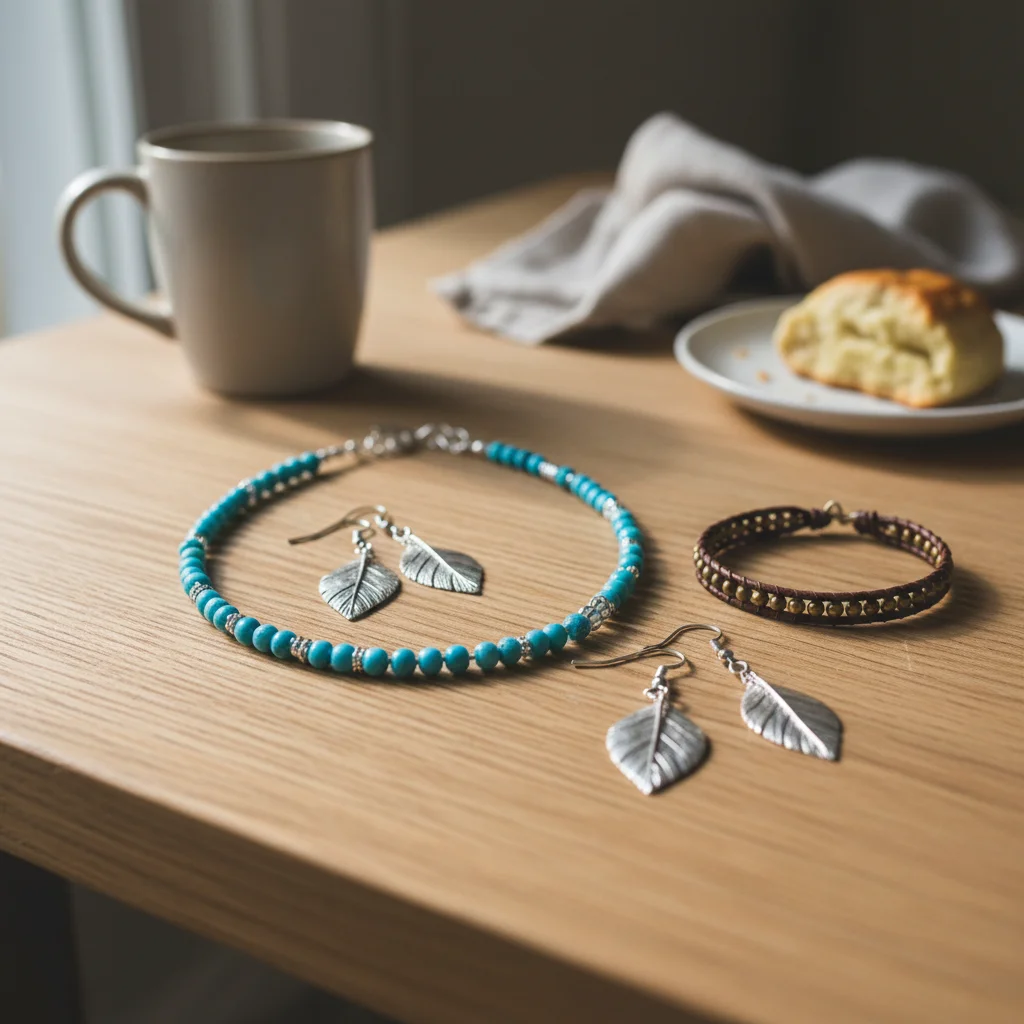
Silver turquoise necklace on cluttered kitchen table with dishes and newspapers
Before
->
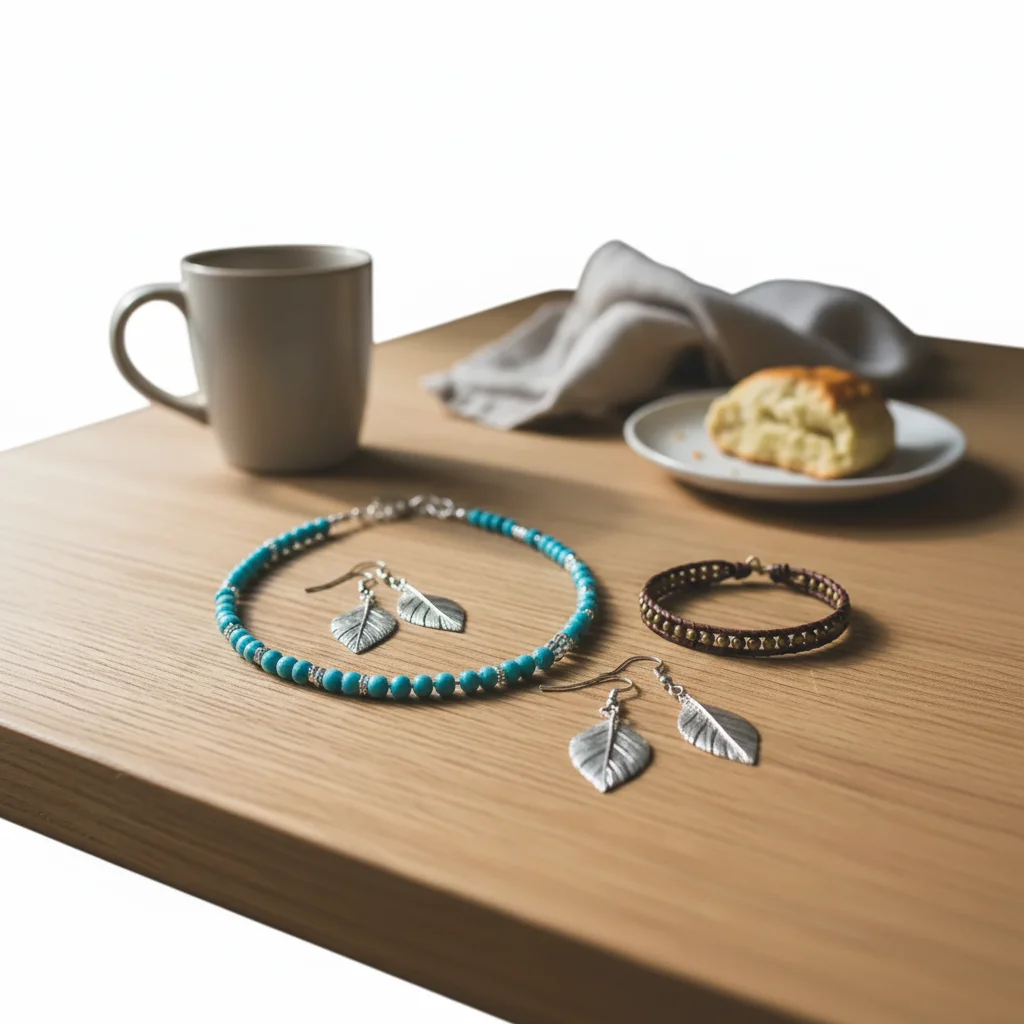
Same necklace isolated on pure white background with soft drop shadow
After

Background removed before collar adjustment

A photo with the background stripped to white — demonstrating the clean-isolation approach used before making targeted clothing corrections like fixing an uneven shirt collar.

Prompt: remove background to isolate the subject cleanly before making collar and clothing adjustments

Quick answers

Can I change just the color of uneven shirt collar without altering the fabric texture?

Yes. Describe only the change you want: 'change uneven shirt collar to charcoal grey, keep the texture and fit the same.' The AI preserves fabric, lighting, and pose by default. For ecommerce and professional shots, lock the result by adding 'studio-quality, fully clothed.' Free first edit per week, no signup.

Does the AI fix uneven shirt collar work on mobile?

Yes, EditThisPic works fully in your mobile browser — no app download needed.

How do I get better results when I fix uneven shirt collar?

Be specific in your prompt. Instead of vague descriptions, mention exact colors, materials, styles, or positions.

What happens to my photo when I fix uneven shirt collar?

Your photo is sent to the AI services that make your edit and is never used to train AI models. Photos and results may be kept after the edit — for example so you can return to it, for a small quality-review sample, or in your saved library — and our Privacy Policy explains how long.

How does EditThisPic compare to AI Fashion for fixing uneven shirt collar?

EditThisPic uses AI that understands natural language, so you describe the edit you want instead of using complex tools. It works instantly in your browser with no software to install or learn. For fixing uneven shirt collar, you simply type what you want and the AI handles the rest in 20-45 seconds.

Will the fixed result look realistic and natural?

Yes. The AI analyzes your photo's lighting, colors, and context to produce natural-looking results. Most edits look realistic on the first try, and you can always refine with a follow-up prompt if needed.

Can I fix uneven shirt collar on my phone?

Yes. EditThisPic works in any mobile browser — iPhone, Android, or tablet. The full editor loads on mobile with touch-optimized controls. No app download needed. Upload from your camera roll and edit on the go.

What's the most common use case for fixing uneven shirt collar?

Most users fix uneven shirt collar for social media content, professional work, or personal projects. The AI handles both simple and creative edits, so whether you need a quick fix or an artistic transformation, you can describe exactly what you want in plain English.

Can I fix uneven shirt collar for multiple photos at once?

Currently, EditThisPic processes one photo at a time for the best AI results. Upload each photo individually and use the same prompt — the process takes about 20-45 seconds per image. For large batches, a paid plan gives you more edits without the weekly wait.

What makes a good photo for fixing uneven shirt collar?

Well-lit photos with clear subjects produce the best results. Avoid heavily compressed or very small images. Front-facing angles typically work better than extreme side angles. The AI can work with most photos, but higher quality input means higher quality output.

What types of photos work best with this tool?

JPG, PNG, and WebP photos up to 7MB work best. The AI handles photos from any camera or phone. High-resolution images with good lighting produce the best results. Extremely dark, heavily compressed, or very small images may produce less precise edits.

Can I also adjust the lighting and colors in the same edit?

Yes! You can combine multiple edits in one prompt. For example, ask to fix uneven shirt collar and adjust the lighting and colors at the same time. The AI understands complex multi-step instructions. For very different changes, separate prompts may give better control over each edit.

How much does EditThisPic cost?

You get 1 free edit per week — no account needed. After that, one-time credit packs start at $4.99 for 10 edits, valid 12 months, no subscription. Power users who edit daily can pick Studio Membership, a monthly workspace at $49.99/mo for 300 edits. Purchased downloads are clean with no watermark.
Ready to fix your photos?

Free to try. No signup required.

1 free edit included·paid credit packs after