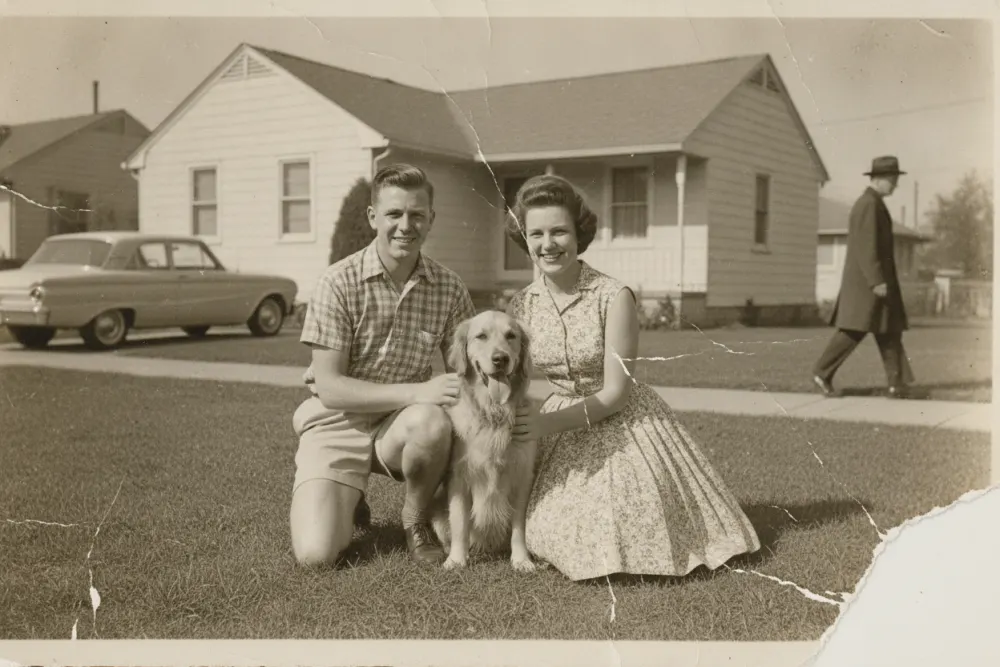
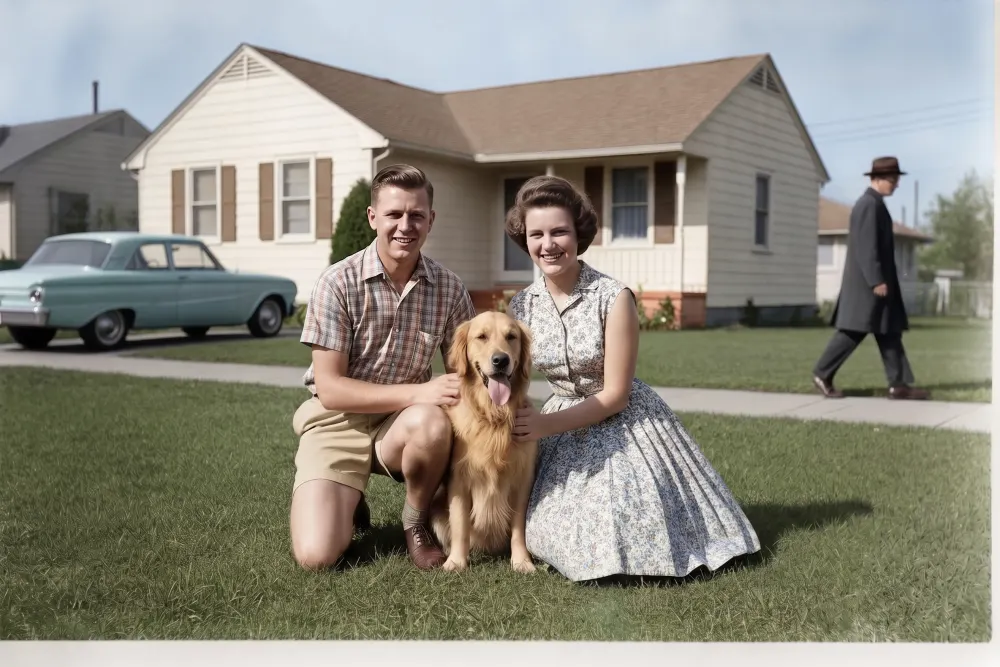
Real results
Photoshop jobs.
Zero Photoshop.
Drag to compare. Tap any card to try it on yours.
An editor,
not a chatbot.
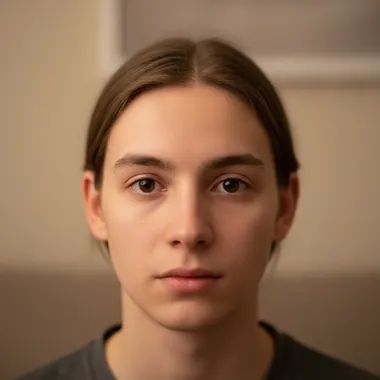
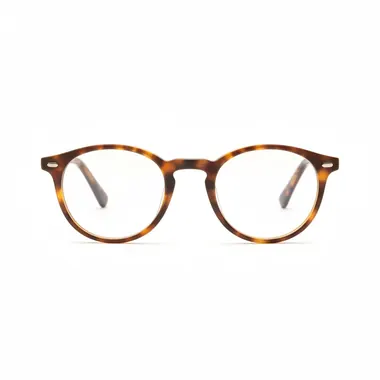
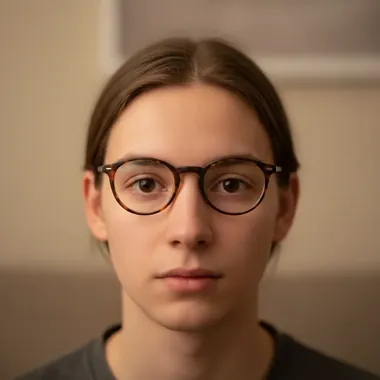
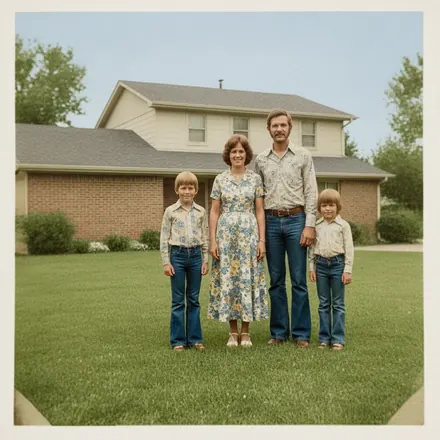
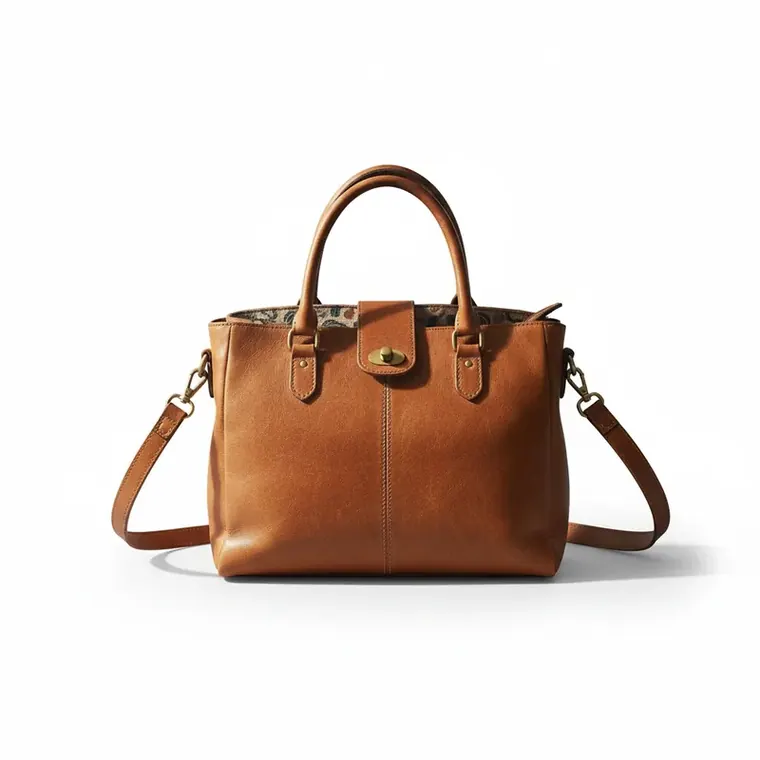
If you can say it,
you can edit it.
Not here? Just describe it.
Free to try.
Pay once to keep.
First edit each week free — you see the finished result, no watermark. $4.99 keeps it in clean HD — 10 more edits included.
price per edit
Pay once · nothing to cancel · valid 12 months · local currency at checkout
Editing for clients all day? See Studio.
Fair questions,
straight answers.
Is EditThisPic free?
Every week you get one free edit — no account, no card. You see your full result on screen. Keeping the clean HD download is a one-time purchase: packs start at $4.99 for 10 edits and stay valid for 12 months, never a subscription. Power users who edit daily can pick Studio Membership, a monthly workspace at $49.99/month for 300 edits.
Do I need to create an account?
No. Upload a photo or image and edit it without signing up. If you buy a pack, checkout is email-only — your credits and edits attach to that email, and you can sign back in anytime with a one-tap link.
Will it change faces or details I didn't ask about?
It's built to change only what you describe — but AI edits can occasionally drift on fine details. That's why every result comes with a before/after compare slider, and why you can re-run an edit or generate up to four versions and keep the best one. The free weekly edit shows you the full result before you spend anything.
What if I don't like the result?
Change the wording and run it again — different words genuinely produce different results. If an edit fails outright, the credit comes back automatically. And the compare slider always keeps your before on hand.
Does it overwrite my original photo?
Never. Edits are made on a copy — your original stays untouched on your device, and every result comes with a side-by-side compare.
What happens to my photo?
Your photos are processed by AI services and are not used to train AI models. Photos and results may be retained for up to 7 days for returning to an edit or quality review; purchased results may be kept longer. Edits you save to your private library stay there until you delete them. See our Privacy Policy for retention details.
How long does an edit take?
Most edits complete in 10–30 seconds. Complex edits like restoring a damaged print or detailed object removal may take slightly longer.
Make
it move.
Finish an edit, then describe the motion — you get a 6-second HD clip back.
- Length
- 6 seconds
- Quality
- HD video
- Cost
- 5 credits
Your photo isn't going to edit itself. Oh wait, yes it is.
One free edit every week. Pay only for the keepers.