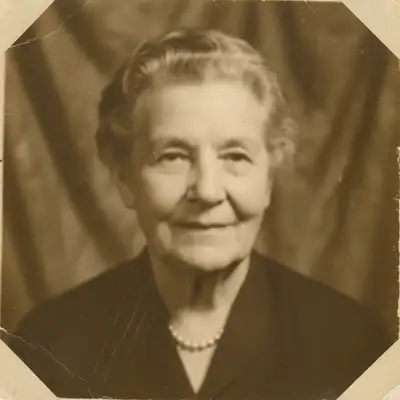
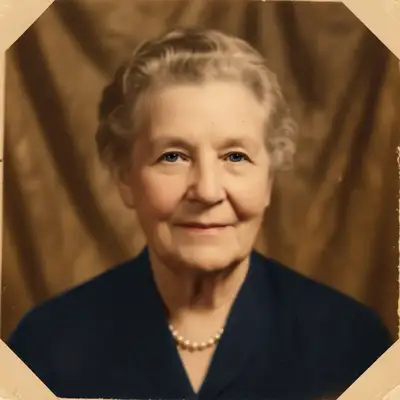
Free • No signup Fix Anniversary photo · Free

Need to restore old anniversary photo?

← Browse all life milestone photo rescues

Last updated

Restore faded wedding photos, enhance old snapshots—honor decades together with beautiful images.

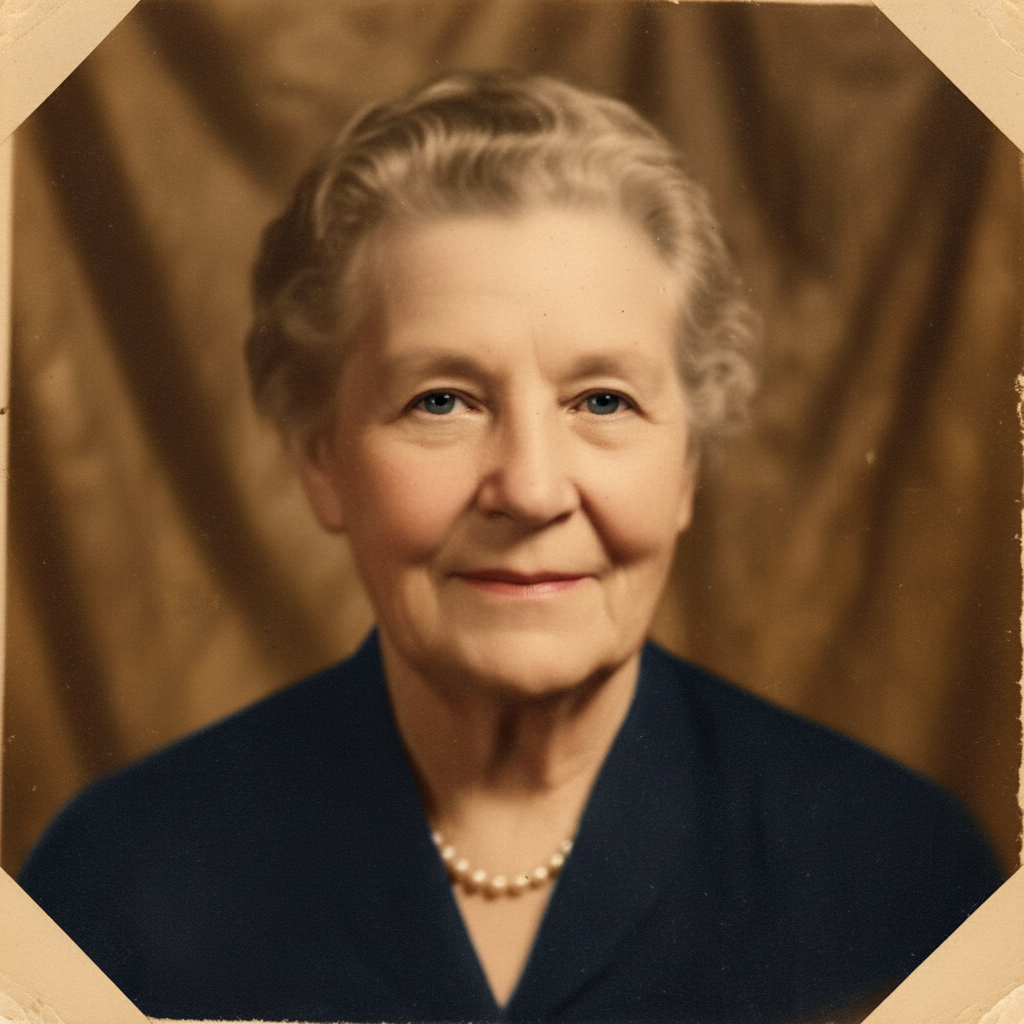
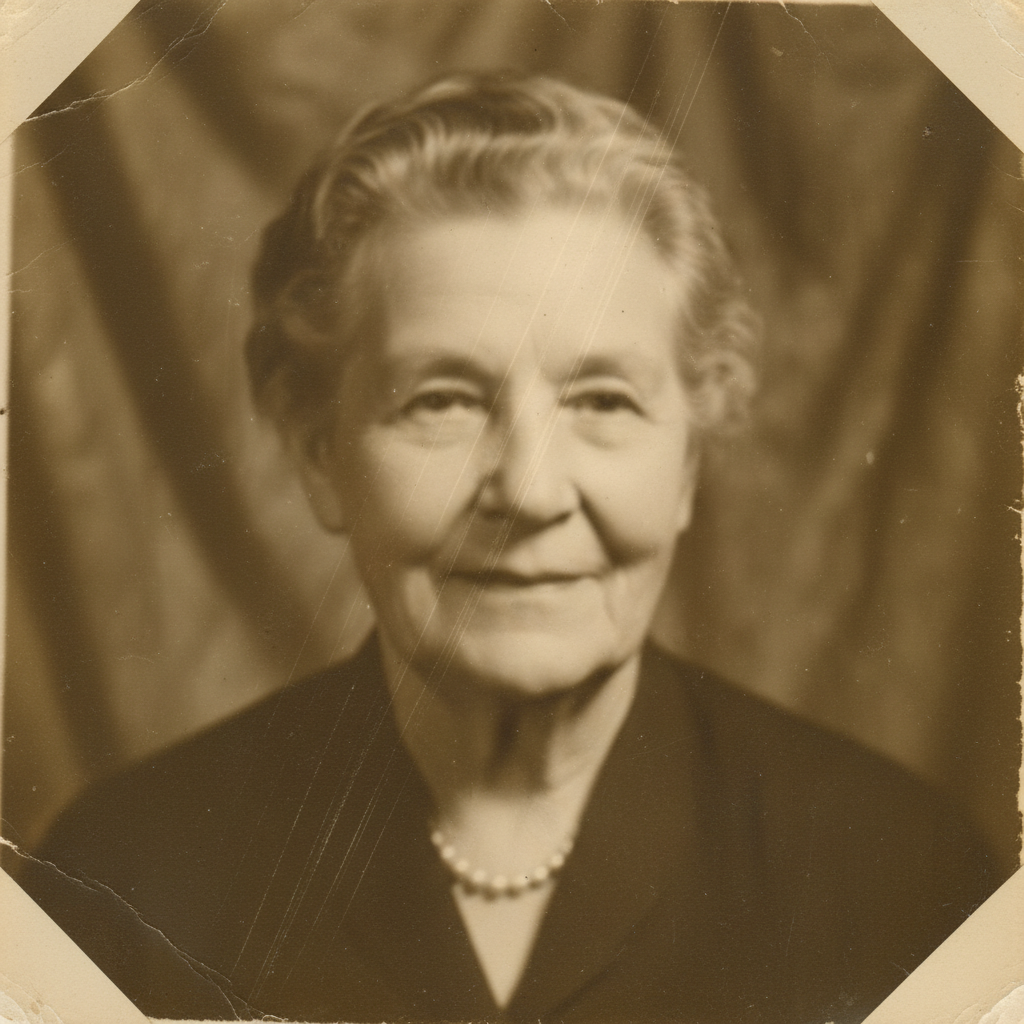
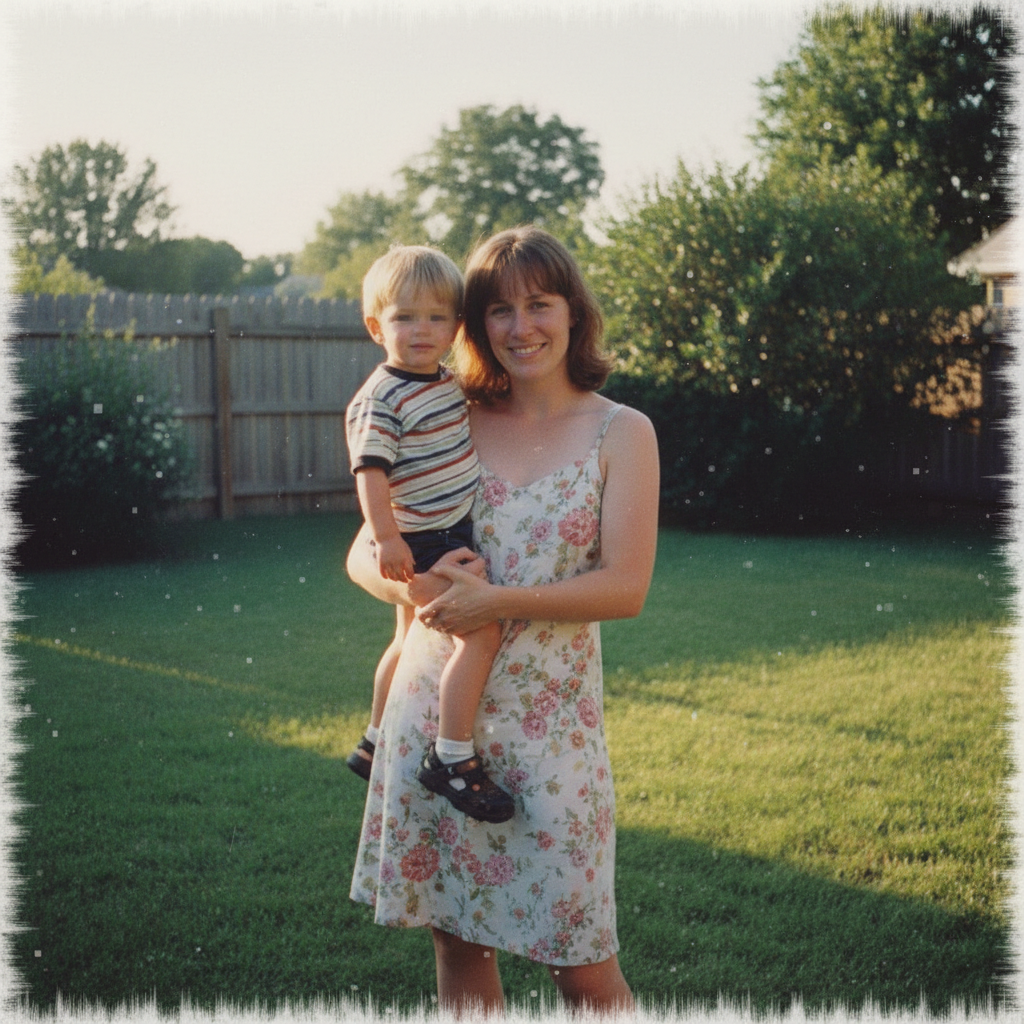
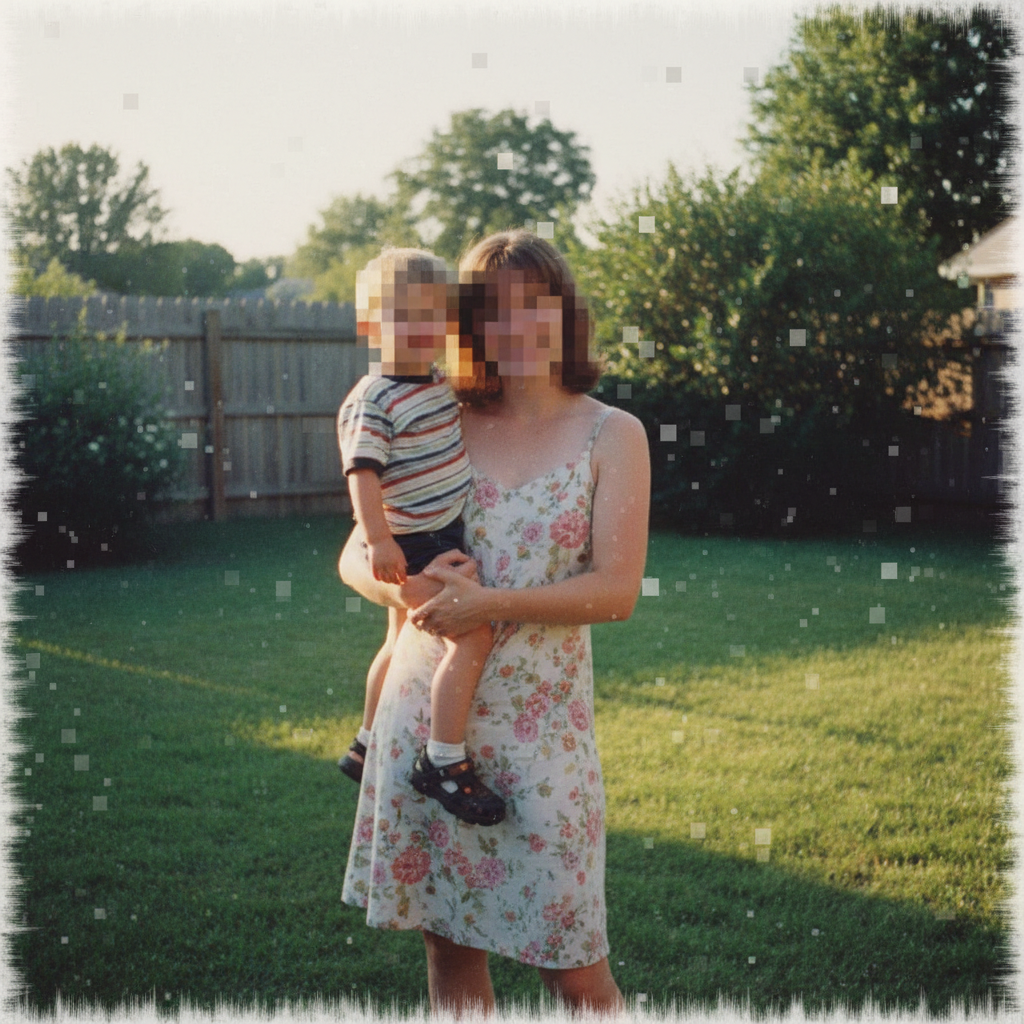
Severely faded 1970s wedding photo with washed out colors Restored photo with vibrant colors, faces clear, beautiful again

Upload photo to fix anniversary photo

"fix the yellowing and restore original colors, make this look like it was properly preserved"

Release to upload

50,000+photos edited
<30stypical edit
1 freeedit weekly

1 free edit·then from $4.99

How it works

  1. Upload your old photo

    Drop your vintage anniversary photo into EditThisPic. Wedding day, honeymoon, early dating photos—whatever memory from your years together. JPG, PNG, WebP up to 7MB. You can scan or photograph old prints. These memories deserve preservation.

    Expect: Moderate restoration (color fading, minor damage): 35-45 seconds. Heavy restoration (severe fading, multiple types of damage): 50-70 seconds with possible multiple attempts.
  2. Describe what needs restoring

    Type what's wrong: 'restore this vintage photo and enhance the faded colors,' 'fix the yellowing and damage, make colors vibrant again,' or 'repair this old photo and make it look beautiful for our anniversary.' Be specific about problems—fading, discoloration, creases, tears, spots.

    Tip: Combine restoration goals: 'restore faded colors, fix damage and scratches, enhance faces, and make this worthy of our 50th anniversary display' works comprehensively.

    Copy one of these to get started:

    Faded colors in old wedding or dating photo restore this vintage photo and enhance the faded colors, make it vibrant and beautiful again
    Yellowing or sepia tone from age fix the yellowing and restore original colors, make this look like it was properly preserved
    Physical damage - creases, tears, or spots repair the damage including creases, tears, and spots, restore this photo beautifully
    Overall quality improvement for display restore this vintage anniversary photo, enhance quality, fix fading and damage, make it worthy of our celebration
    4 more prompts
    Photo scanned from print with dust and scratches clean up dust, scratches, and scanning artifacts, restore the original photo beauty
    Want to enhance faces while preserving vintage feel enhance faces and important details but keep the authentic vintage photograph character
    Severe fading, almost ghostly appearance restore severely faded colors and contrast, bring this photo back to life as much as possible
    Want to colorize black and white wedding photo add realistic color to this black and white wedding photo, make it look naturally colored
  3. Review your restored memory

    Check that colors look natural and vibrant, damage is repaired, faces are clear, and the photo looks worthy of displaying at your anniversary celebration. Compare to the original to see decades of fading reversed.

See it in action

Severely faded 1970s wedding photo with washed out colors
Before
->
Restored photo with vibrant colors, faces clear, beautiful again
After

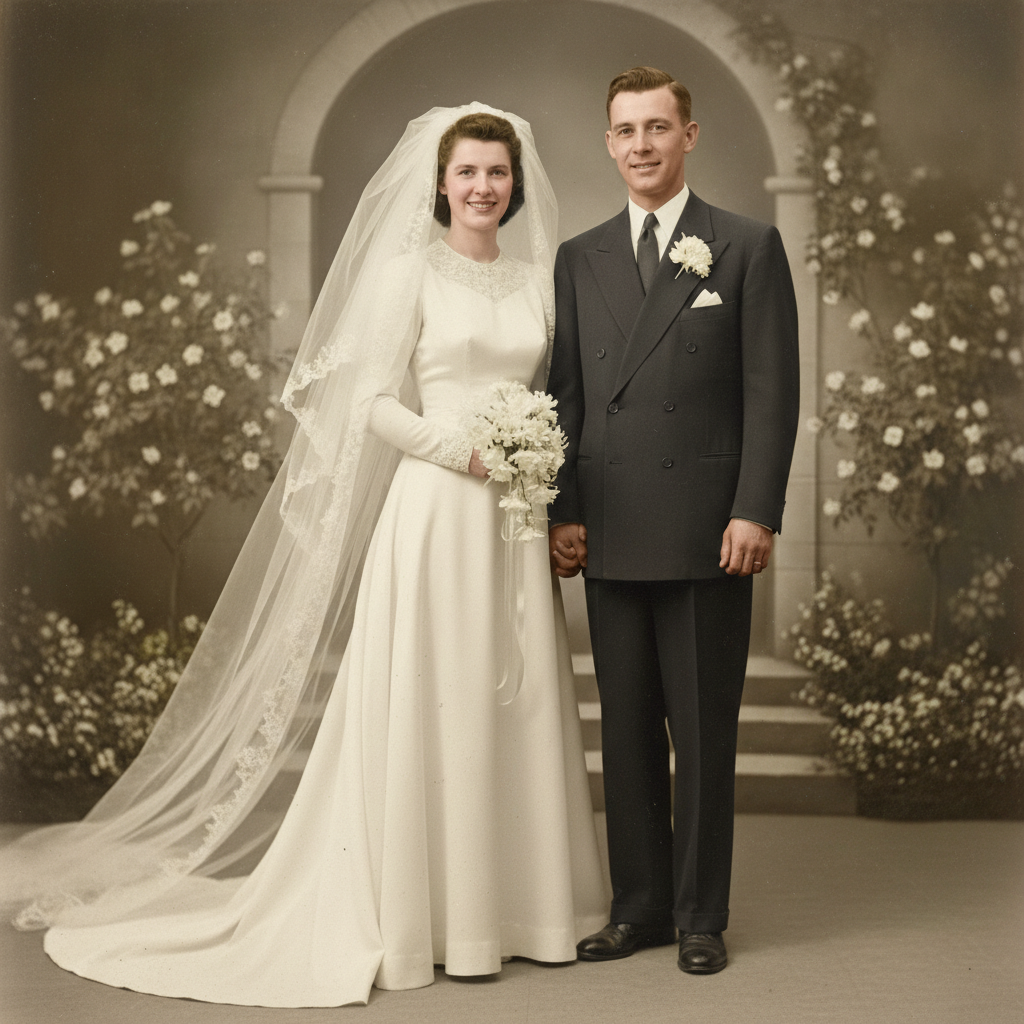
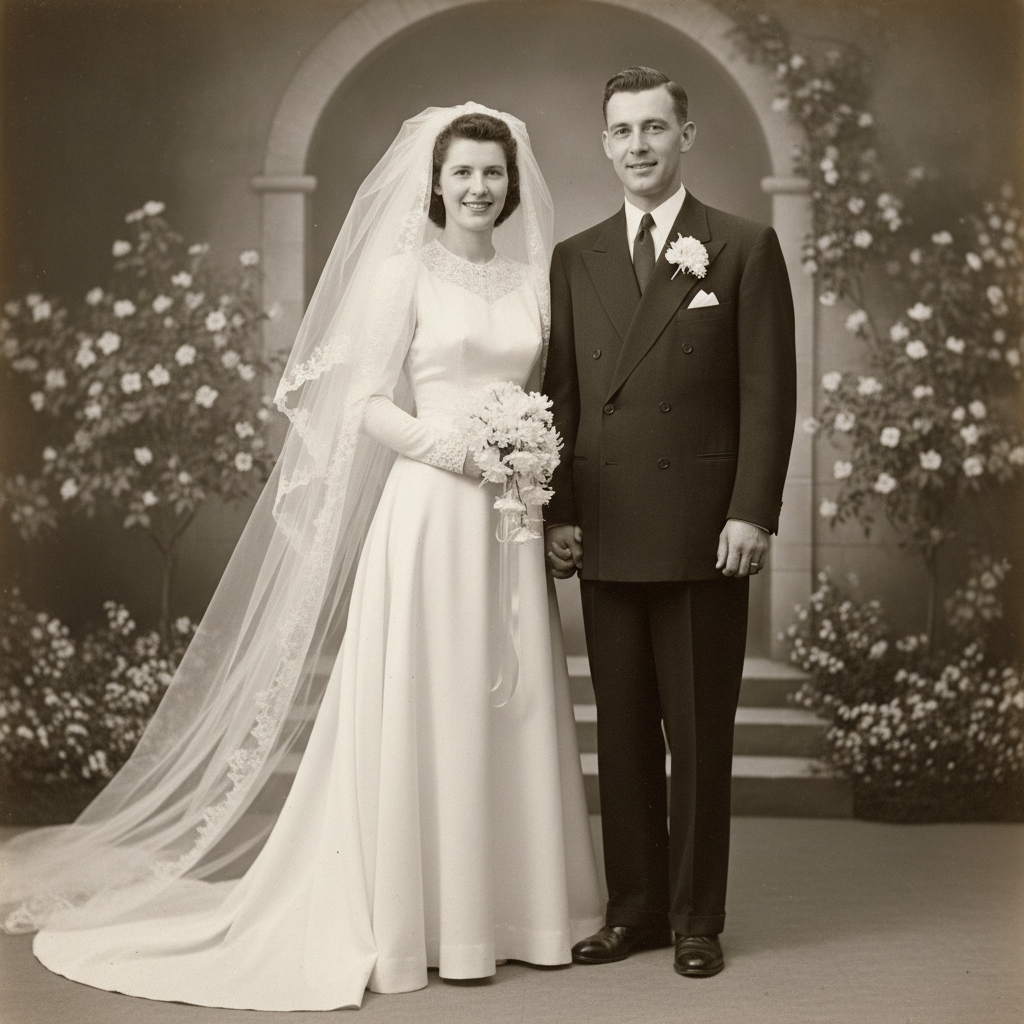
50-year-old wedding photo severely faded

Wedding photo from 1975 with extreme color fading—almost washed out completely. For their golden anniversary, they wanted it restored. AI brought back vibrant colors and enhanced faces beautifully.

Prompt: restore this vintage wedding photo and enhance the severely faded colors, make it vibrant and worthy of our 50th anniversary
Yellowed dating photo with creases and fading from wallet storage
Before
->
Restored photo with damage repaired, colors accurate, beautiful memory
After

Old dating photo with damage and yellowing

Early dating photo from late 1980s with yellowing, creases from wallet storage, and faded colors. Wanted it restored for 35th anniversary slideshow. AI repaired damage and restored original colors.

Prompt: repair the damage including creases and yellowing, restore faded colors, make this early dating photo beautiful again

Quick answers

Do I need to mark damaged areas before fixing them?

No. Just type 'restore this photo and fix damage' and the AI identifies fading, discoloration, and damage automatically.

Can AI really restore photos that are decades old and severely faded?

Yes, to varying degrees. Moderate fading (20-30 years old) can often be restored beautifully. Severe fading (50+ years) can be significantly improved but has limits—the AI can't fully reconstruct details that are completely gone. Even partial restoration usually makes photos displayable for anniversary celebrations. Pro mode works much better for severe cases.

What if I scanned the photo and it has dust and scratches?

Include that in your prompt: 'clean up dust, scratches, and scanning artifacts, restore the original photo.' The AI can remove scanning imperfections along with fixing age-related fading and damage. Scan at highest quality possible for best restoration results.

Can this colorize old black and white wedding photos?

Yes. Try 'add realistic color to this black and white wedding photo' or 'colorize this naturally for our anniversary.' The AI infers realistic colors. For accuracy, add color details you remember: 'her dress was ivory, his suit was gray, flowers were pink roses.'

Will the restored photo look too modern or lose its vintage feel?

Not if you ask to preserve it. Add 'preserve authentic vintage character' or 'keep period-appropriate photographic style' to your restoration prompt. Some grain, warmth, or vintage aesthetic is often desirable—you want it restored, not turned into a modern digital photo.

Should I restore anniversary photos or keep them as they aged?

Your choice. Fading and damage are deterioration, not authentic parts of the memory. If you want to display these photos at milestone anniversary celebrations, print them large, or include them in tribute videos, restoration honors your decades together better than showing damaged faded versions. The memories deserve beautiful preservation.

Is EditThisPic's AI anniversary photo fixer really free?

Yes — you get 1 free edit per week, no account needed. Plans start at $4.99/month for 15 edits.

Can I fix anniversary photo on my phone?

Yes. EditThisPic works in any mobile browser — iPhone, Android, tablet. No app download needed.

How much does EditThisPic cost?

You get 1 free edit per week — no account needed. After that, credit packs start at $1.99 for 3 edits. Monthly plans start at $4.99/mo for 20 edits with unused credits rolling over. All edits are full resolution with no watermark.

Ready to restore your anniversary memories?

Free to try. No signup required.

1 free edit included·Credit packs from $4.99